Site settings
The site's general settings are on the Settings screen at the bottom of the sidebar. Settings here take effect as soon as they're saved; there's no need to publish.
Multiple languages
Use the Multiple languages card to publish your site in more than one language. Details in Multiple languages.
Site icon (favicon)
The site icon is the small image next to your site's name in browser tabs and bookmarks. Visitors who add your site to their phone's home screen see it too. If you don't add one, the Bunnyrain icon is shown.
Choose a file with Upload image or click one of the Images uploaded for this site. A square PNG works best (at least 180×180 pixels). A simple version of your logo or your initial makes a good icon.
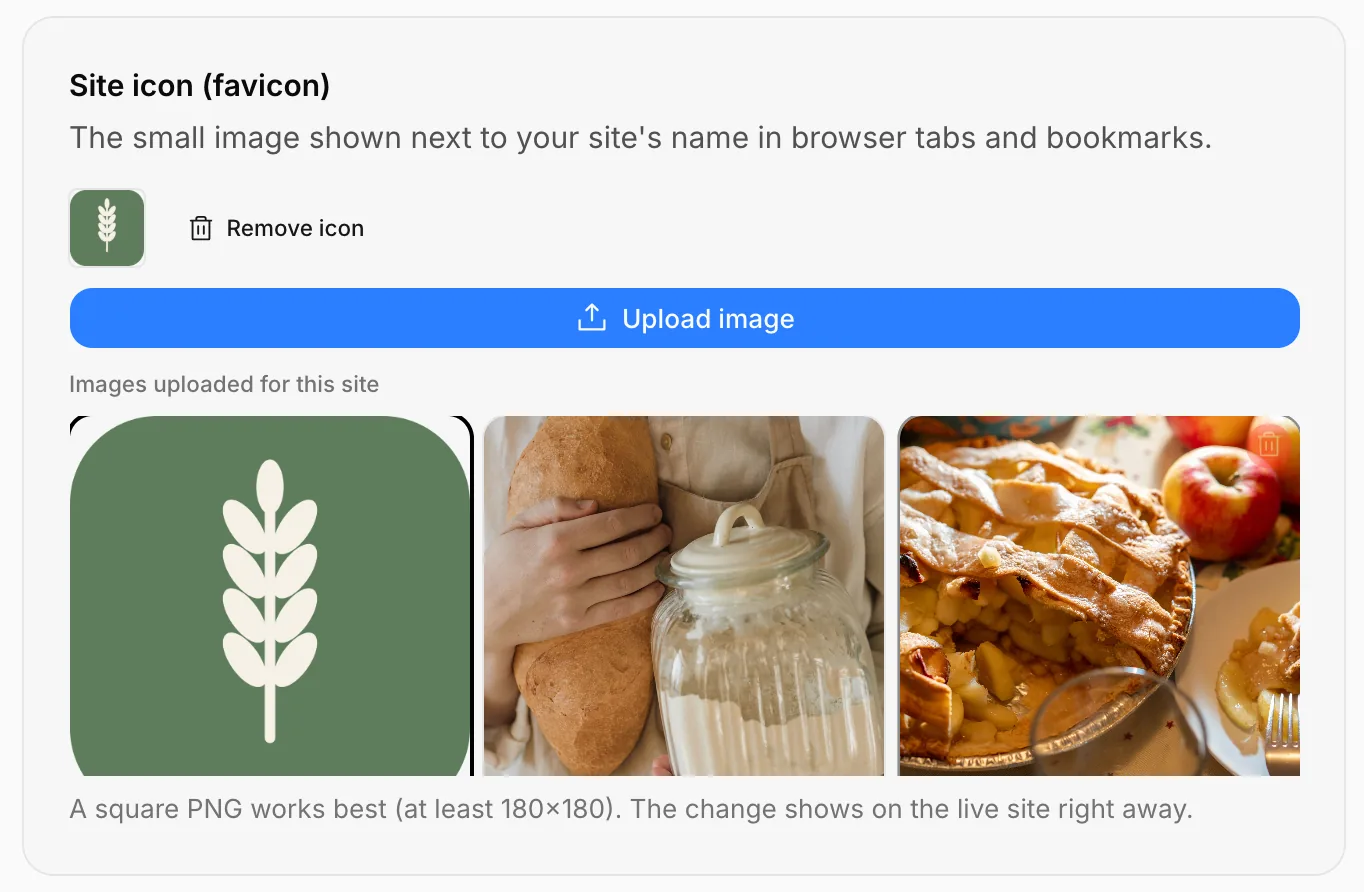
The change shows on the live site right away. If your browser keeps showing the old icon, close the tab and open it again; browsers keep icons for a while. Remove icon goes back to the default icon.
Time zone
Your site's time zone sets:
- Appointment times and the calendar
- Appointment times in the inbox
- The days in analytics and the weekly report
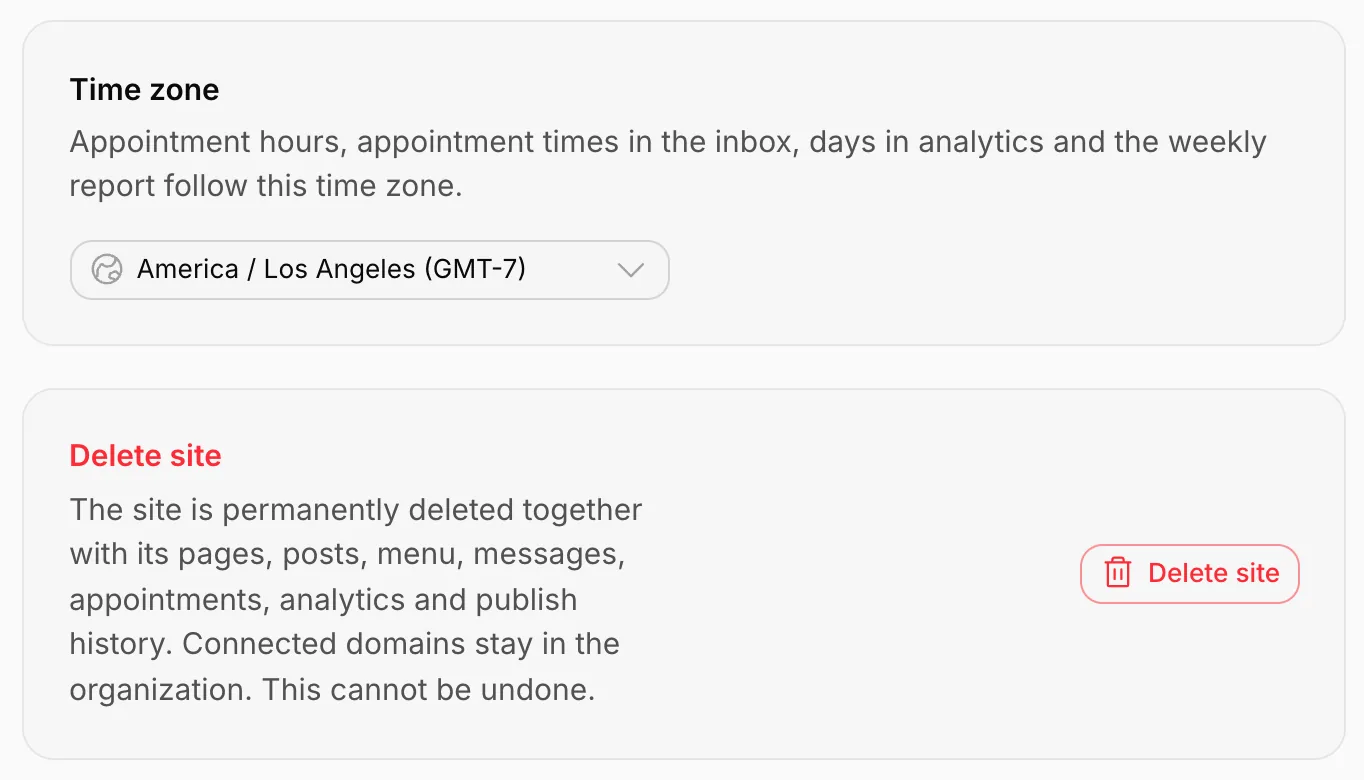
The default is Europe / Istanbul. If your business is elsewhere, type your city in the box and choose it (Willow Lane Bakery uses America / Los Angeles).
Delete the site
Press Delete site. In the window that opens, type the site's address to confirm (for example willow-lane-bakery) and press Delete permanently.
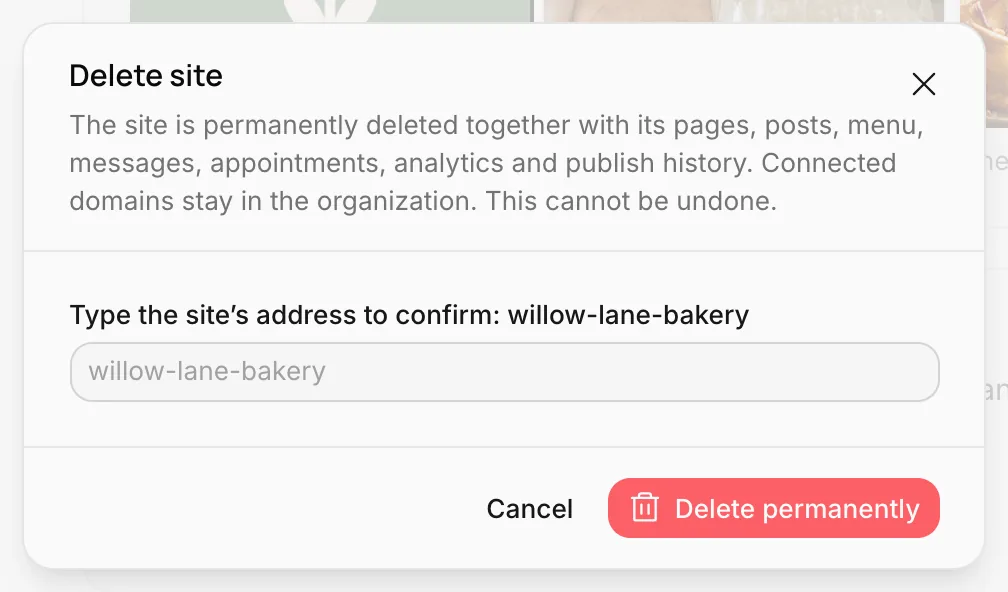
The site is permanently deleted together with its pages, posts, menu, messages, appointments, analytics and publish history. Connected domains stay in your organization; you can assign them to another site.
Connect your own domain
Publish your site on your own domain, like willowlanebakery.com; add the DNS records, follow the status and use more than one domain.
Digital business card
Create a single-page link page for your Instagram profile or business card; profile, link buttons, social media, photos and save contact.