
Show up everywhere, run it from one place.
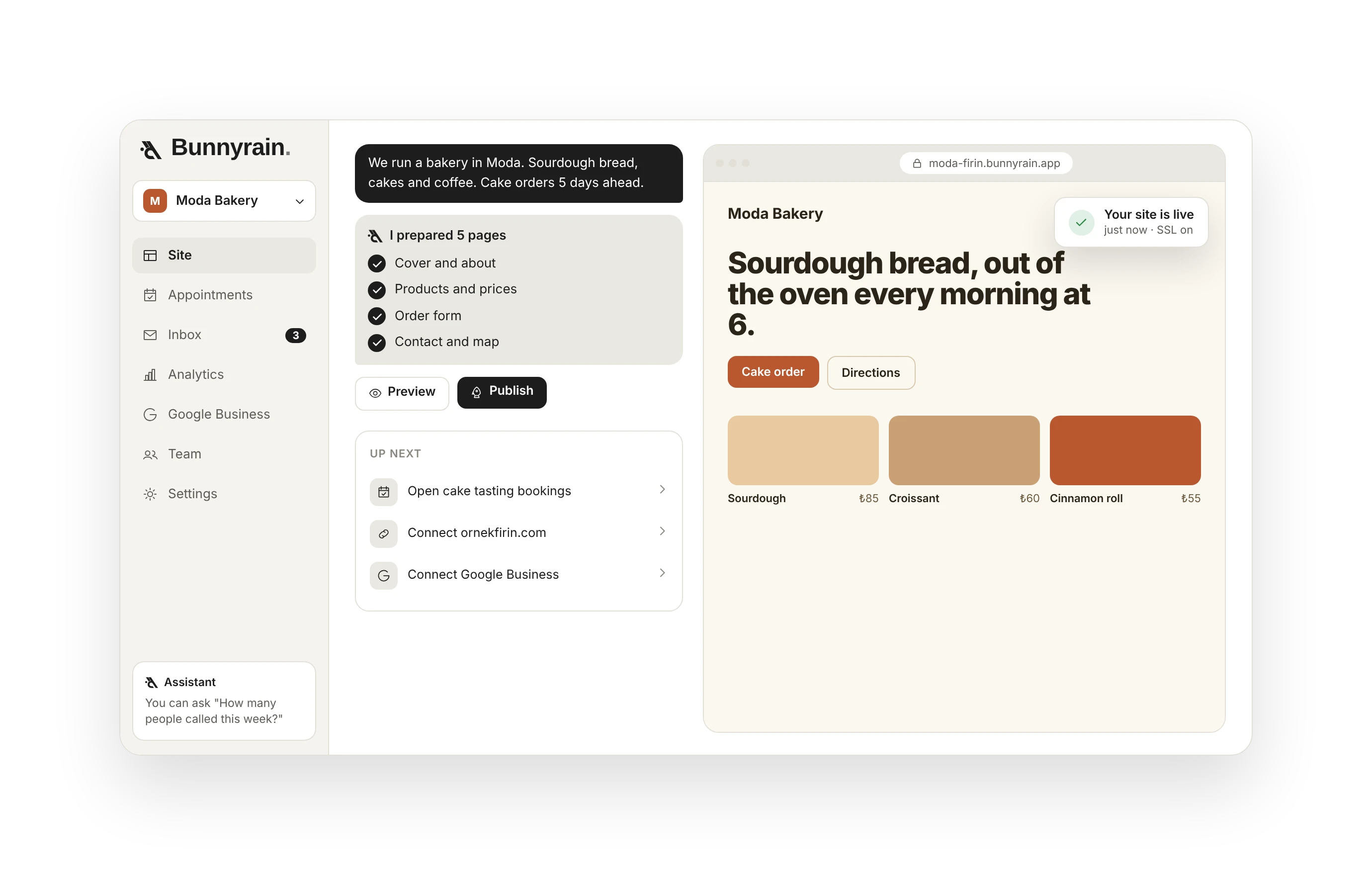
Website, QR menu, business card, messages, appointments and Google reviews in one panel. Describe your business and the assistant builds your site in minutes.
Build your site, run your business.
You build the site by describing it; then bookings, messages and analytics live in the same panel. It does not end at launch.

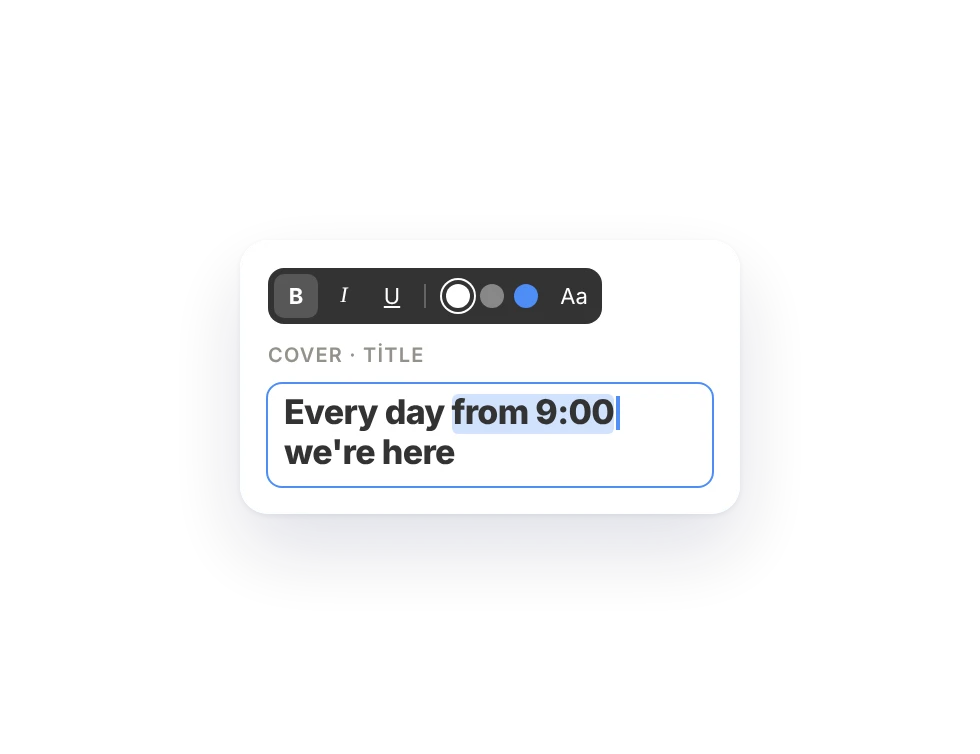
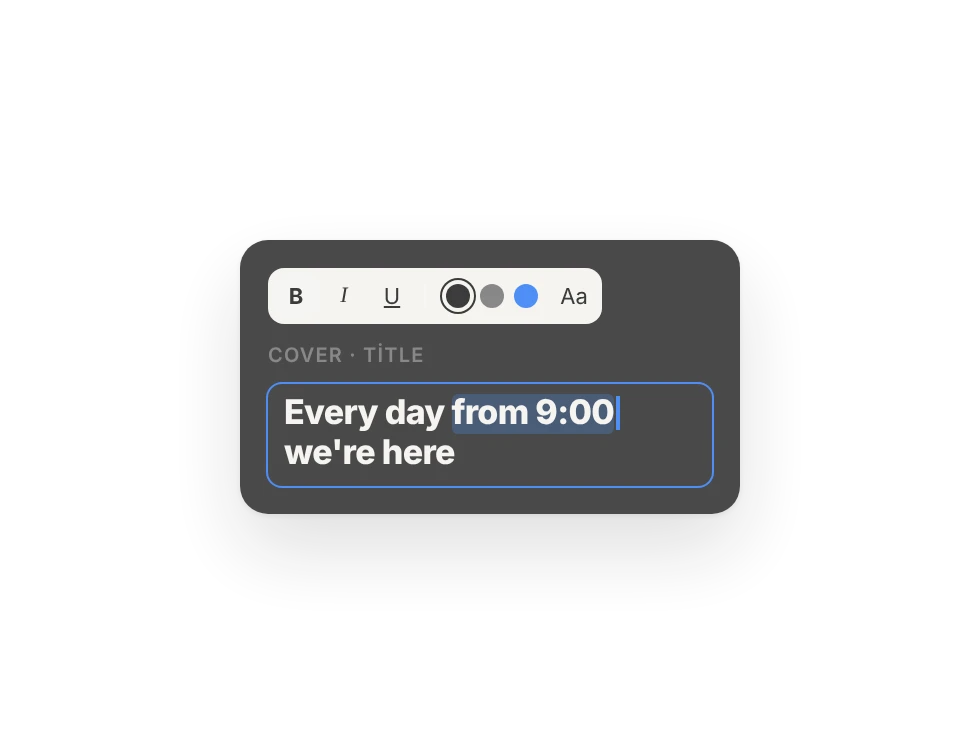
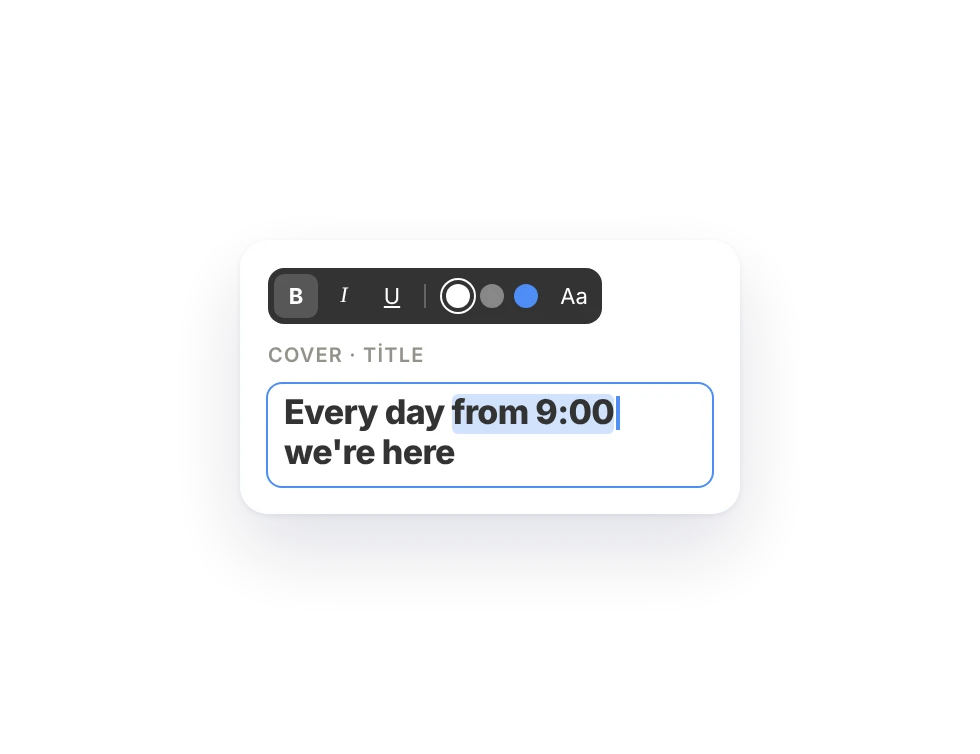
Click the text, drag, drop.
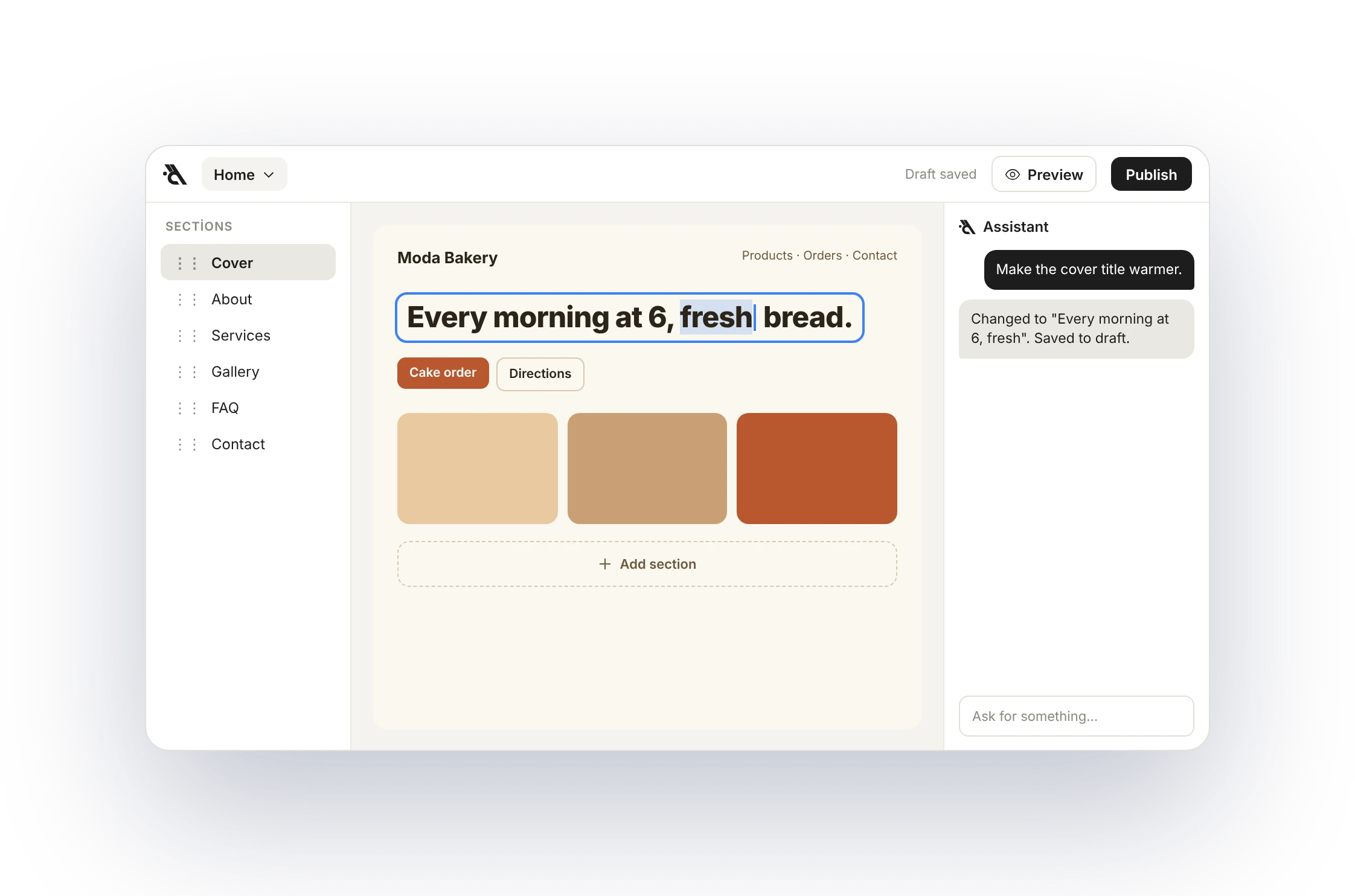
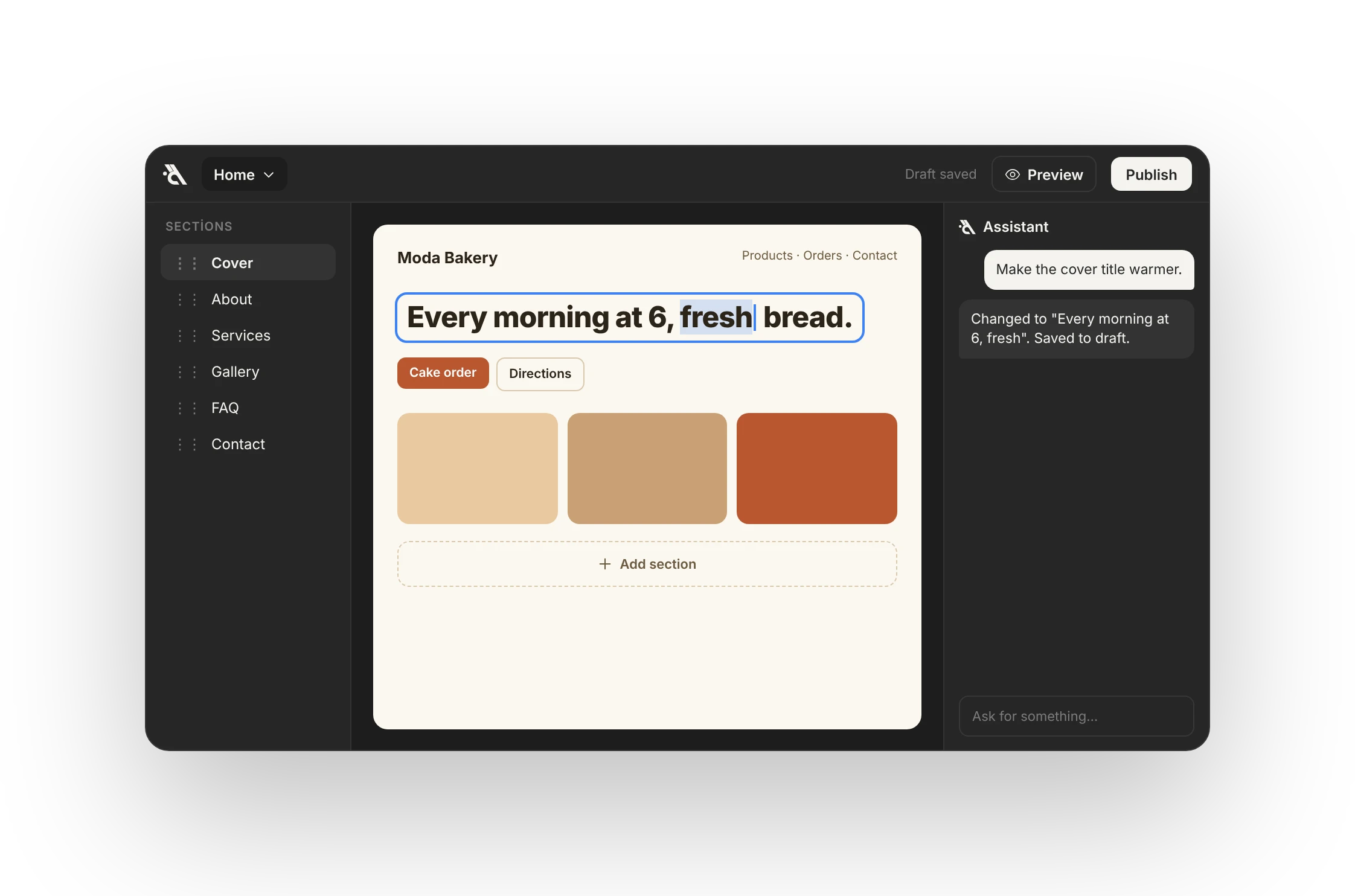
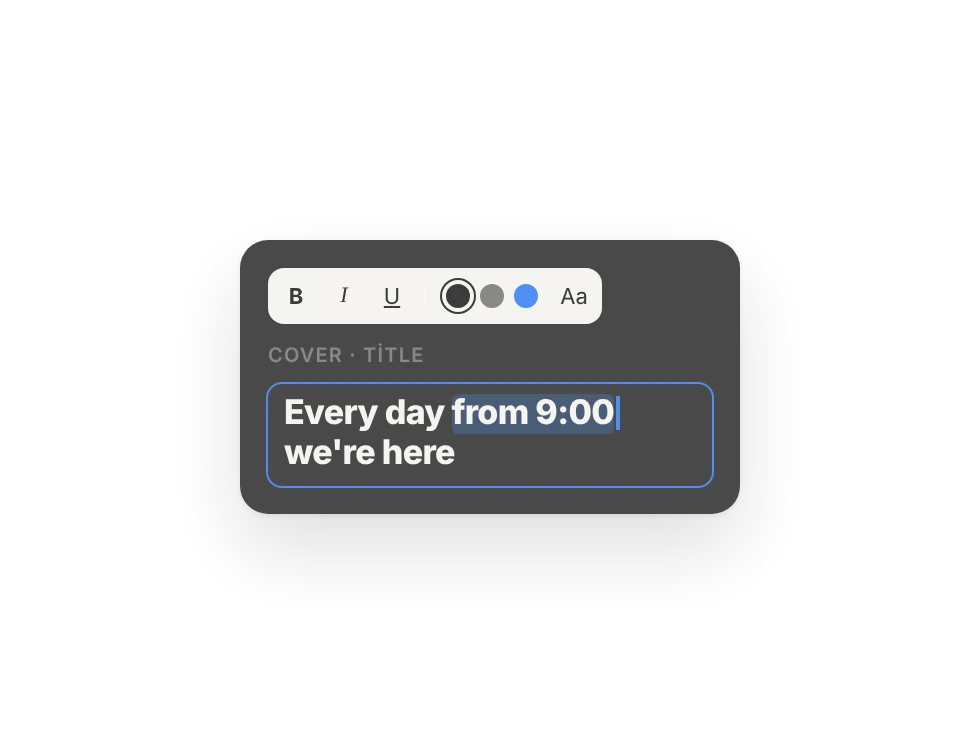
No settings screens to edit your site. You type right on the page, or just tell the assistant.
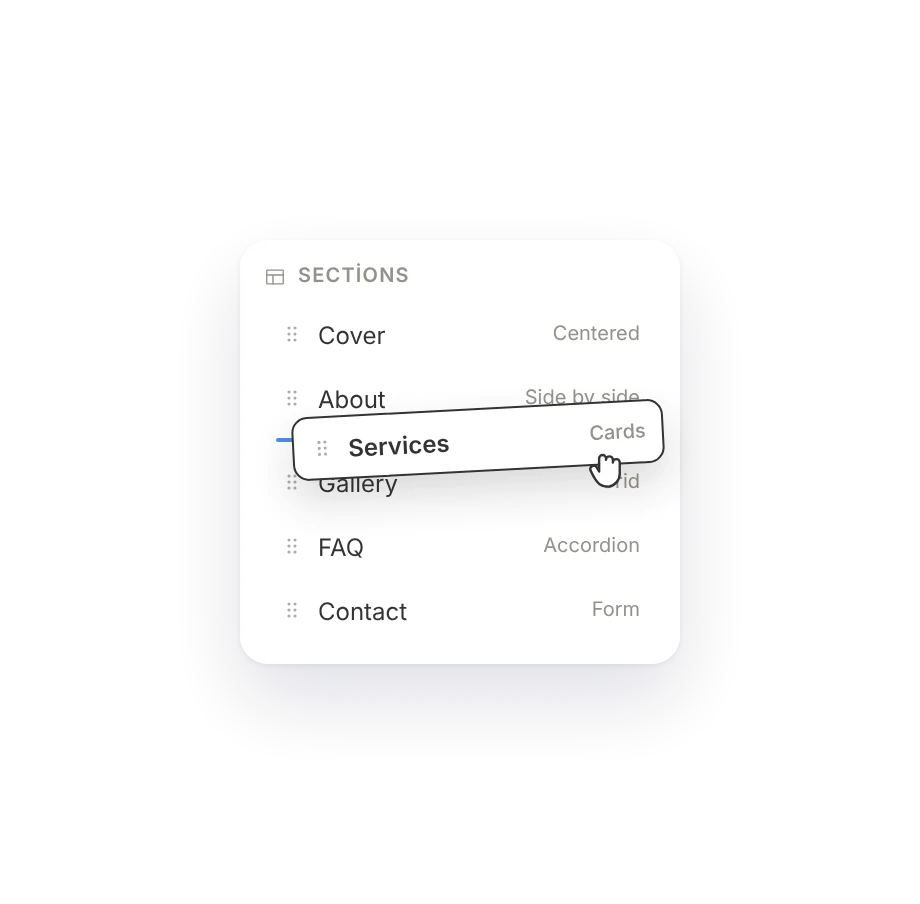
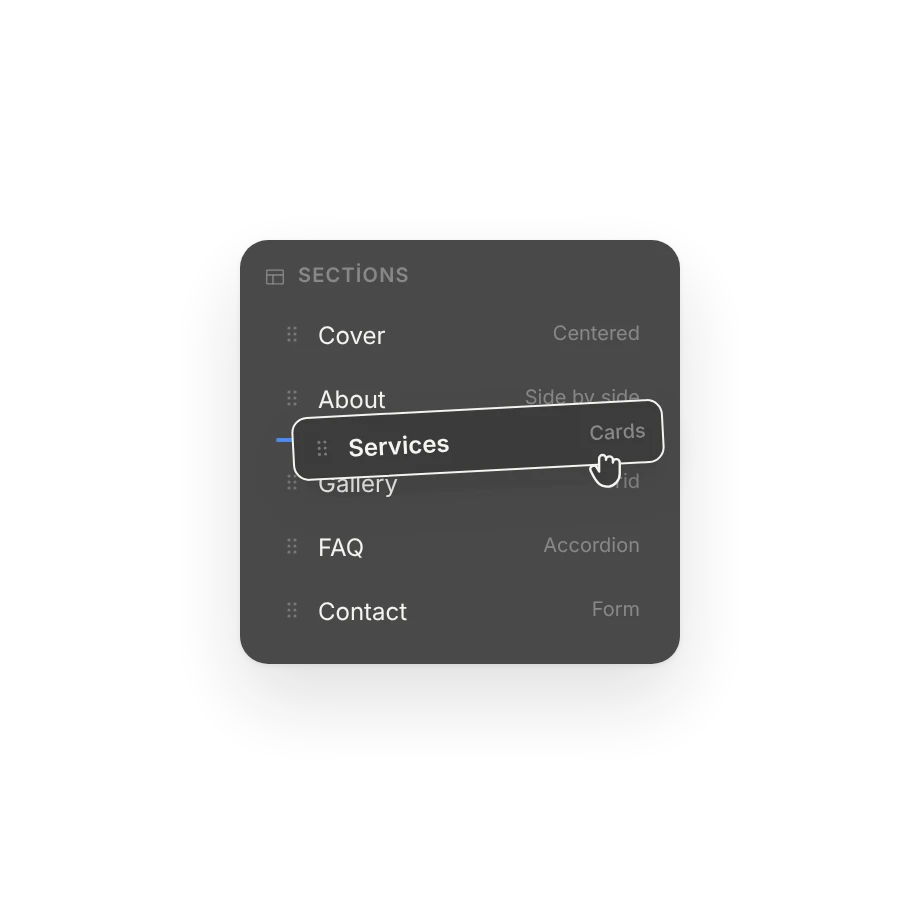
Sections
Drag, reorder, change the layout.
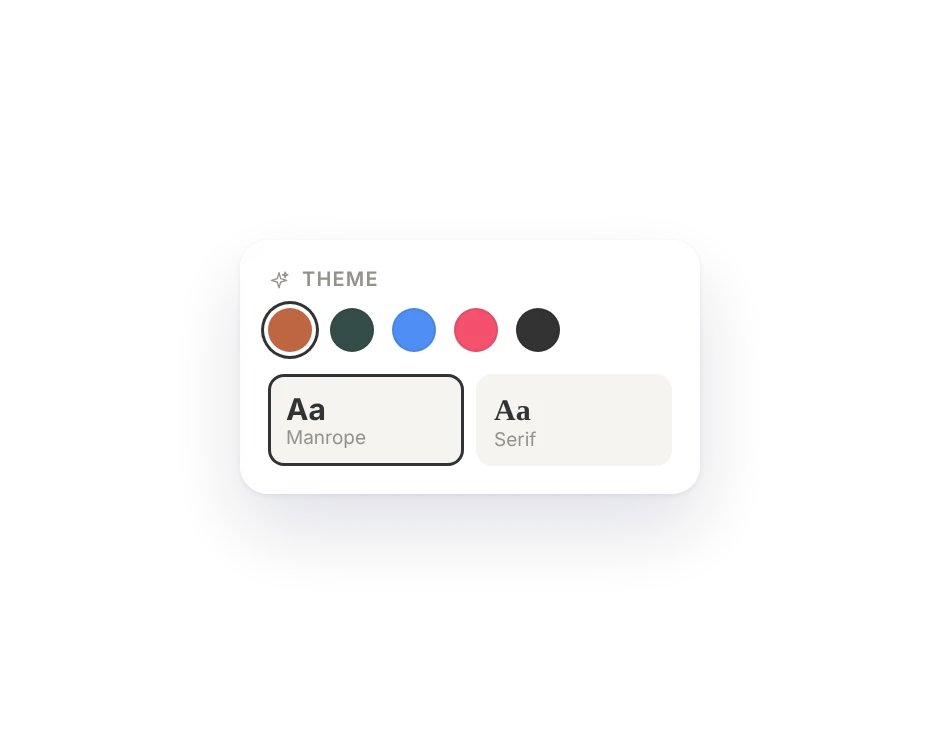
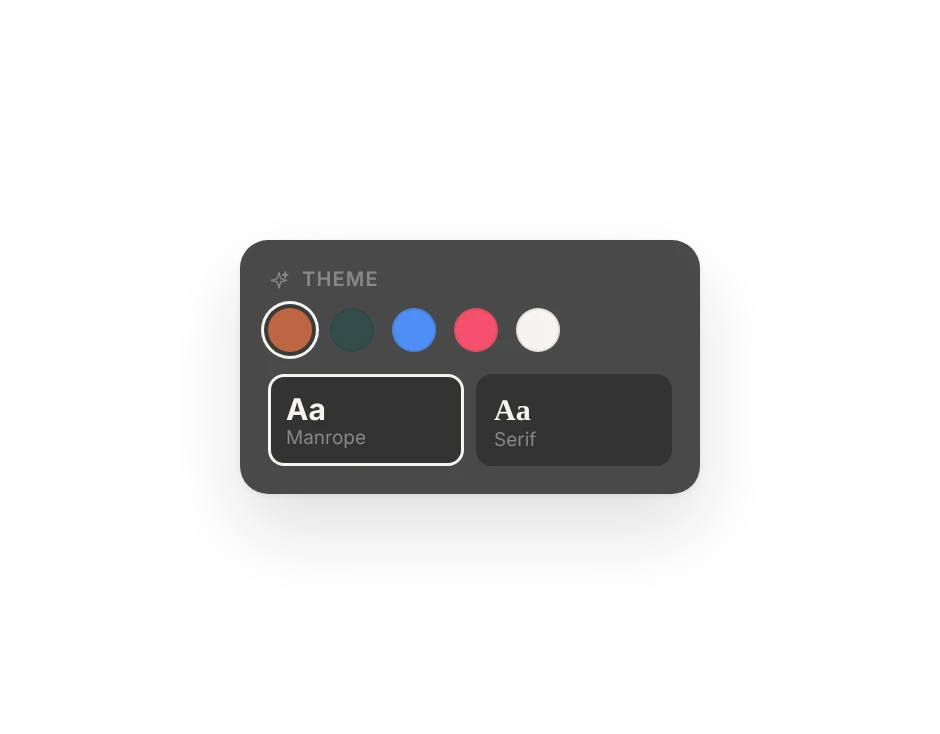
Theme
Colors and fonts in one place.
Pages and blog
New page, collection, post.
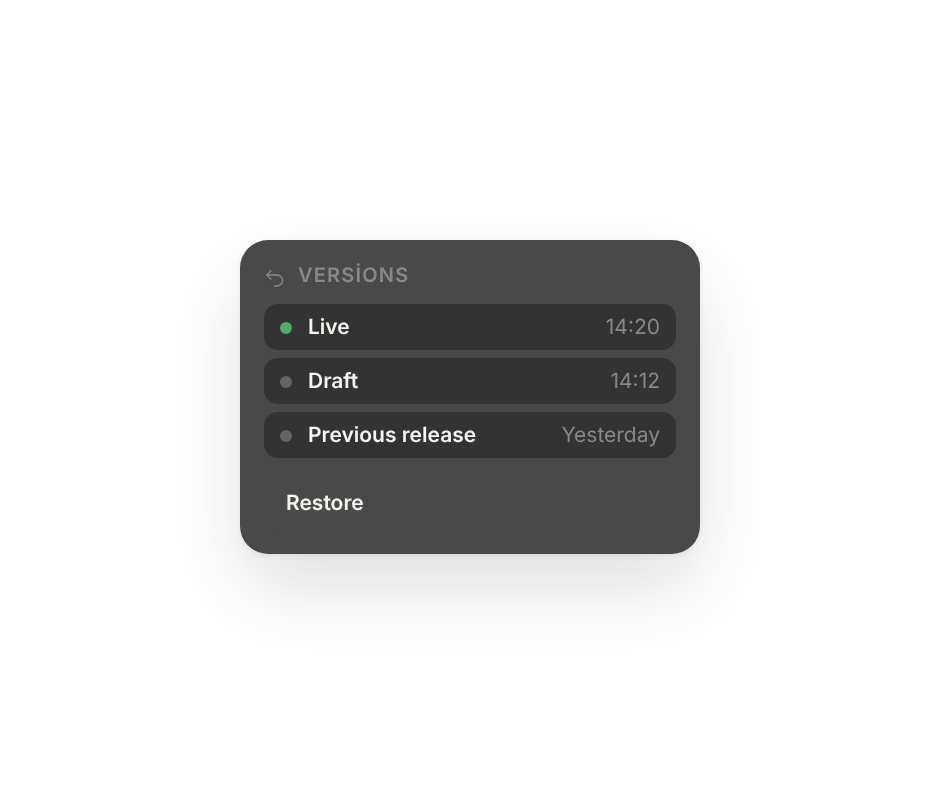
Versions
Every publish can be undone.
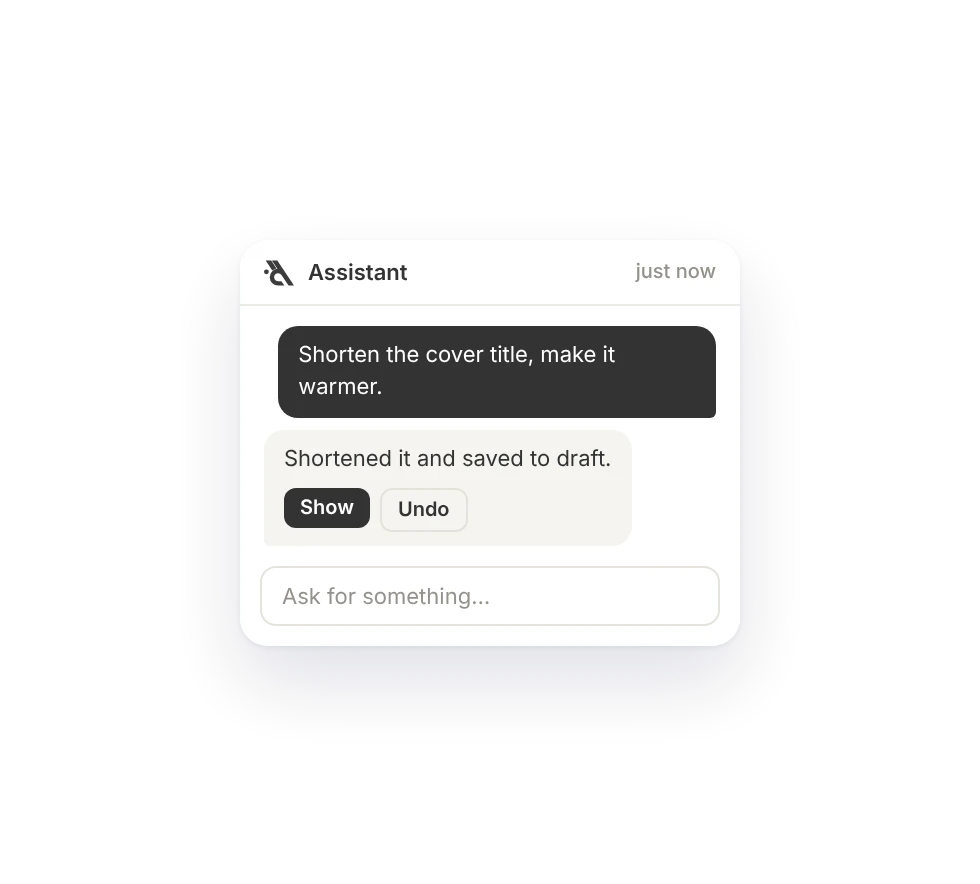
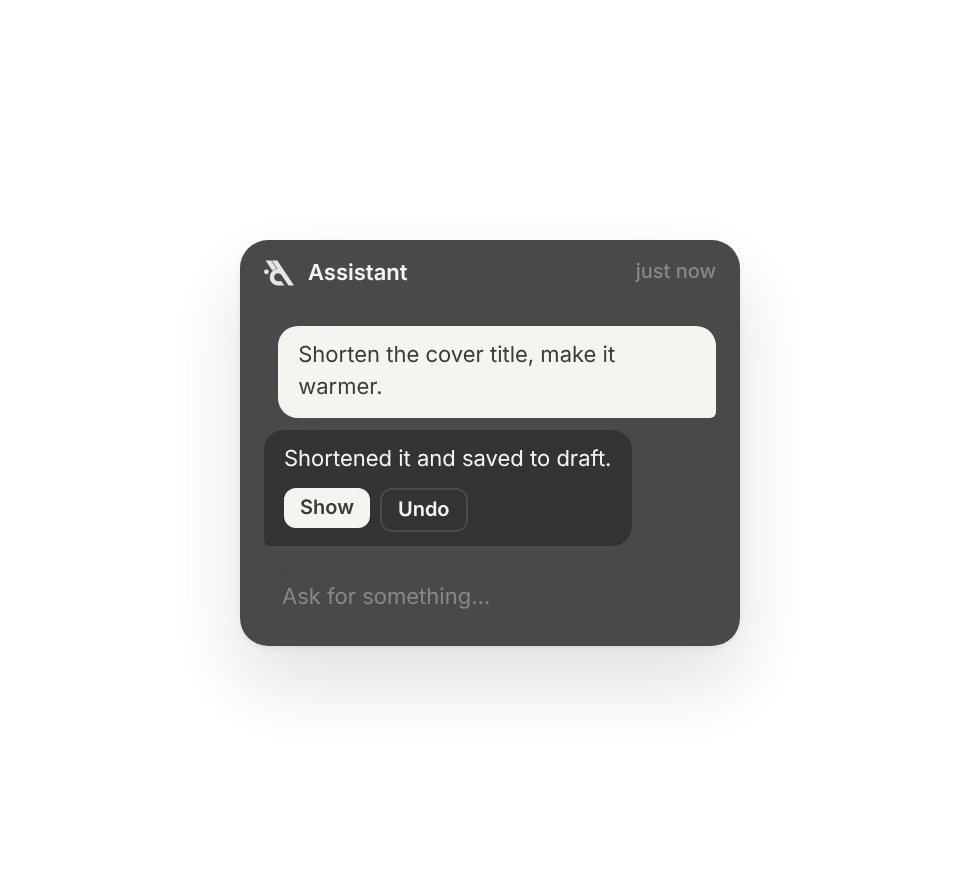
Just say it, it does it.
It builds pages, fixes your copy, fills your menu, translates and answers your questions. It does not explain, it does.
Never publishes
Nothing goes live without your approval.
Never deletes
No pages, images or data get deleted.
Never makes things up
It asks you what it does not know.
Never changes access
Roles and permissions stay untouched.
Publish the site in English too, and add a "5 days in advance" note to cake orders.
English is on and every text is translated. I added the order note; prices and images stayed the same.
How many people called this week?
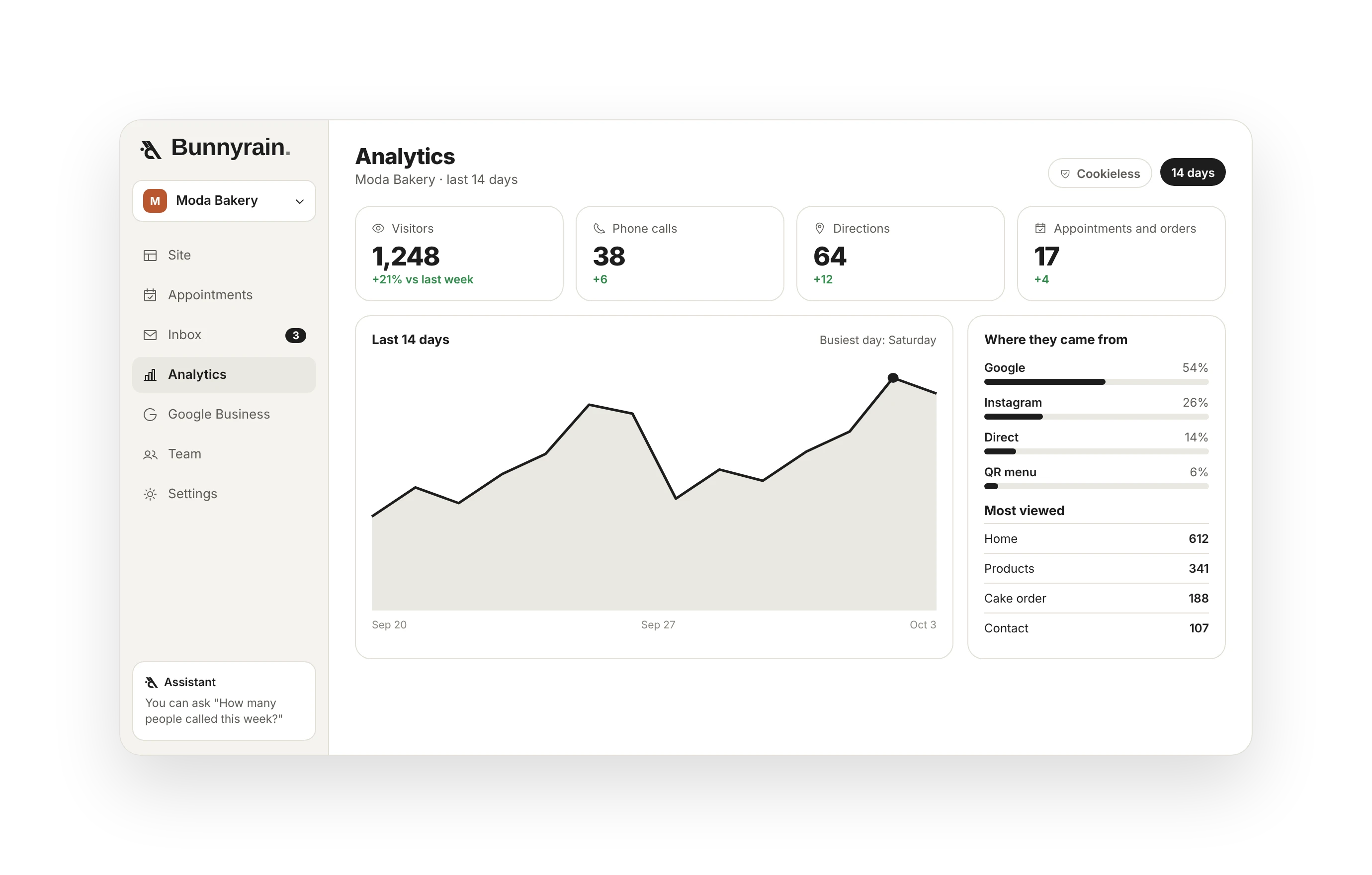
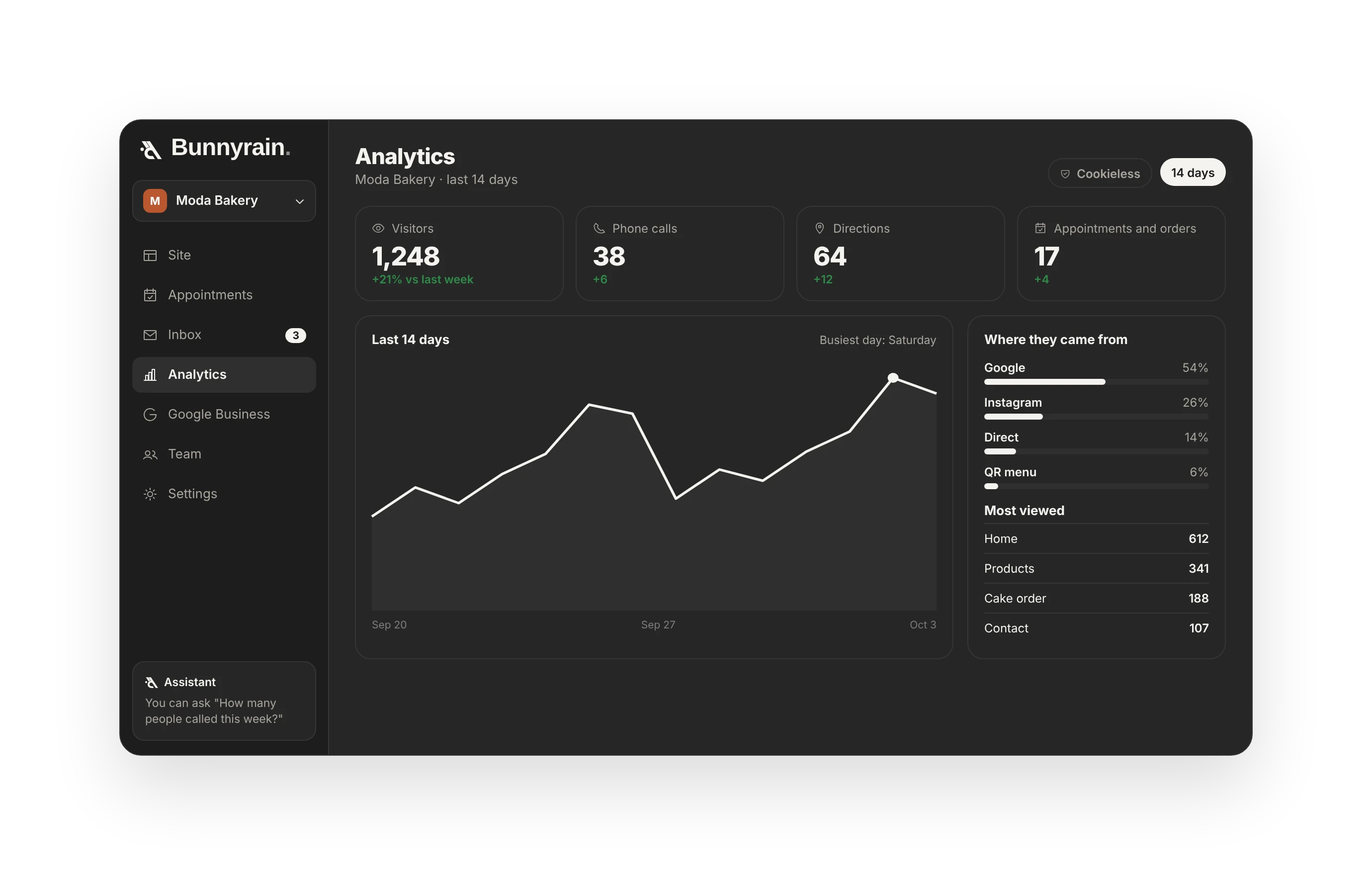
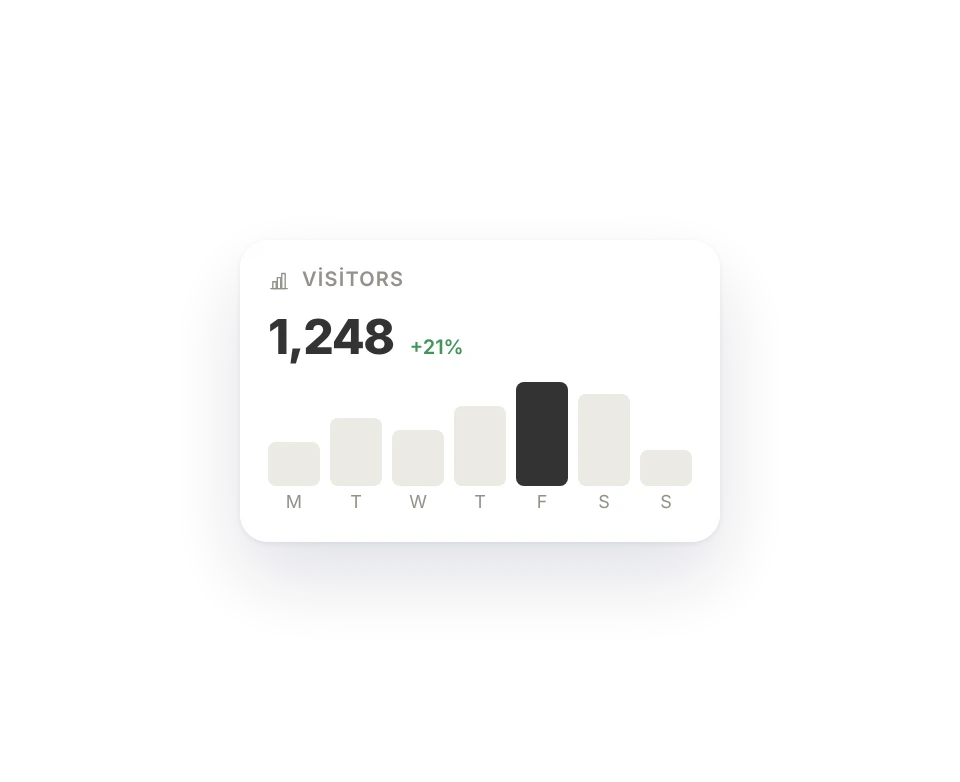
38 calls, 12 WhatsApp messages, 6 booking requests. 21% more than last week. Saturday was the busiest.

The site is just the start.
We stay with you after launch: messages, bookings, Google reviews and how many people called, in one panel.
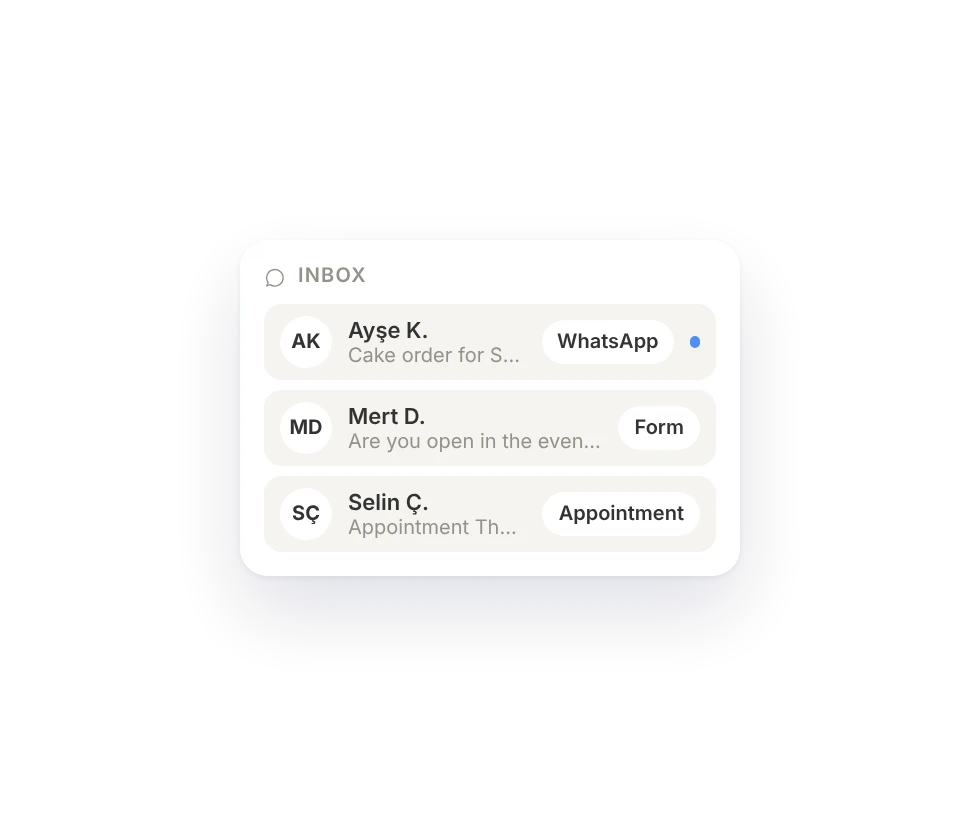
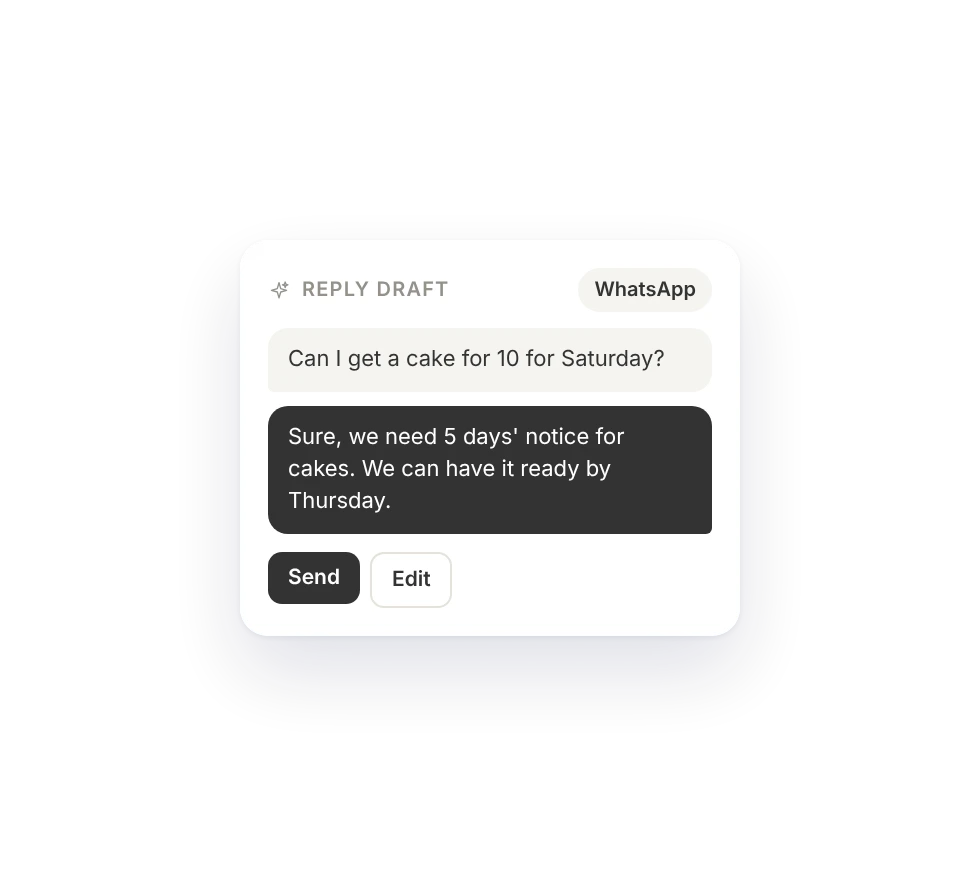
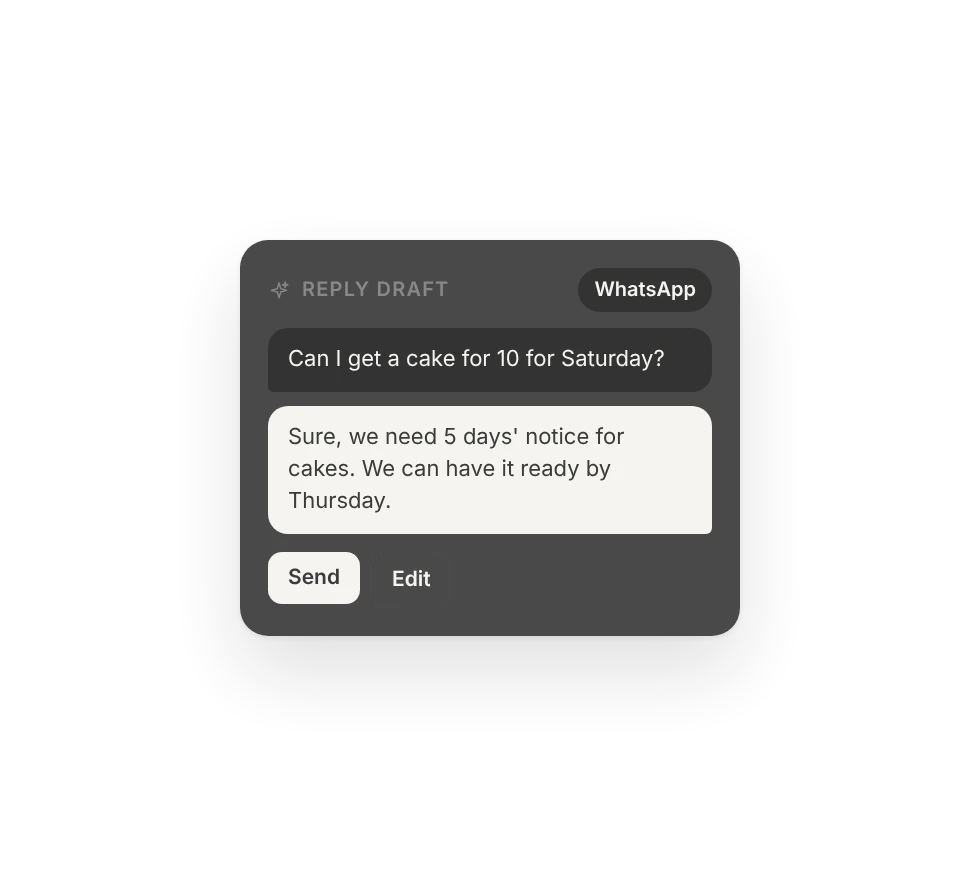
Inbox
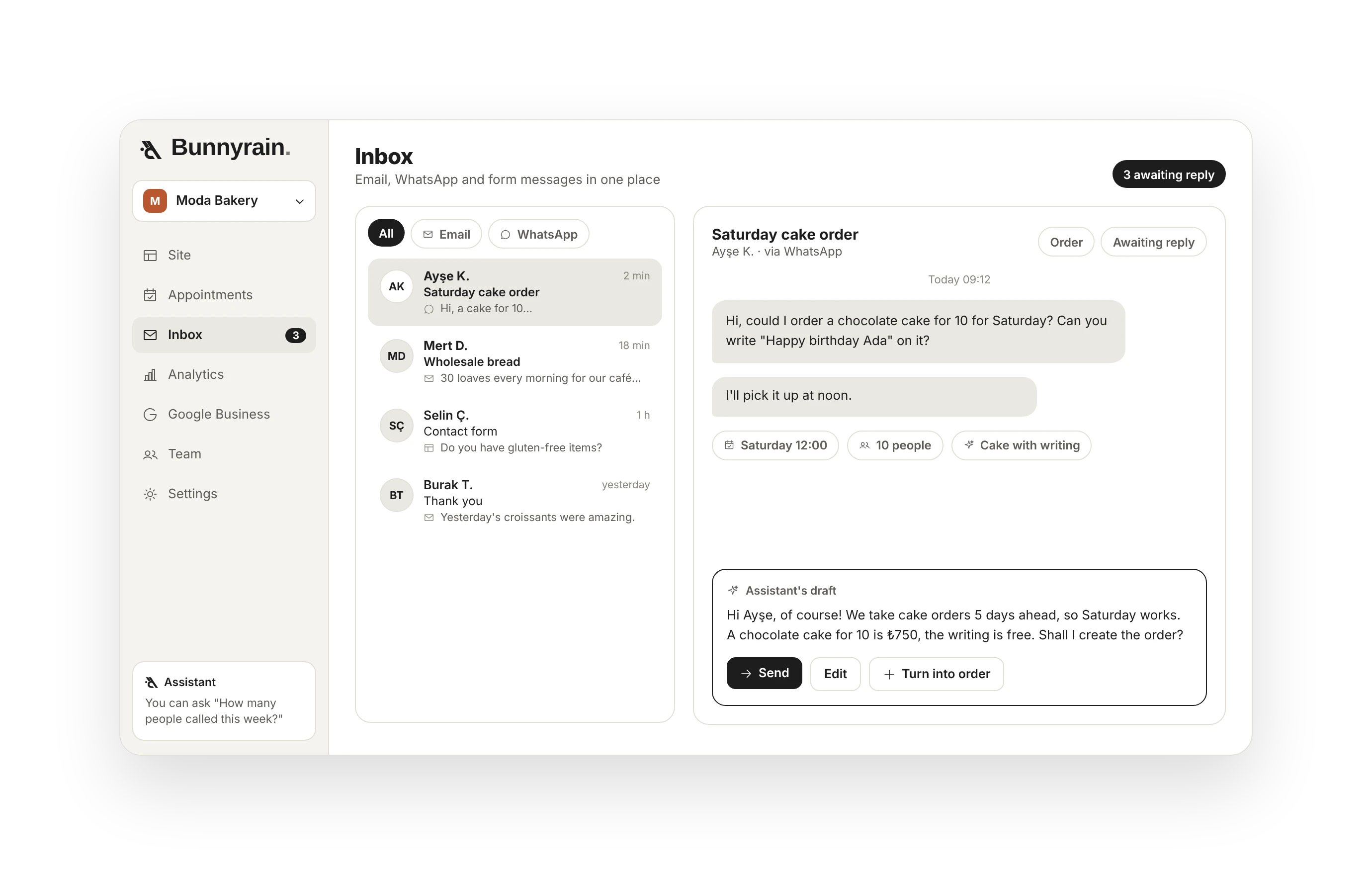
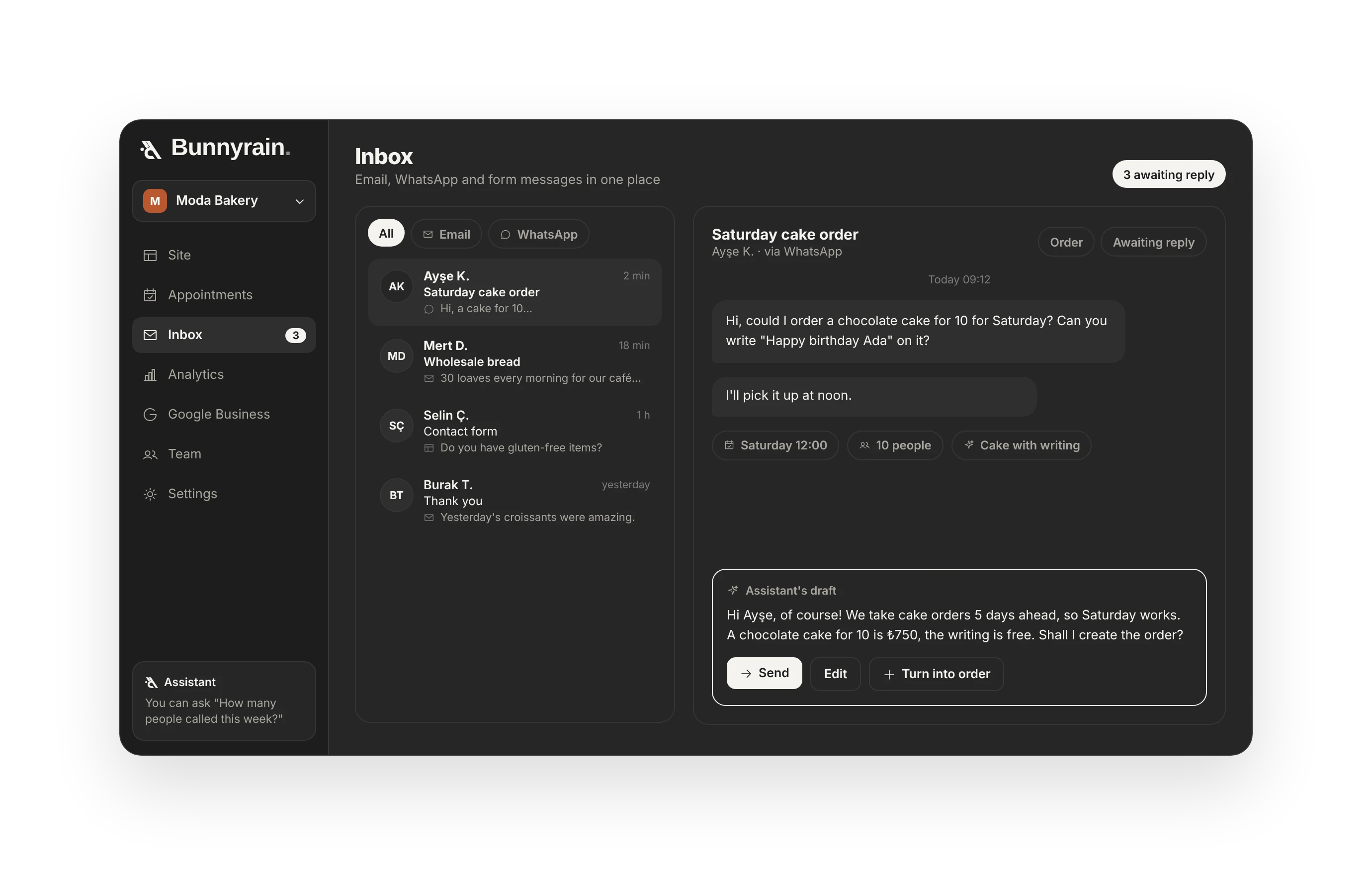
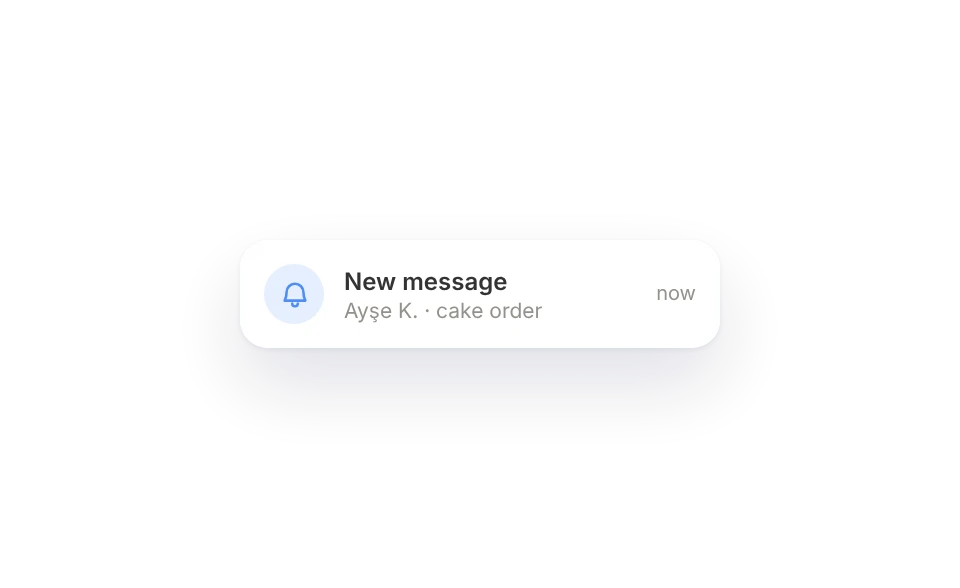
Form messages and booking requests in one place; the assistant drafts the reply.
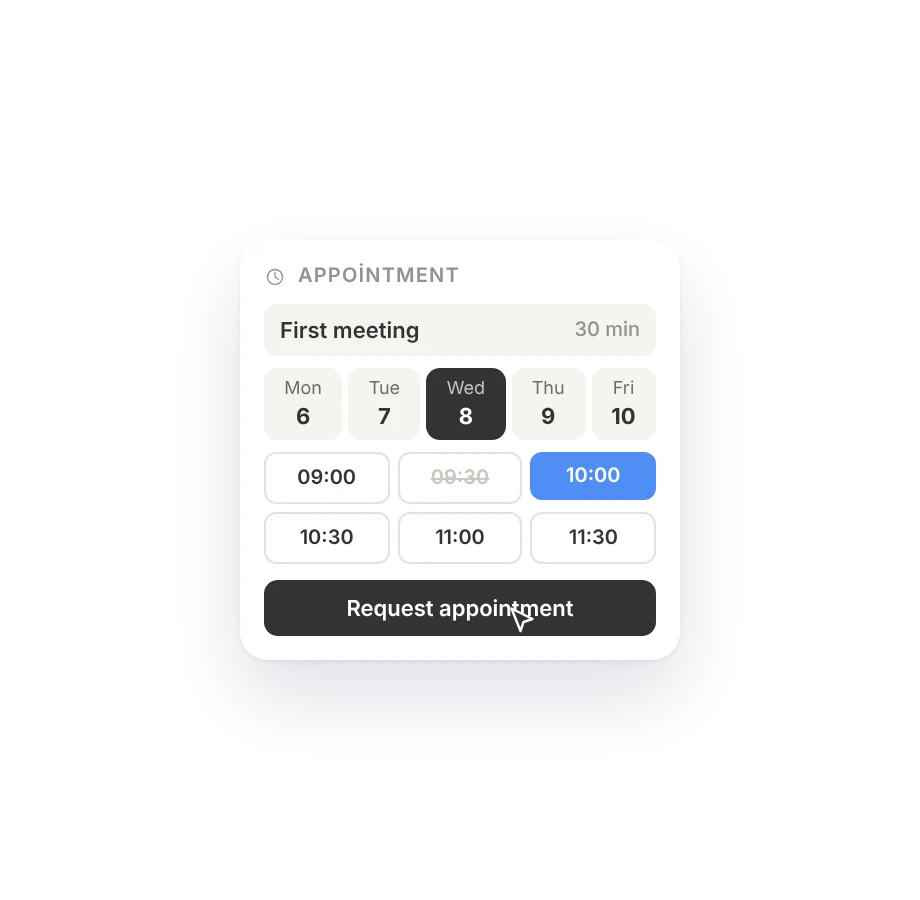
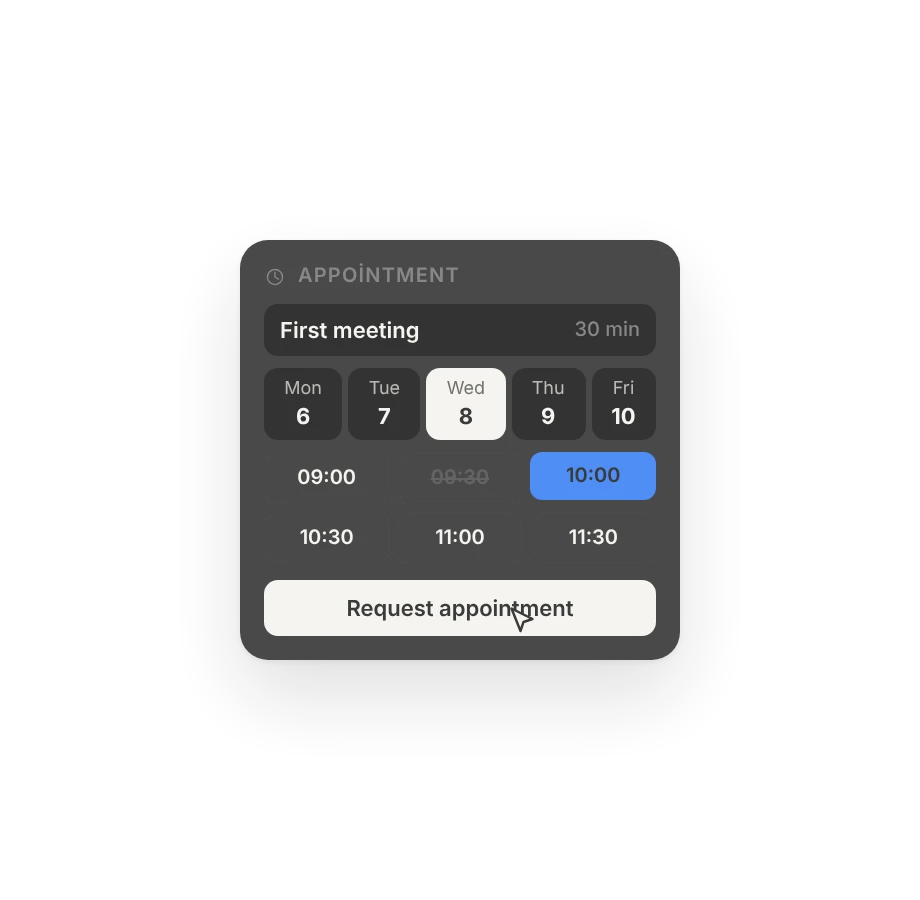
Bookings
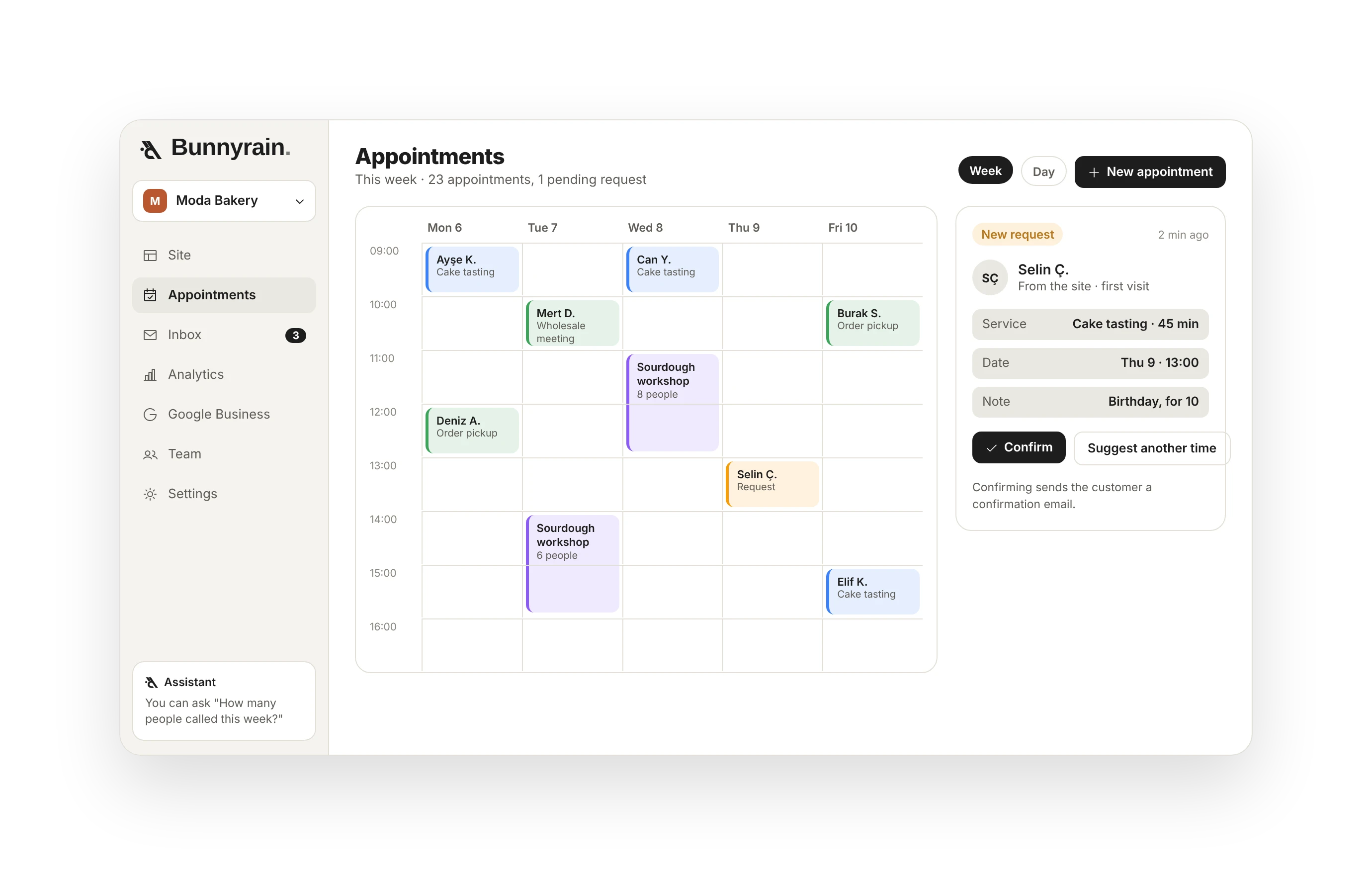
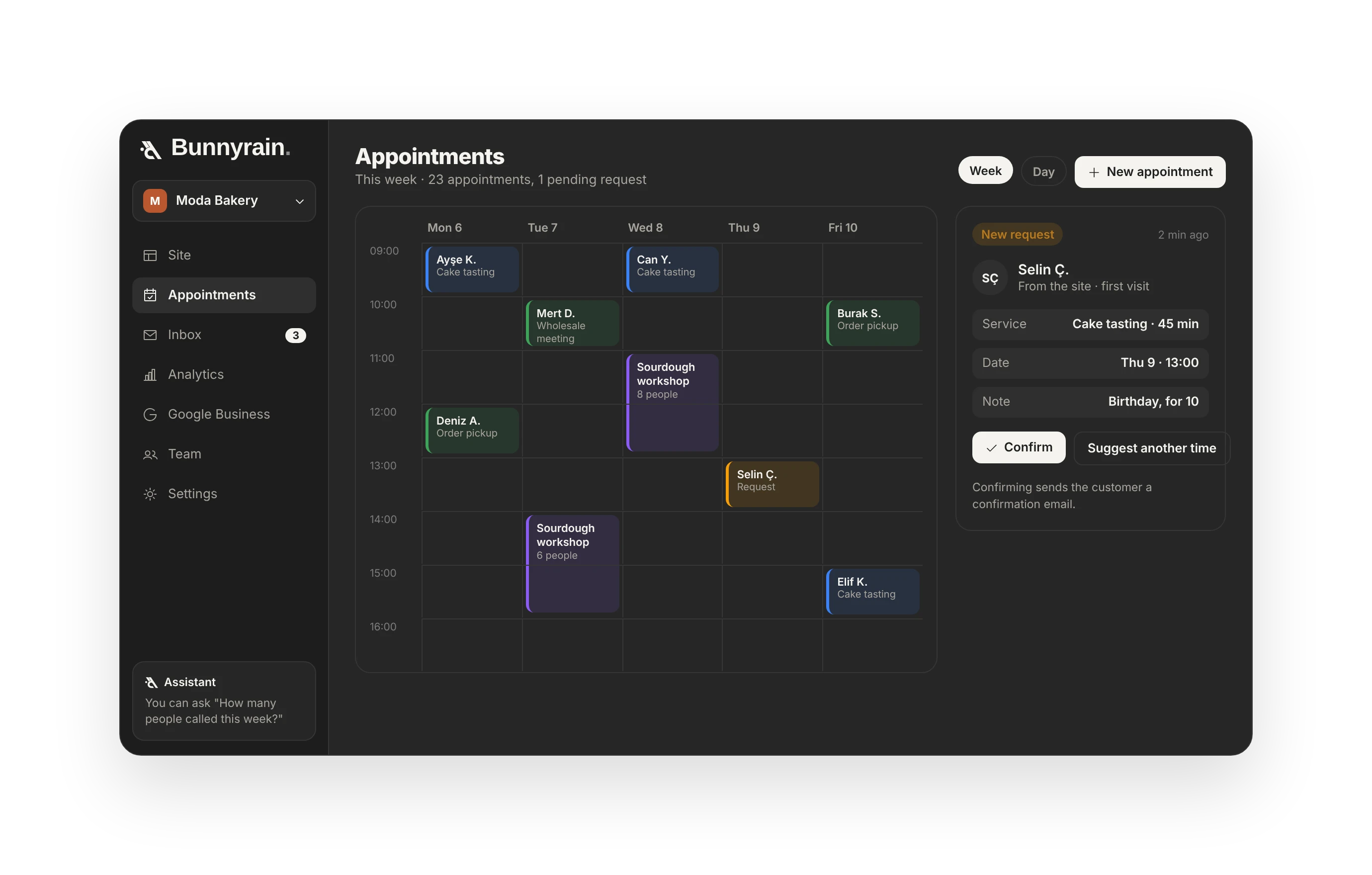
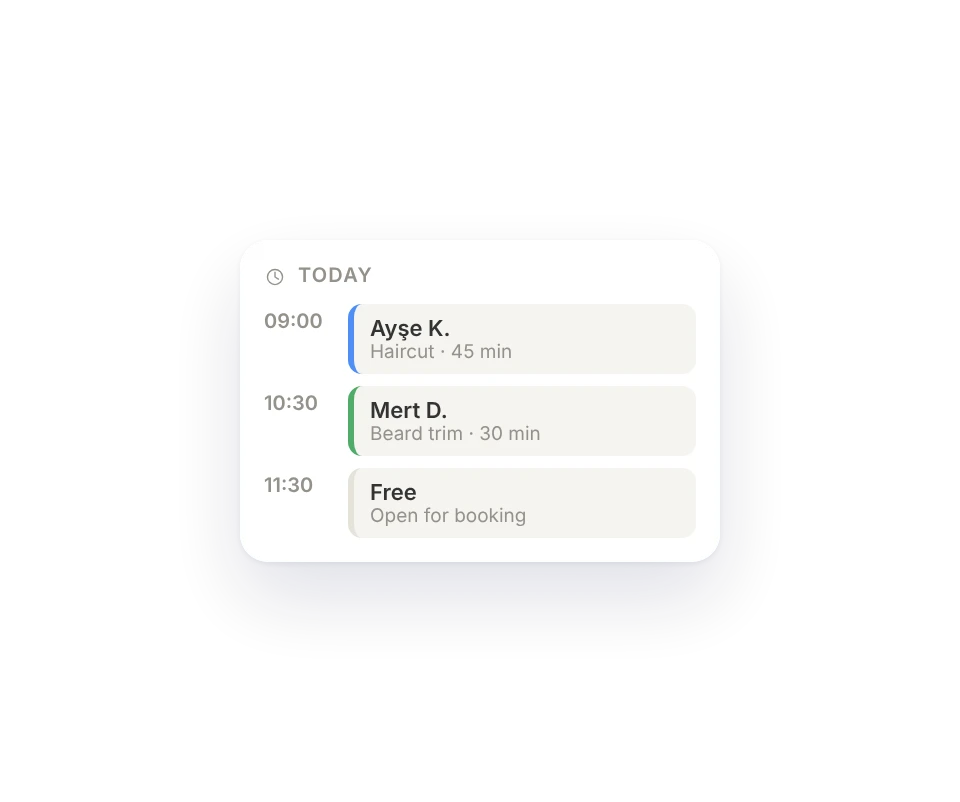
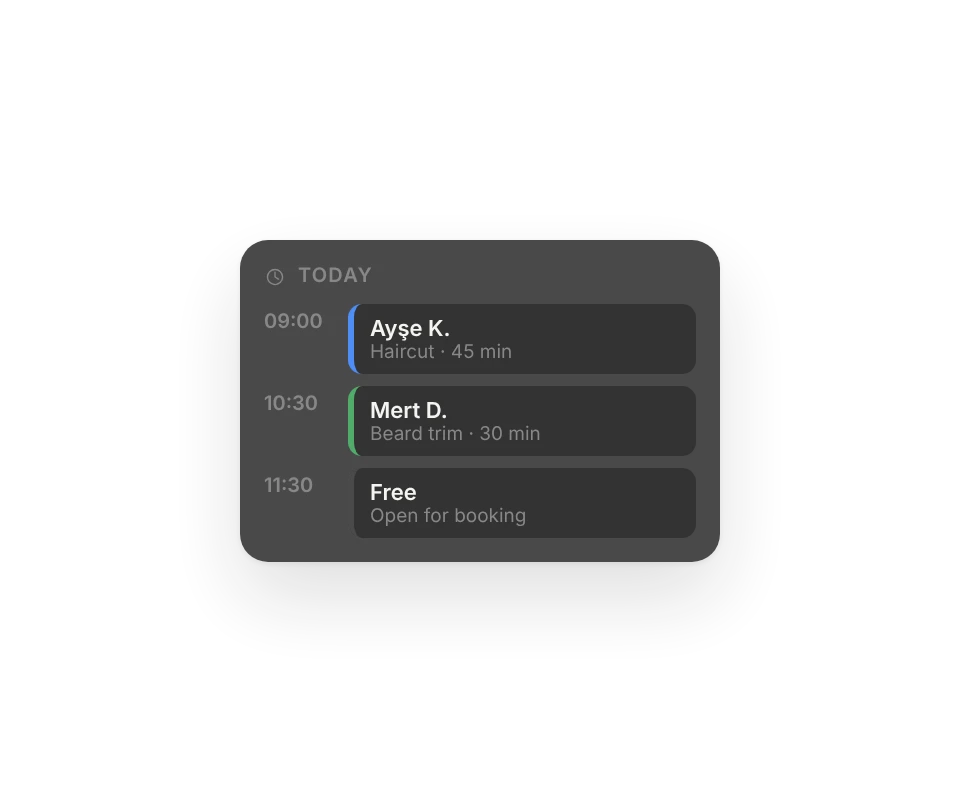
Add your services and hours, your customers pick from the calendar.
Google Business
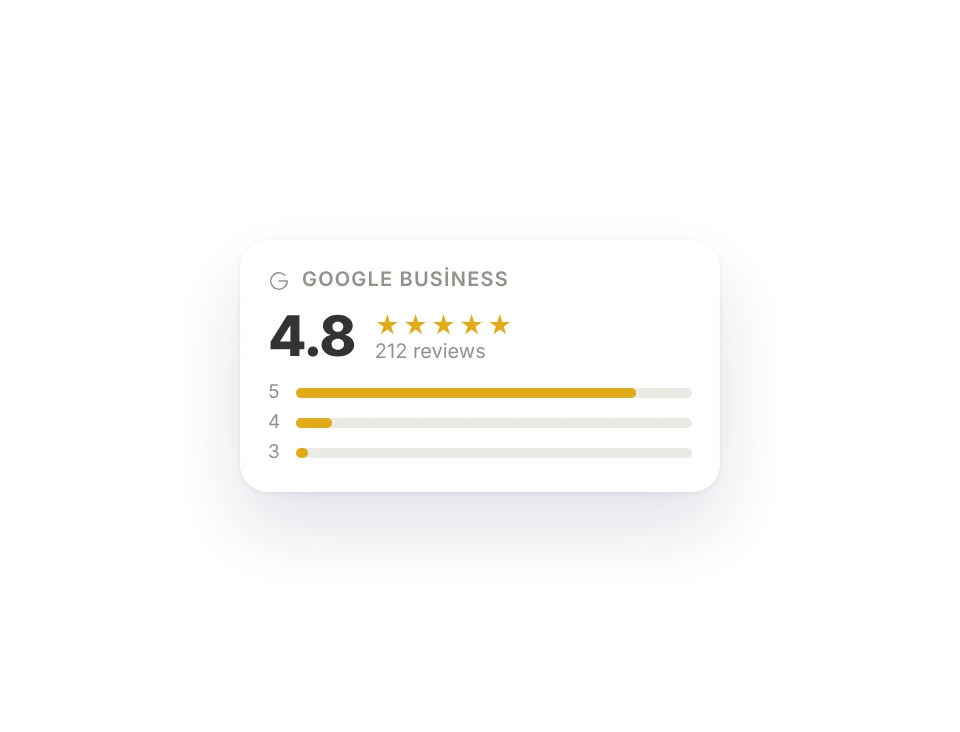
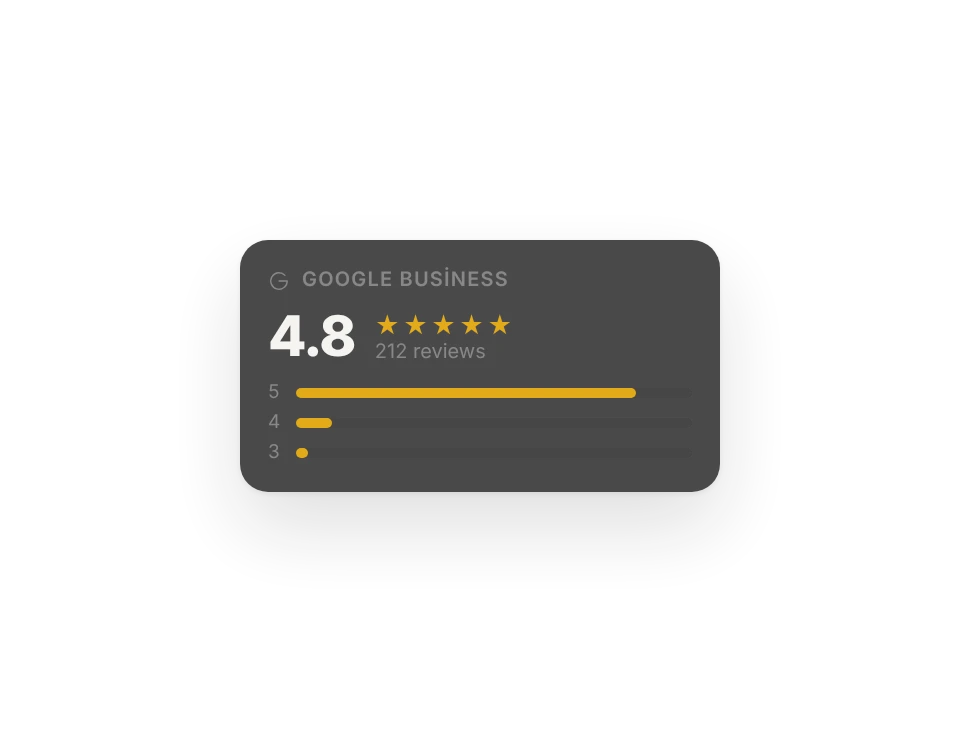
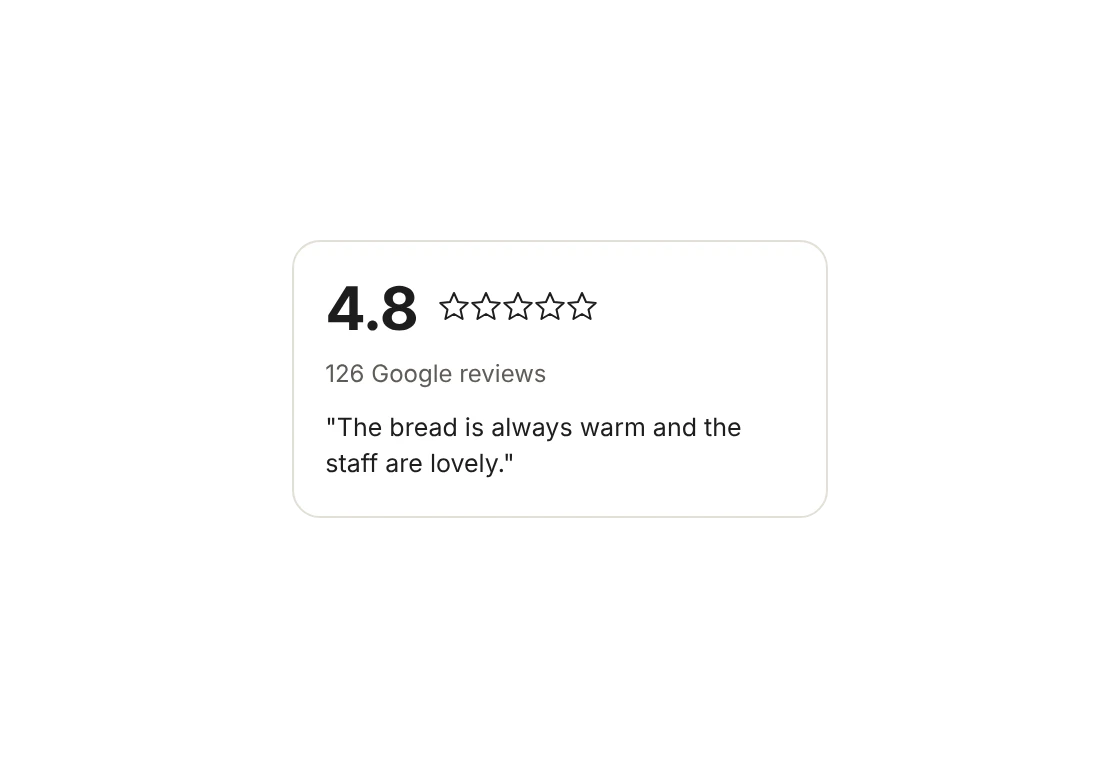
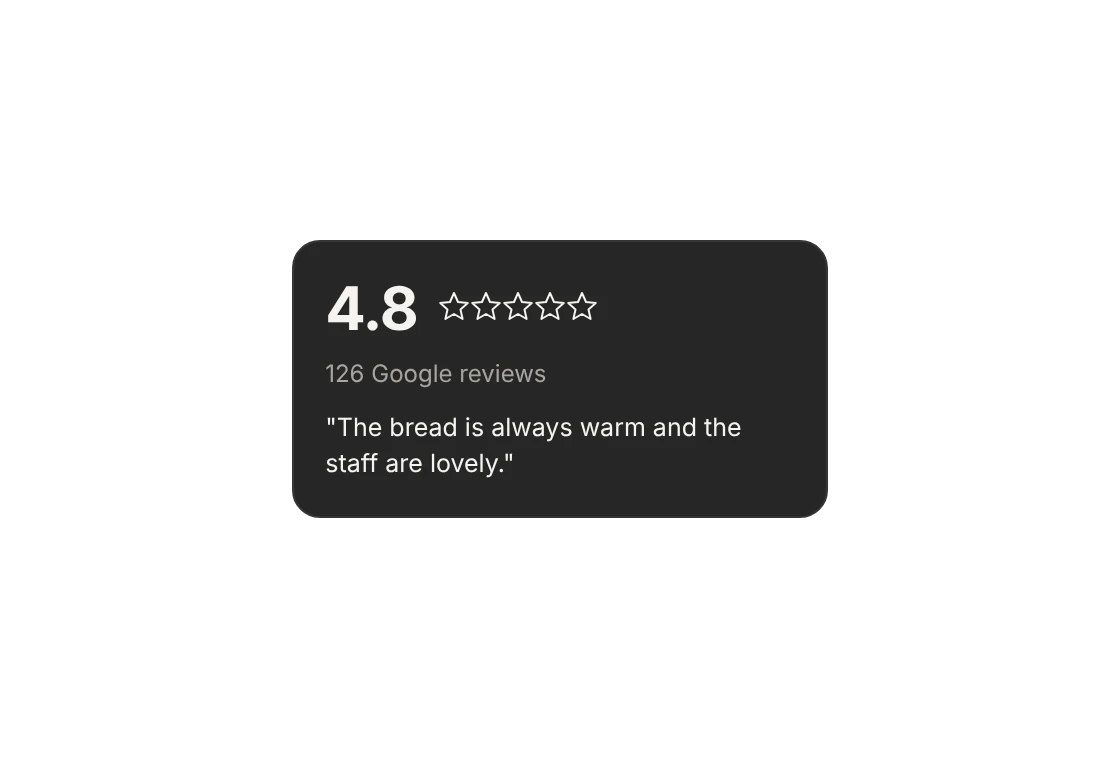
Your rating and reviews on your site; hours updated with one click.
Cookie-free analytics
Who came, from where, how many called. No cookie banner.
Everything you need, in one panel.
You start with the site, and modules join in as your business grows. No separate tool, no separate login.
Assistant
Builds pages, fixes your copy, fills your menu, translates, reads your analytics. Publishing is always up to you.
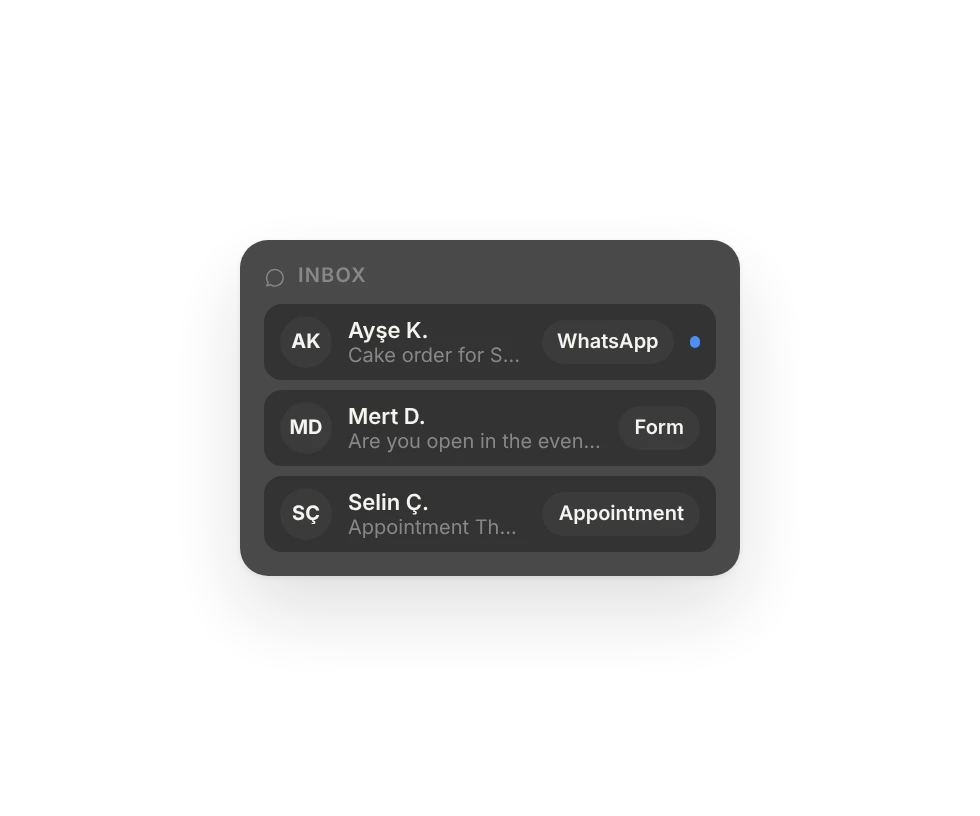
Inbox
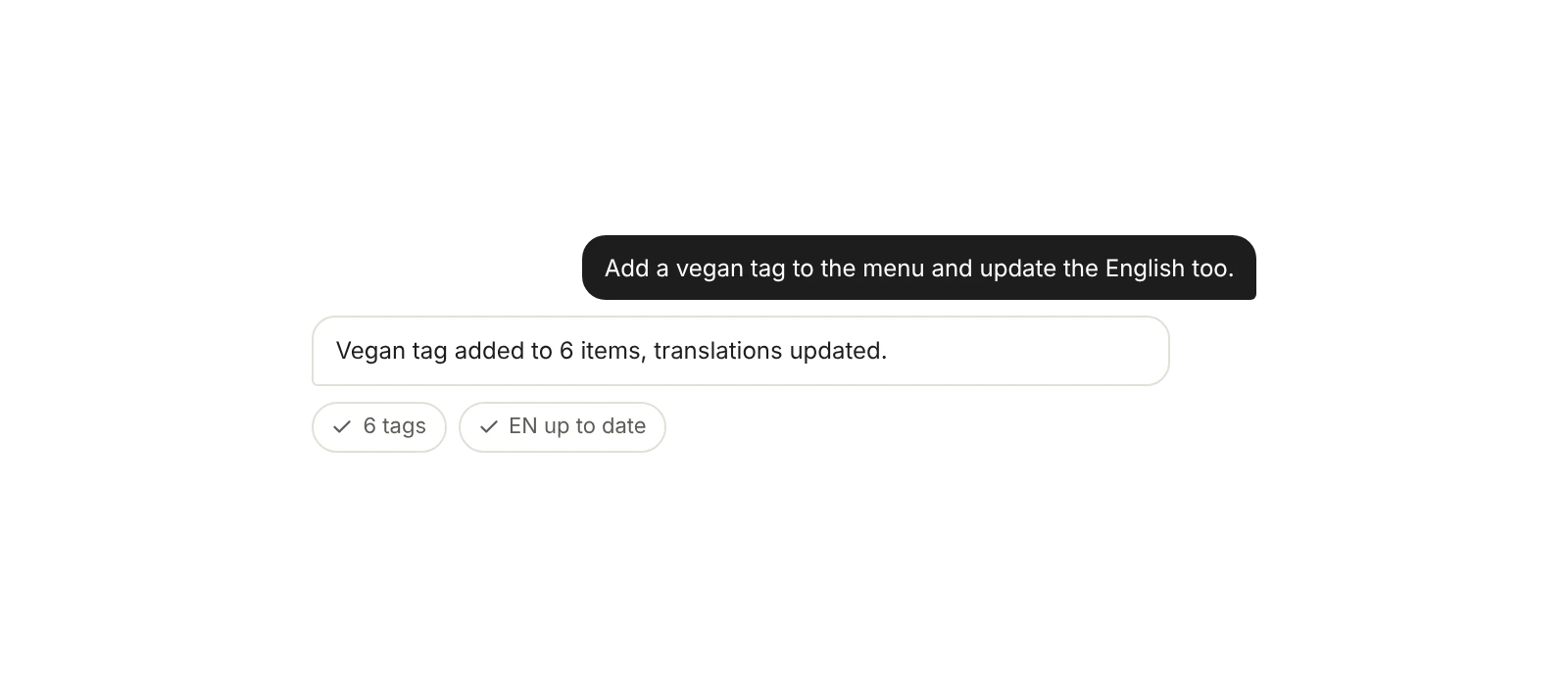
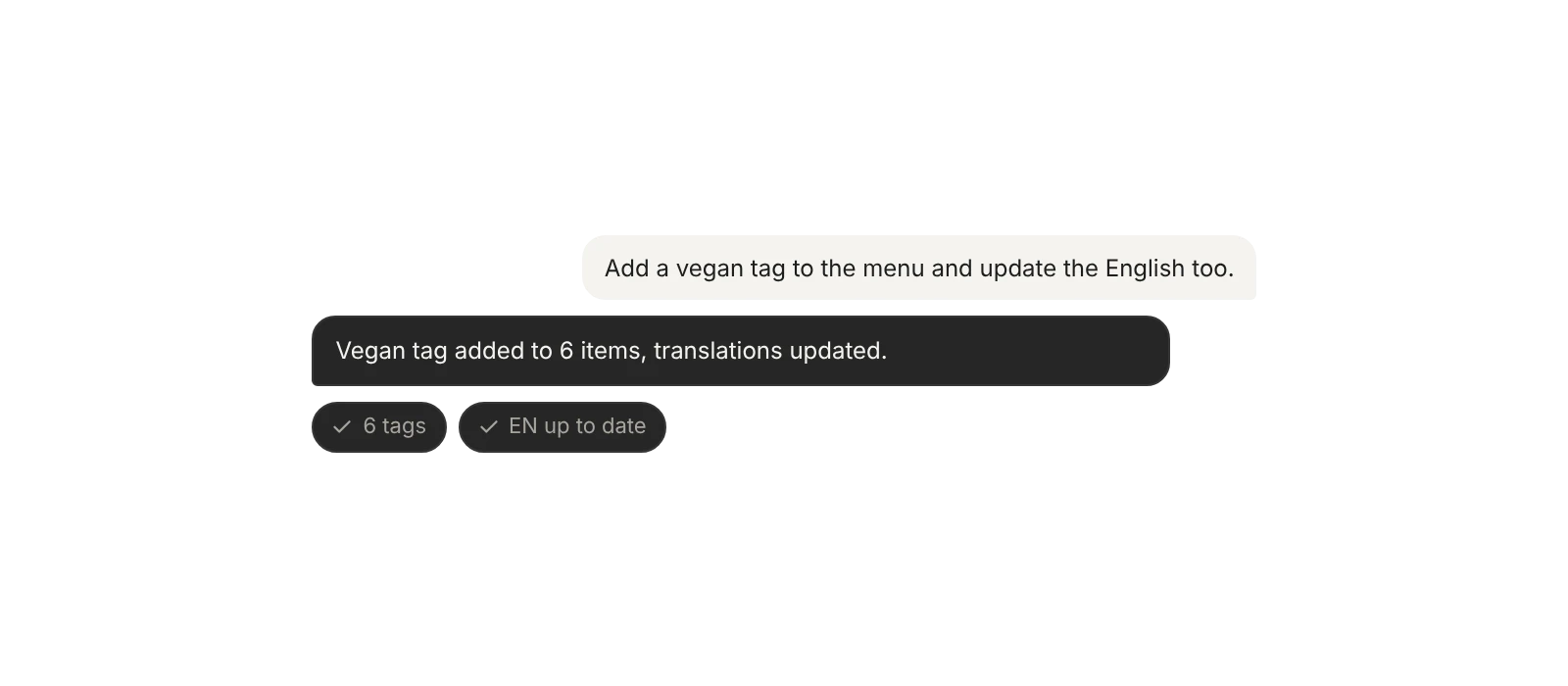
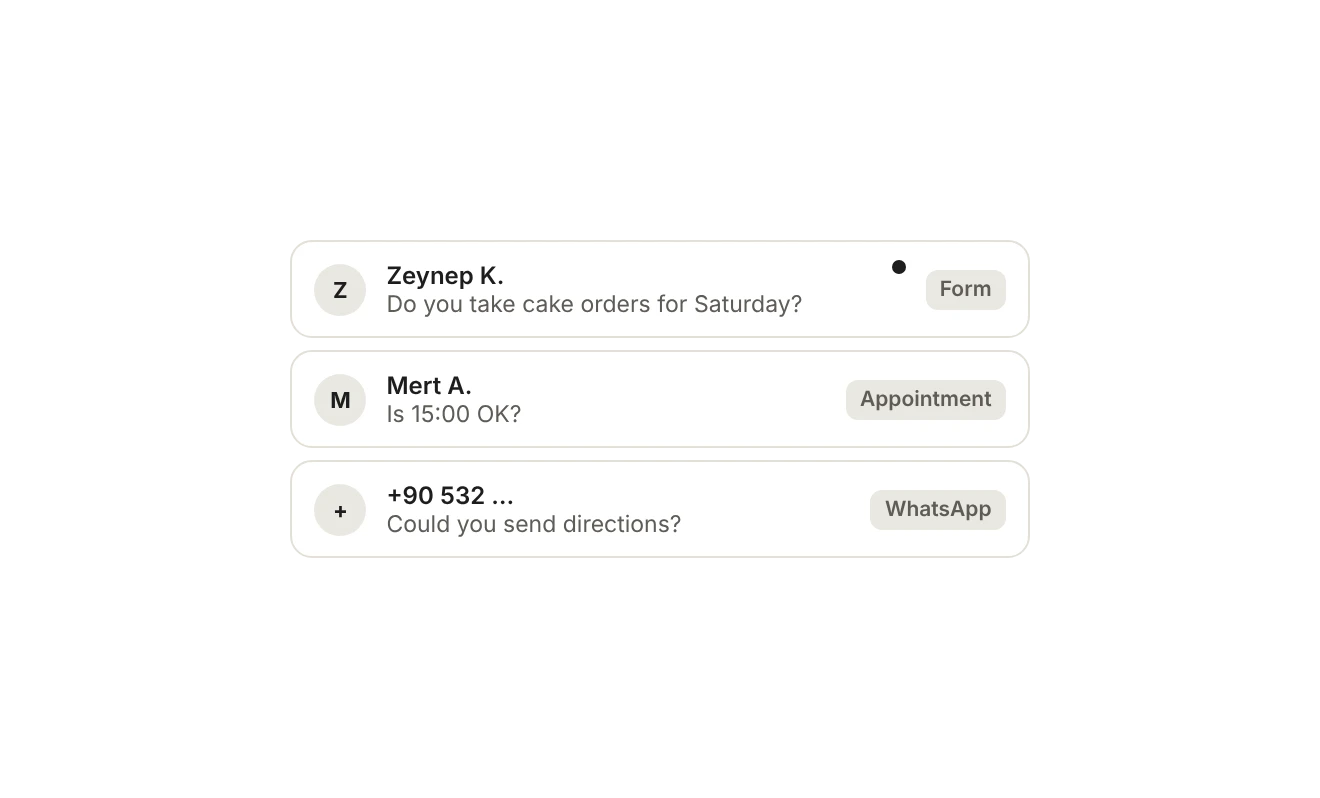
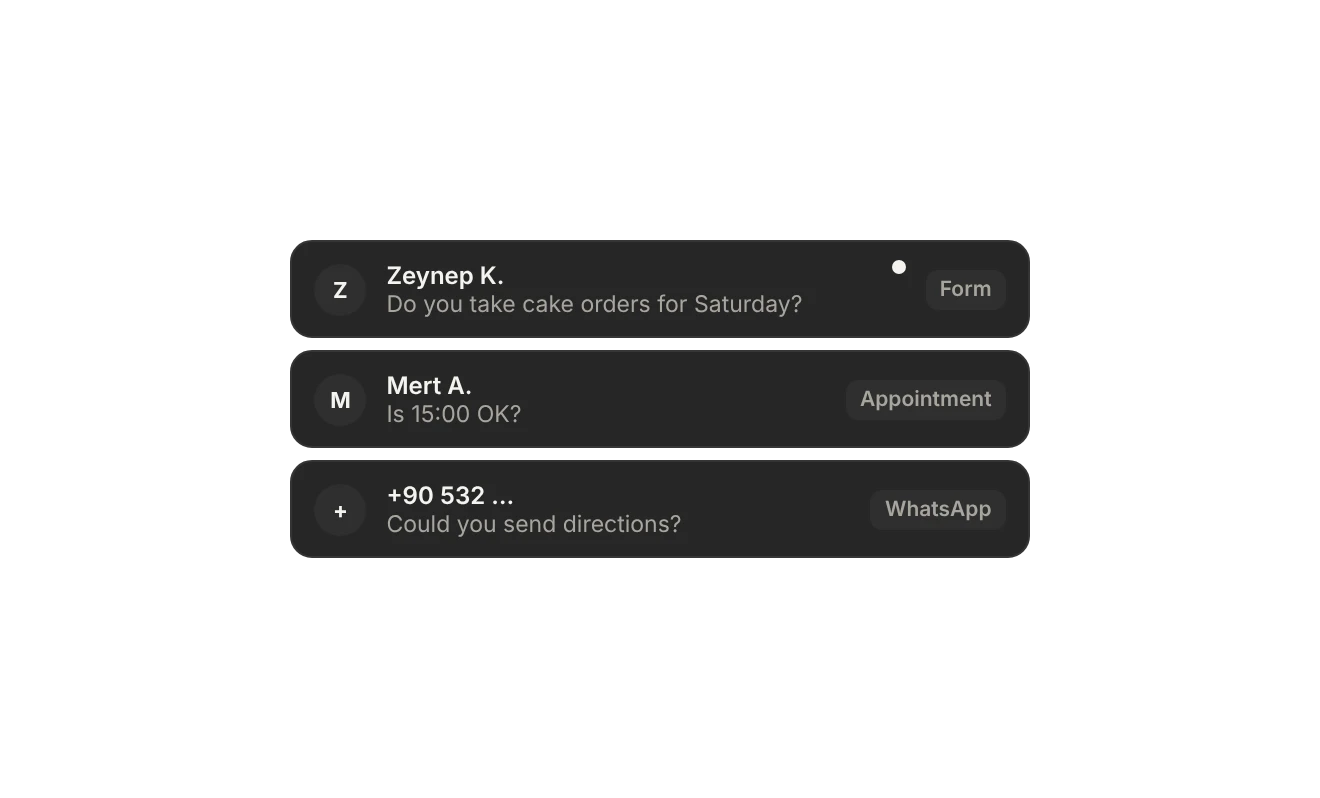
Form messages and appointment requests in one list; the assistant drafts the reply.
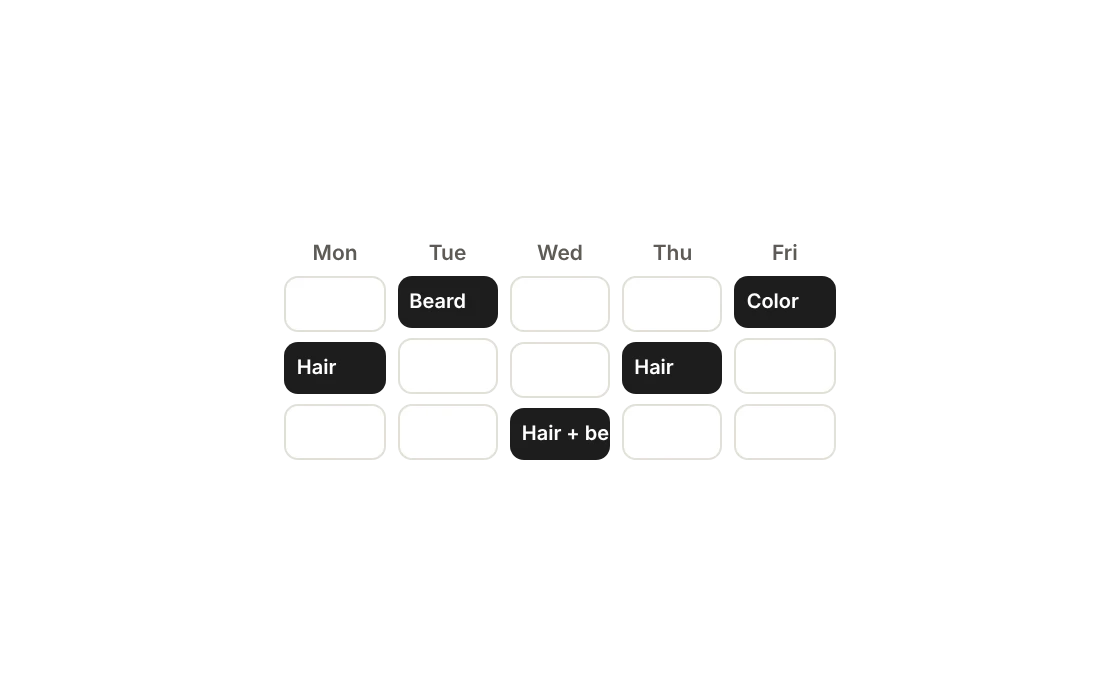
Appointments
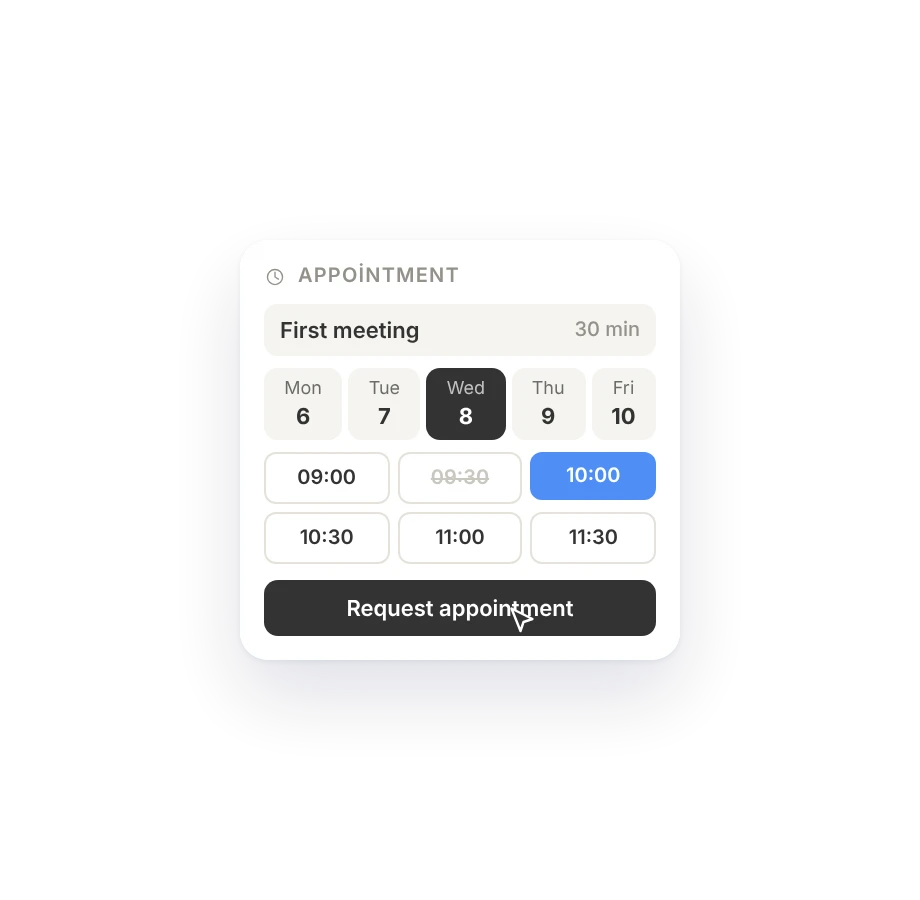
Services, durations and hours; requests land on your calendar.
Analytics
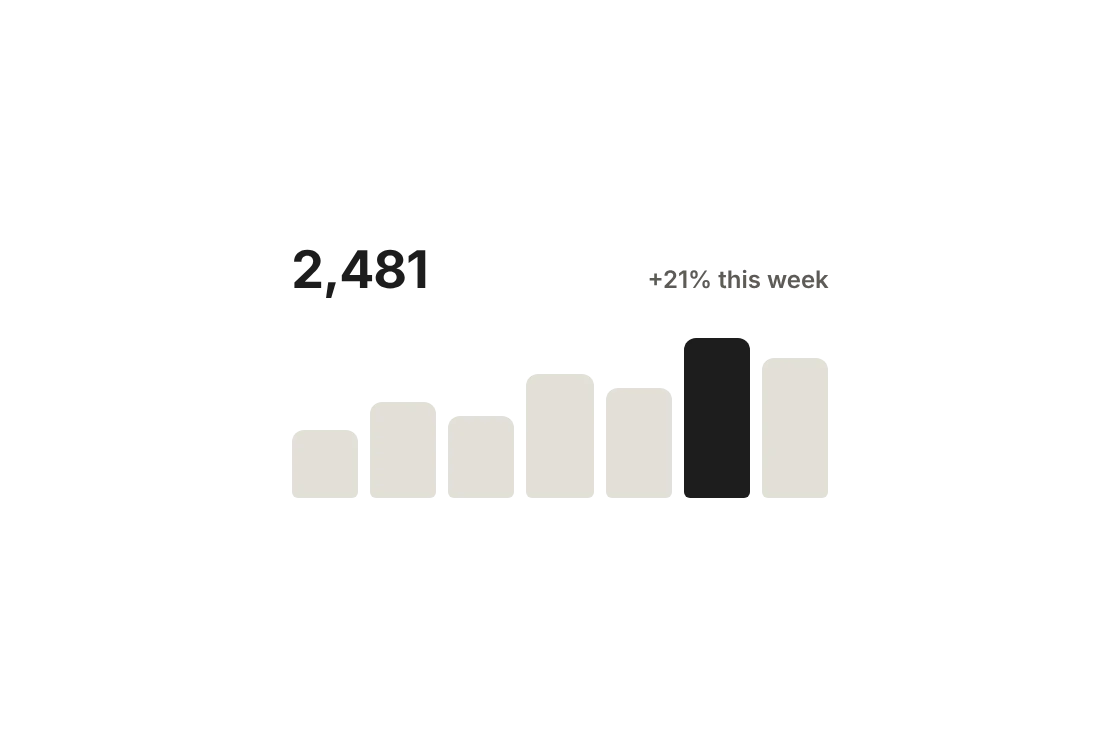
Cookieless. Who came, from where, who called.
Google Business
Your rating and reviews on your site, refreshed every week.
QR code
Designed QR codes that open a page, a language or a menu category.
Blog and collections
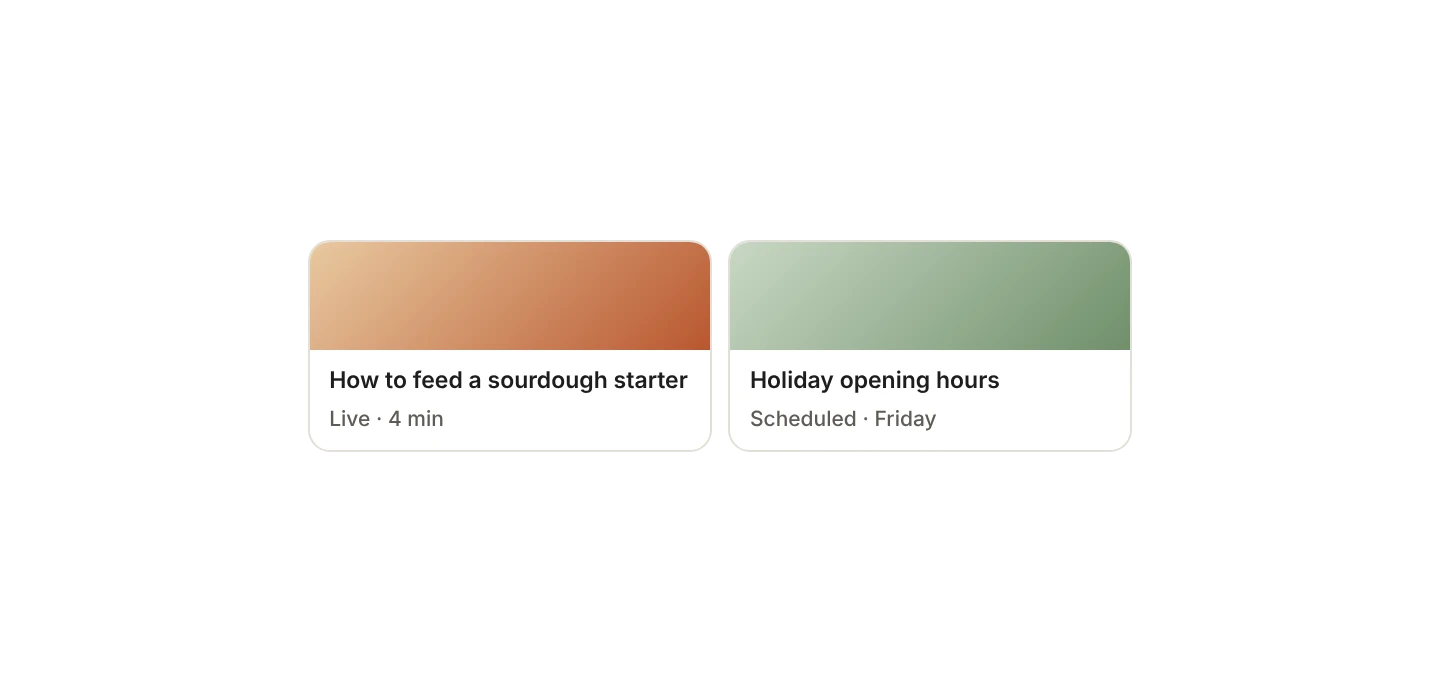
Posts, service and project pages; schedule them, draft them with the assistant.
A QR for everything you print.
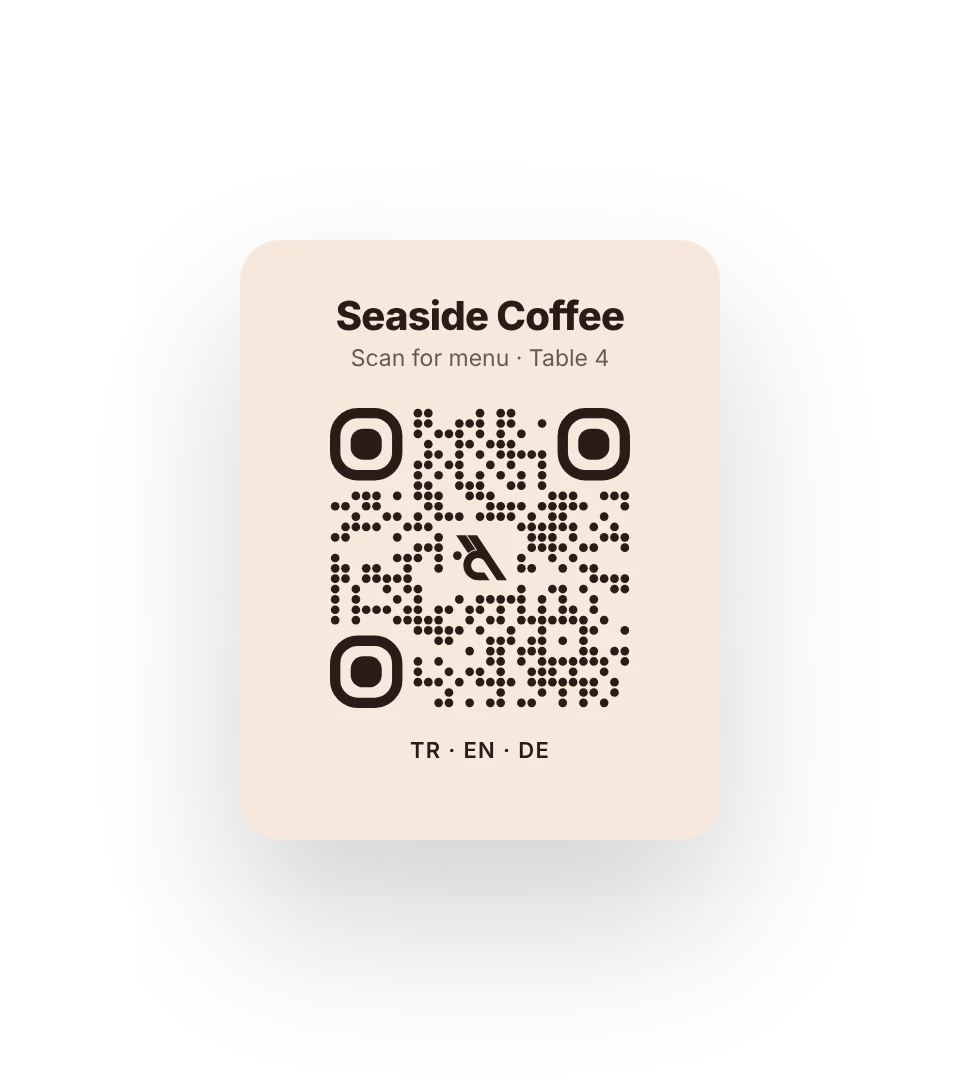
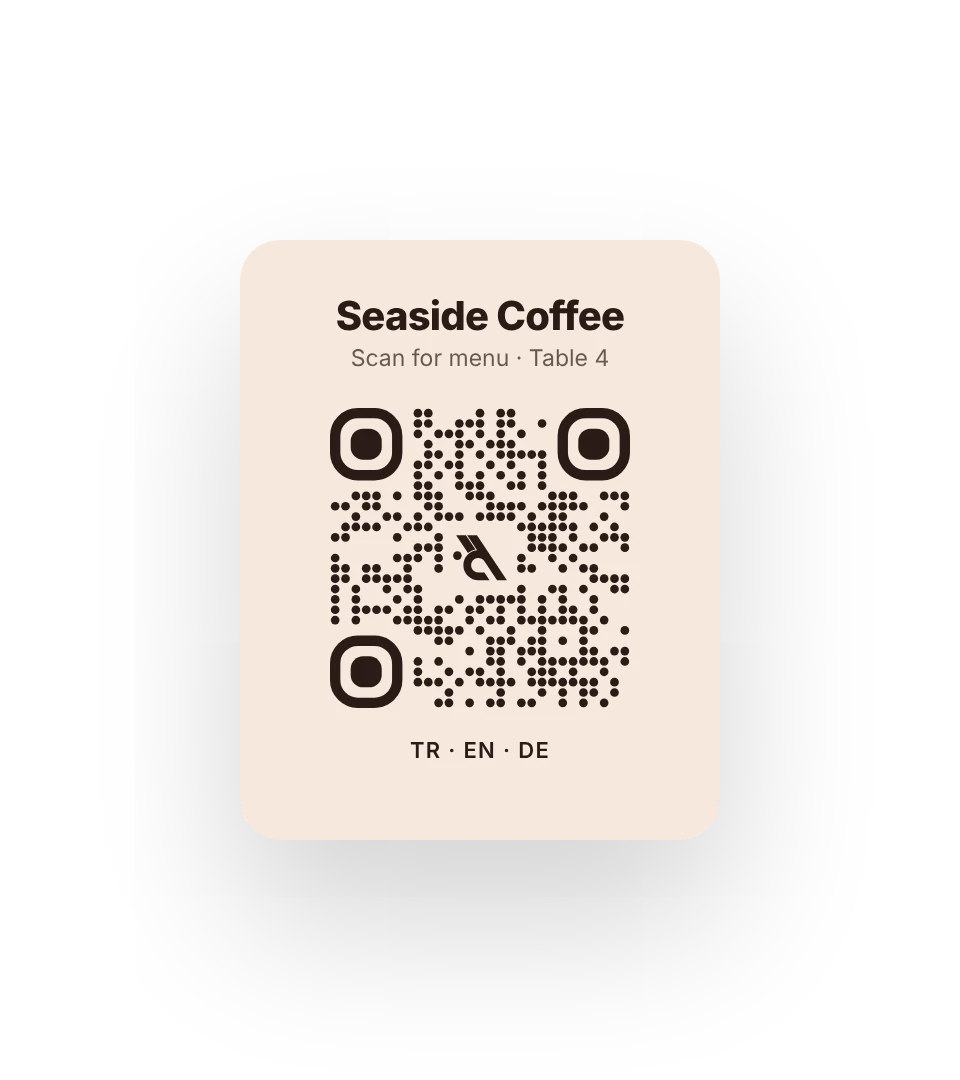
Tables, windows, flyers, business cards. Each QR opens the page you choose; you pick the design, download it and print.
Dots, corners and color
Square, round, diamond, lines; the corners and colors are yours.
Logo in the middle
Your logo sits in the center and the code still scans.
A QR for every target
A page, a language or one category of your menu.
PNG and SVG
For print or screen, with no loss in quality.
Does it scan?
The panel reads the code and warns you about risky colors.
Direct address
The code goes straight to your site, no short link in between.



Who came, who called.
No separate analytics tool to set up. The panel counts visitors without tracking them; you only see what helps your business.
No cookie banner
Nothing is stored on the visitor's device, no IP is kept.
Who called
Phone, WhatsApp and form clicks, each counted on its own.
City and country map
Turkey city by city, the world country by country.
Goals
Make a page a goal and see how many people reach it.
CSV
Download your data and use it anywhere.
Weekly report
Every Monday, all your sites in one email.
Under your name, in every language.
Everything you need after day one is already there; no switching to another tool.
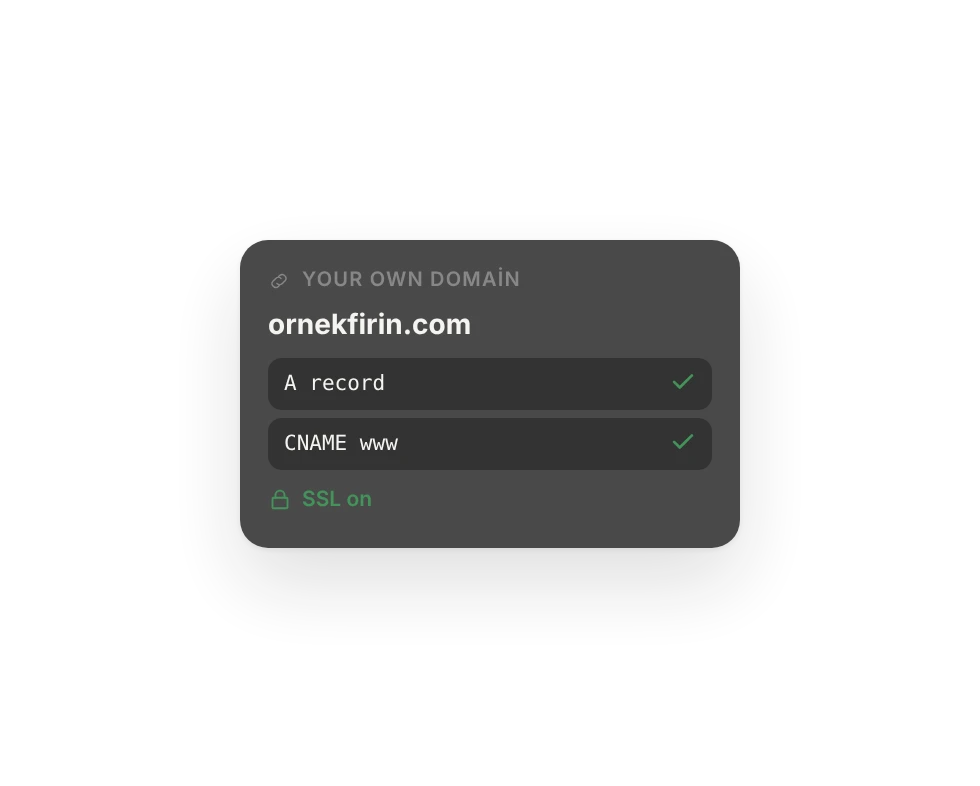
Your own domain
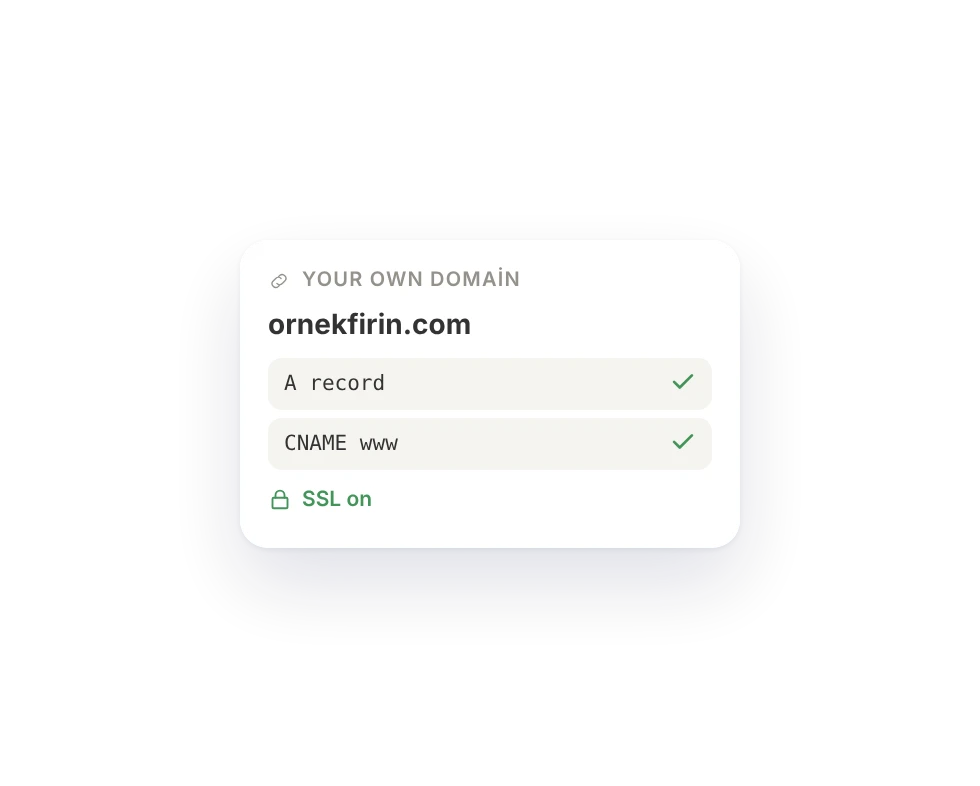
Add two DNS records; SSL is free and renews itself.
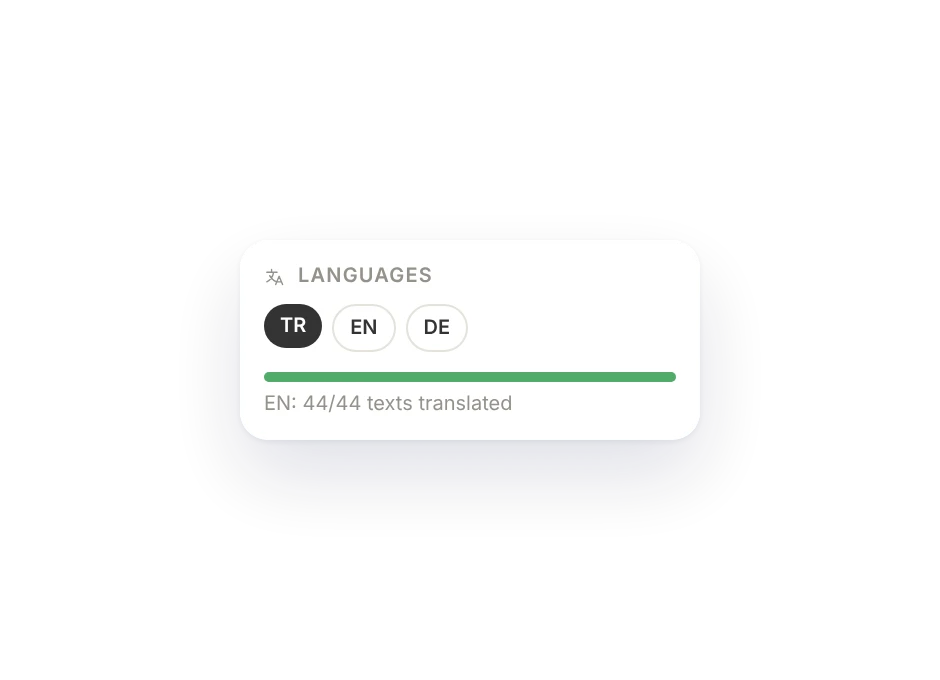
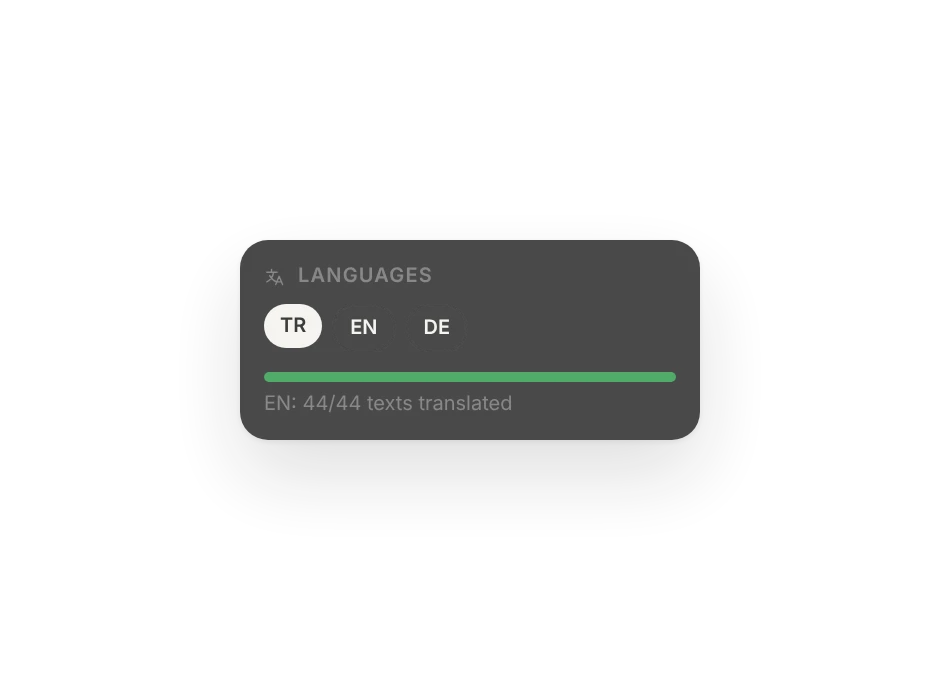
Every language
Say "publish in English too"; the design stays, the text is translated.
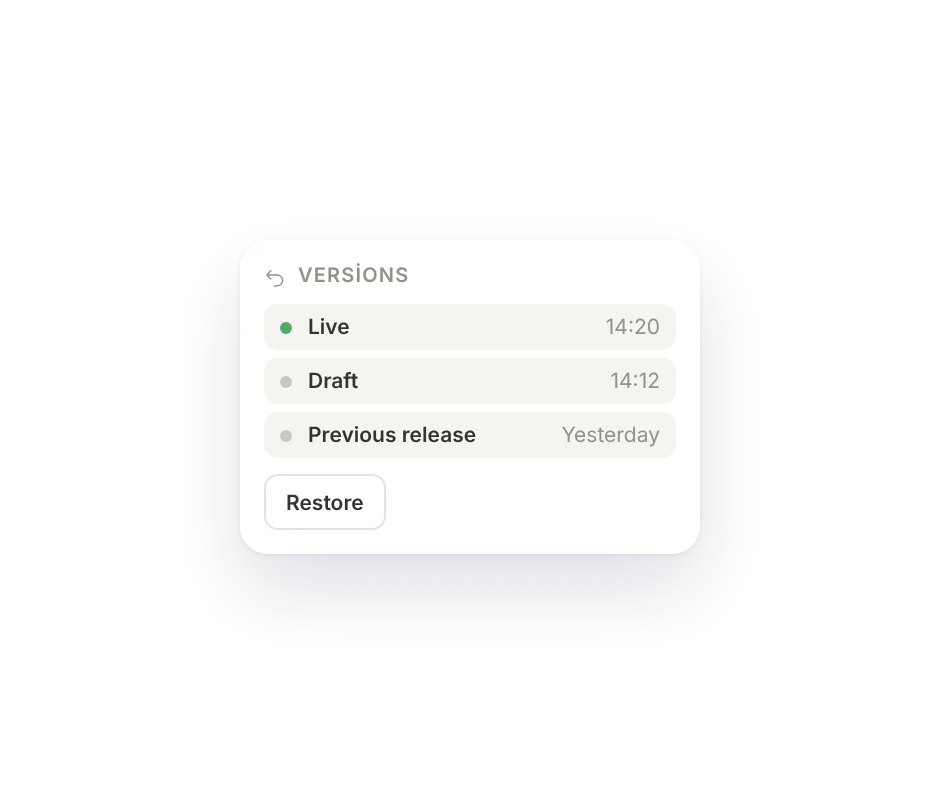
Undo anytime
Every publish is a version. Not happy? Go back with one click.
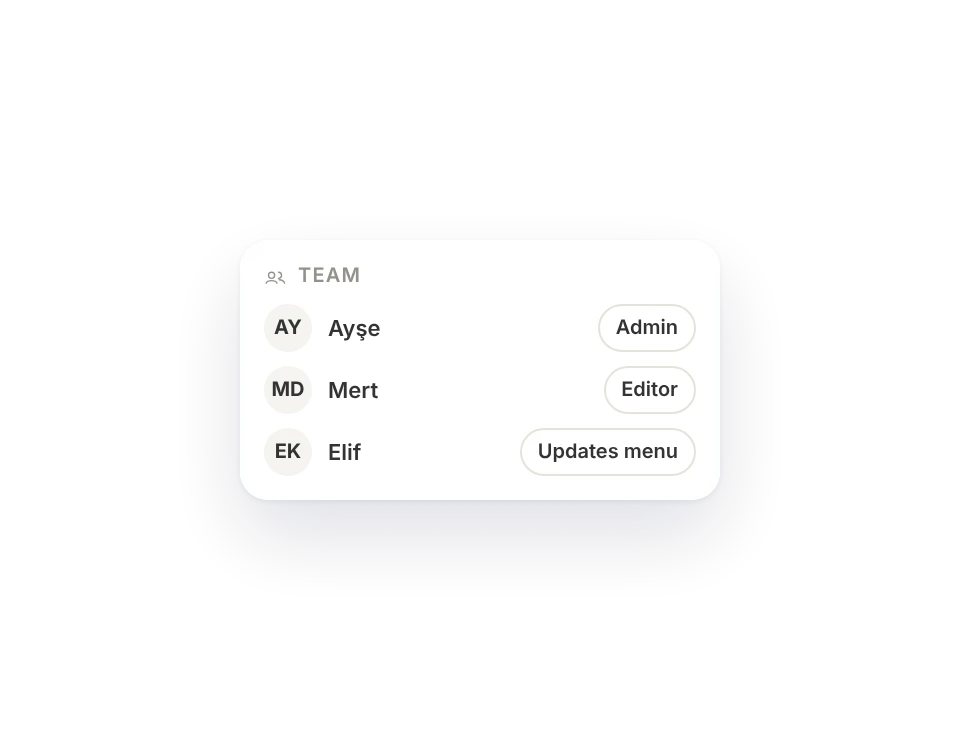
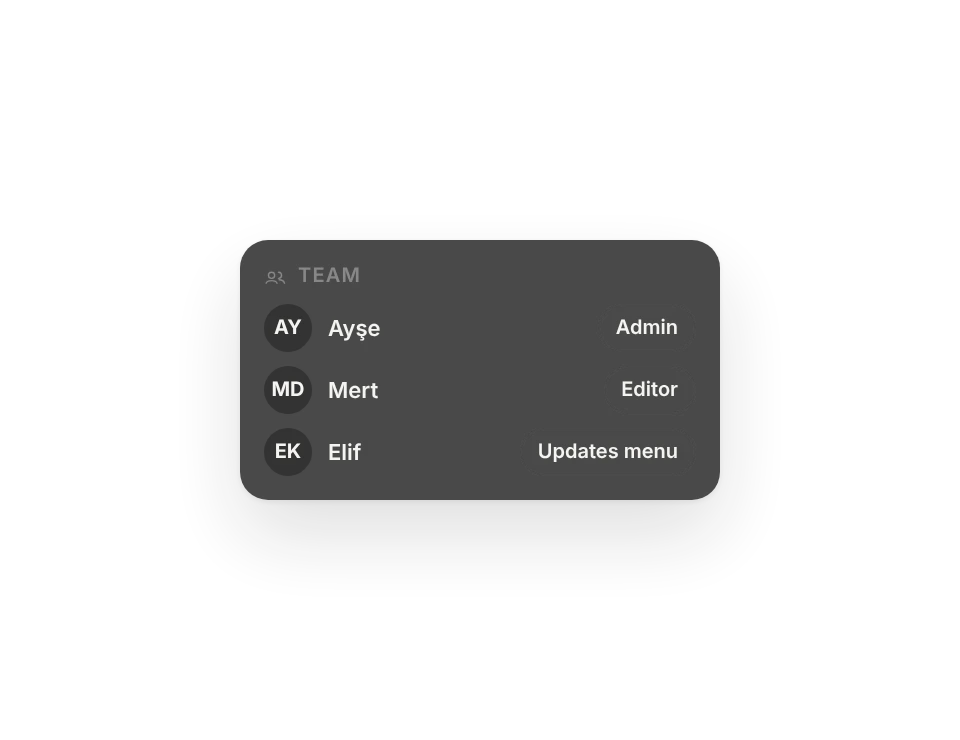
With your team
Invite and assign a role: admin, editor or menu only.
Start free, unlock as you grow.
The digital business card is always free. Try the QR menu and the website free for 14 days, no credit card needed.
Founding customers
The first 10 businesses on Menu, 5 on Site and 3 on Business keep their plan at half price for as long as their subscription lasts. Terms
Menu
For a menu or your own domain
$6 / month
Billed monthly, cancel anytime
Founding price $3
- Business card + 1 QR menu
- Your own domain, free SSL
- No Bunnyrain logo
- Menu in several languages
- Full analytics
- You and 1 teammate
- 1 GB storage
- ×3 assistant allowance a month
Site
For businesses with customers
$15 / month
Billed monthly, cancel anytime
Founding price $7
- Everything in Menu
- 1 website
- Contact form and inbox
- Online appointments
- Blog and collections
- 30 days of release history
- You and 2 teammates
- 2 GB storage
- ×8 assistant allowance a month
Business
For teams and multiple locations
$29 / month
Billed monthly, cancel anytime
Founding price $14
- Everything in Site
- 3 sites or menus in total
- Website in 2 extra languages
- Google Business connection
- Unlimited team and custom roles
- Weekly report, 1 year of release history
- 10 GB storage
- ×16 assistant allowance a month
Free
$0For a digital business card, free forever
- 1 digital business card
- A bunnyrain.app address
- QR code and save to contacts
- 100 MB storage
- ×1 assistant allowance a month
Prices in US dollars. Your domain name's own fee is not included. All the details, add-ons and FAQ
Stuck? There's an article for that.
Guides walk you through screen by screen, tactics take five minutes to apply, and the changelog tells you what changed.
Do I need to know how to code?
No. You never see code on any screen. You describe your business, the assistant writes the pages, and you click the text to fix it.
Can I use my own domain?
Yes. Add two DNS records where you bought the domain and we handle the rest: the SSL certificate is free and renews automatically. You can connect several domains and make one primary. More on the Domain page.
Why don't my changes show up on the site right away?
Every change in the editor is saved to a draft first and goes live when you press Publish, so a half-finished page is never shown to visitors. Price changes in a QR menu go live at once.
Can a teammate work on the site too?
Yes. Invite them by email and give them the Admin or Editor role. How many people you can add depends on your plan; on Business the team is unlimited, and you can also define your own roles, such as "only updates the menu". More on the Team and roles page.
What can the assistant do, and what can it not do?
It builds pages, fixes your copy, opens new pages and collections, fills your menu, translates and answers your analytics questions. Publishing, deleting and changing permissions always stay with you.

Build your site today.
Start with the site; menu, business card, messages and appointments in the same panel.
No credit card needed · The business card is always free