Organization settings and billing
The organization is the umbrella your sites, domains and team belong to. Organization settings live in the sidebar of the organization screens (if you're inside a site, click the organization name in the top bar and choose your organization, or go back to My sites).
Organization settings
Press Organization settings in the sidebar.
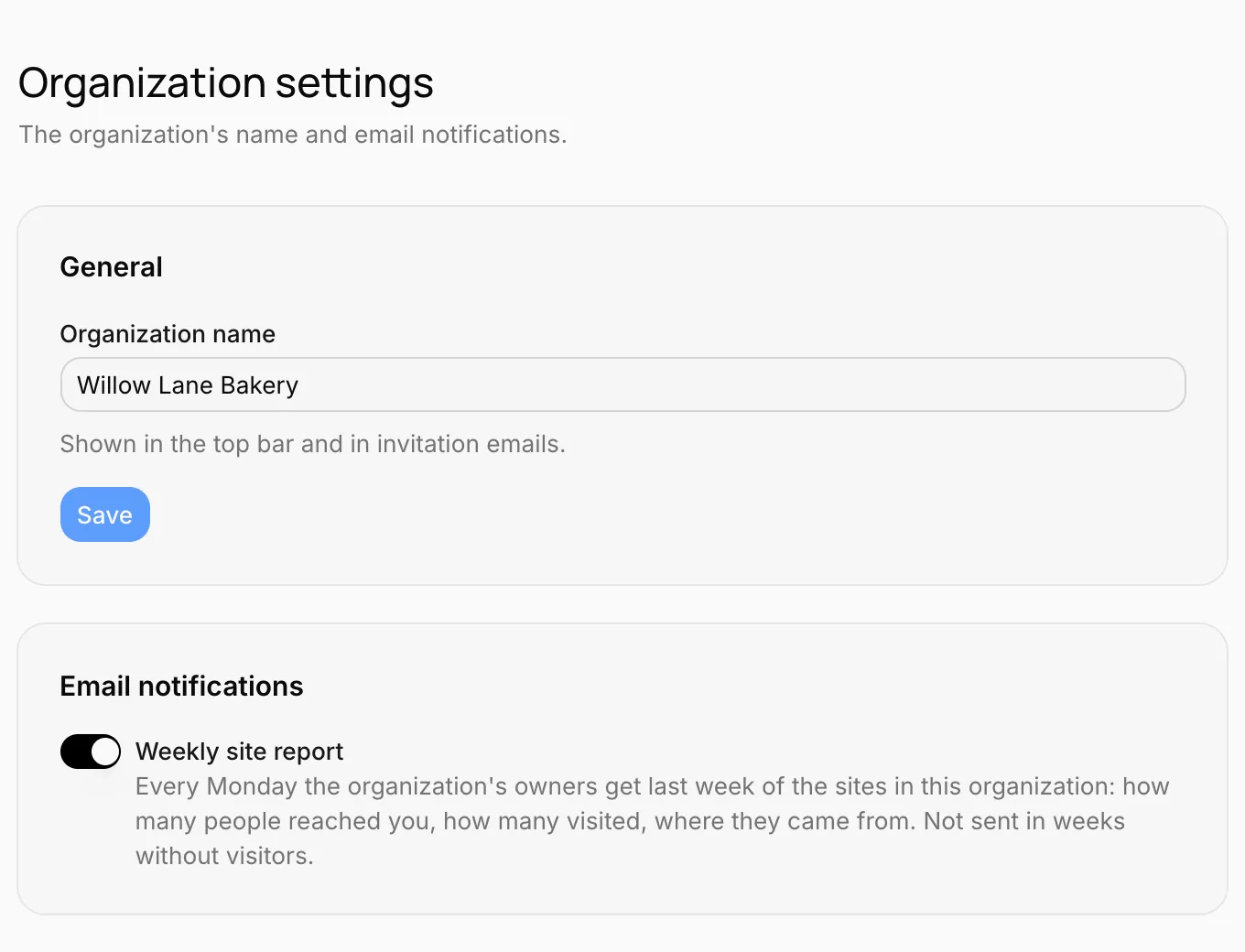
The organization's name
The name on the General card is shown in the top bar and in invitation emails to your teammates. Change it and press Save. Only the owner can change the organization's name.
Weekly site report
When Weekly site report is on in the Email notifications card, the organization's owners get a summary of the previous week every Monday: how many people reached you, how many visited, where most came from. All the organization's sites are in one email. No email is sent in weeks without visitors.
If you don't want the report, turn the switch off. The link at the bottom of the email brings you to this setting too. Only the organization's owner can turn the report on or off.
Billing
Press Billing in the sidebar. Here you see your organization's plan and the sites on that plan.
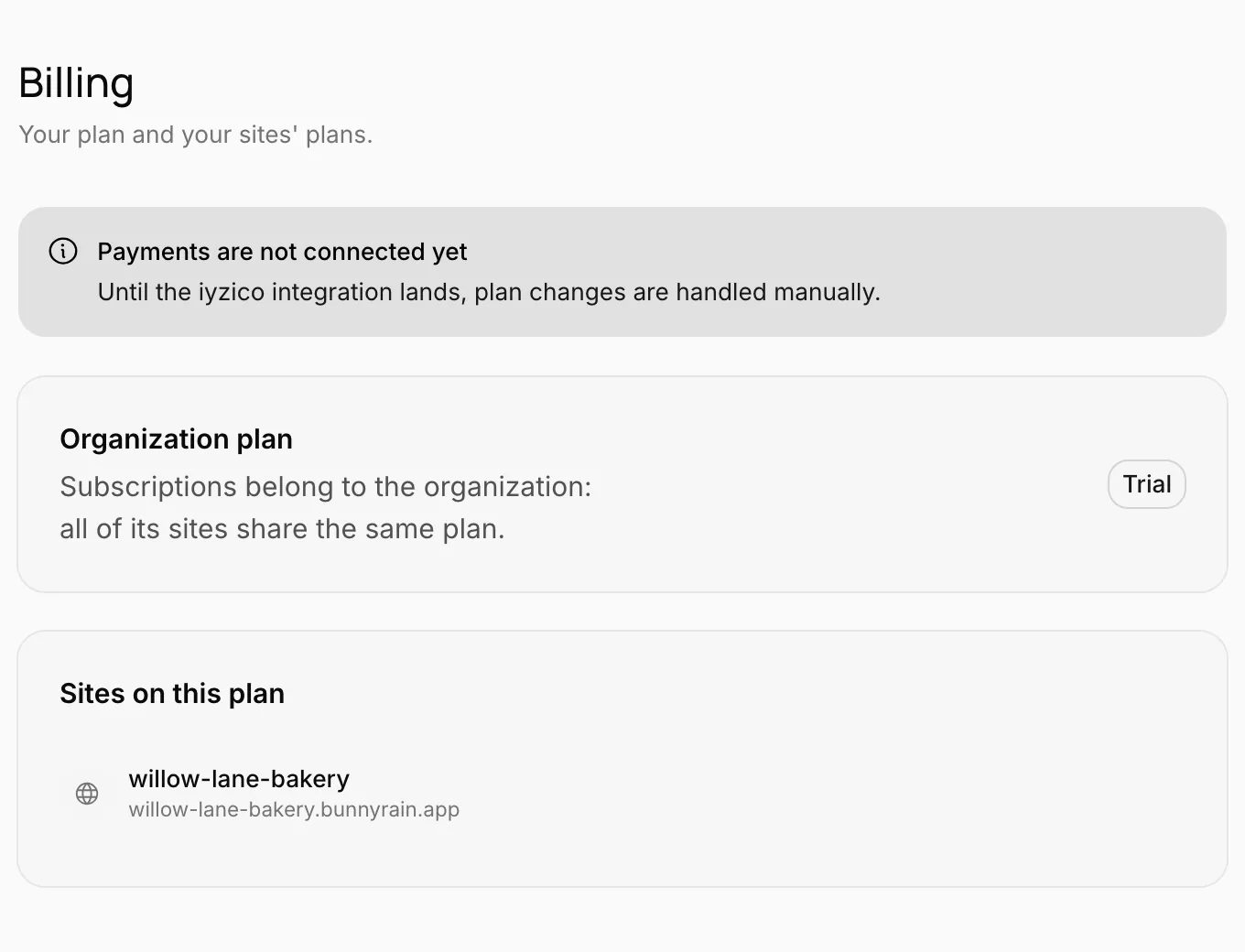
Subscriptions belong to the organization, not to a site: all of the organization's sites share the same plan. If you want sites on different plans, keep them in separate organizations.
New organization
You can create a new organization for a separate business or a separate team: click the organization name in the top bar and choose New organization. See Dashboard tour.