
Every release is a version.
Your changes are saved as a draft first and go live when you hit Publish. Don't like a release? Go back in one click.
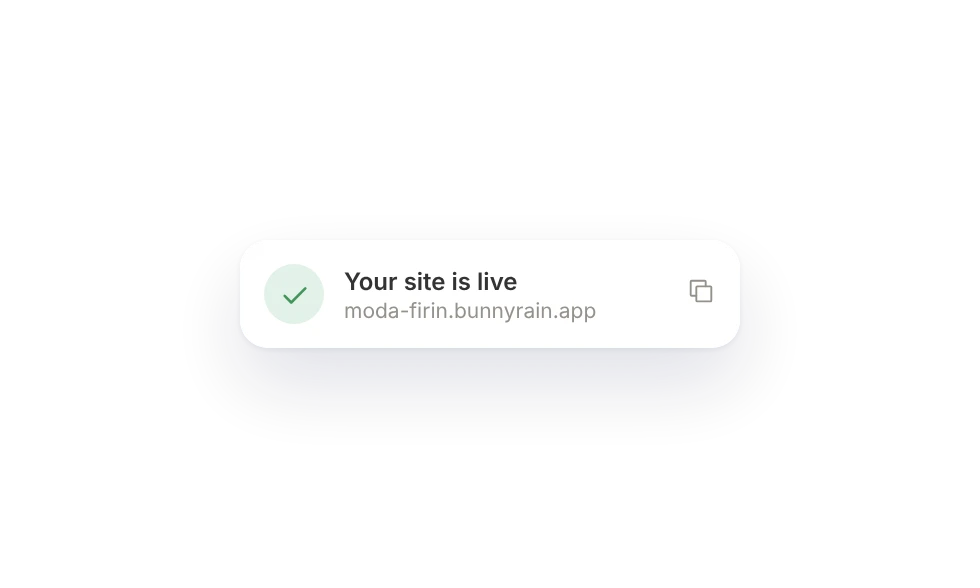
Visitors never see half-done work.
Everything you do in the editor is saved as a draft; your site doesn't change until you hit Publish.
- Autosave
- Preview, then publish
- Publish page by page
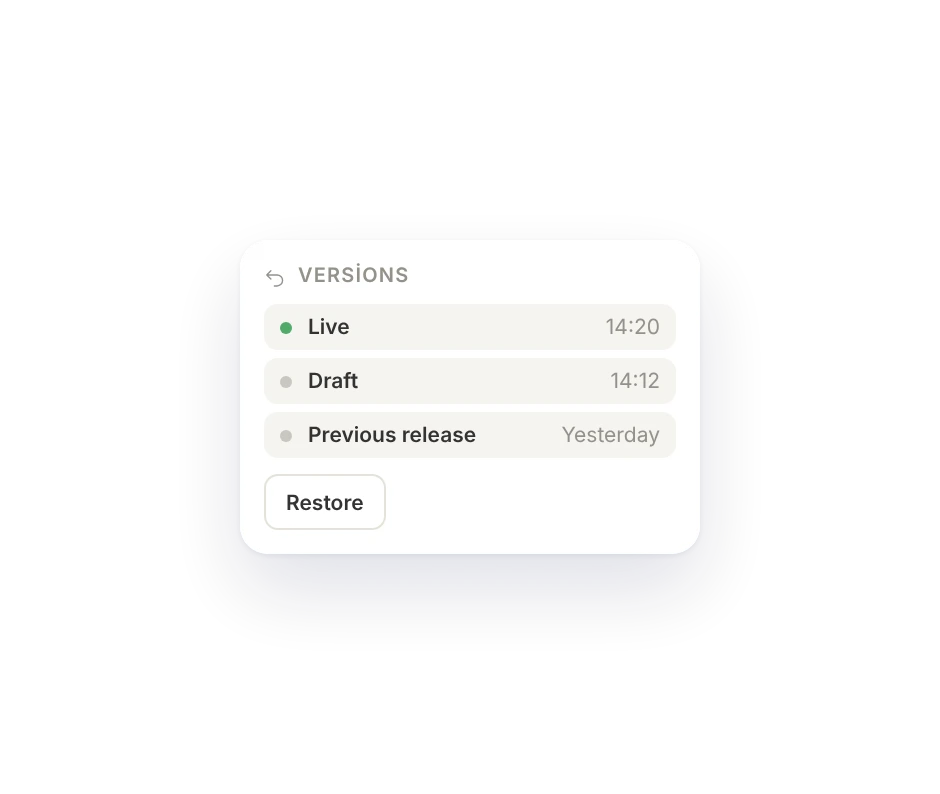
Go back to an earlier release.
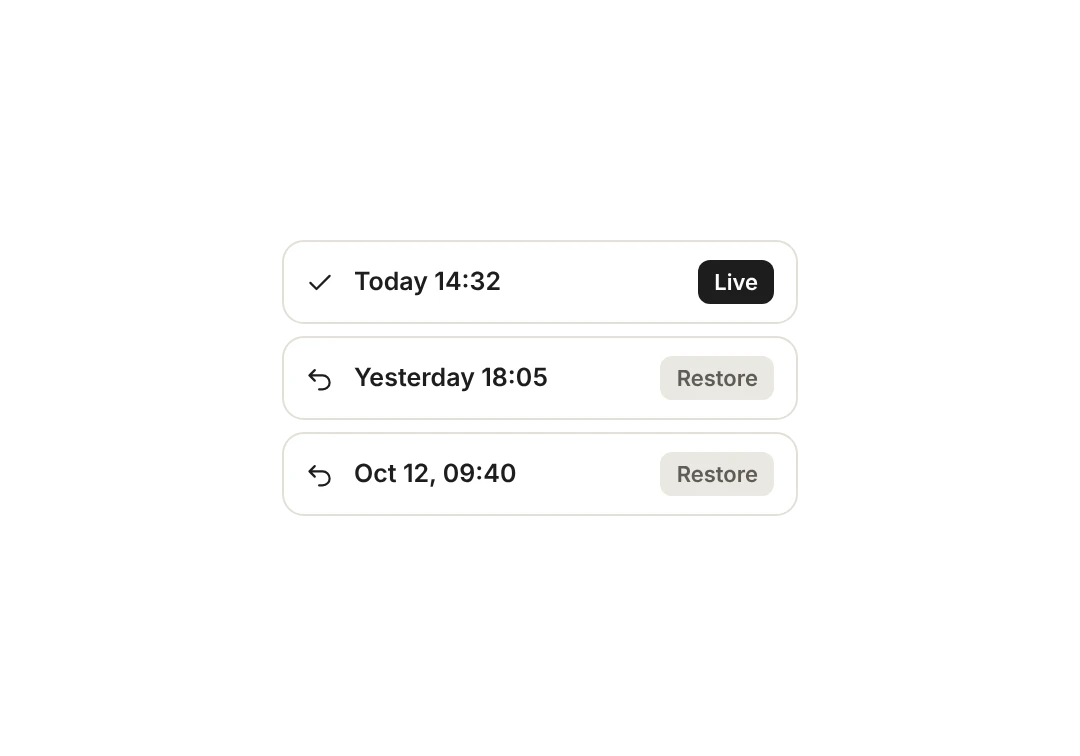
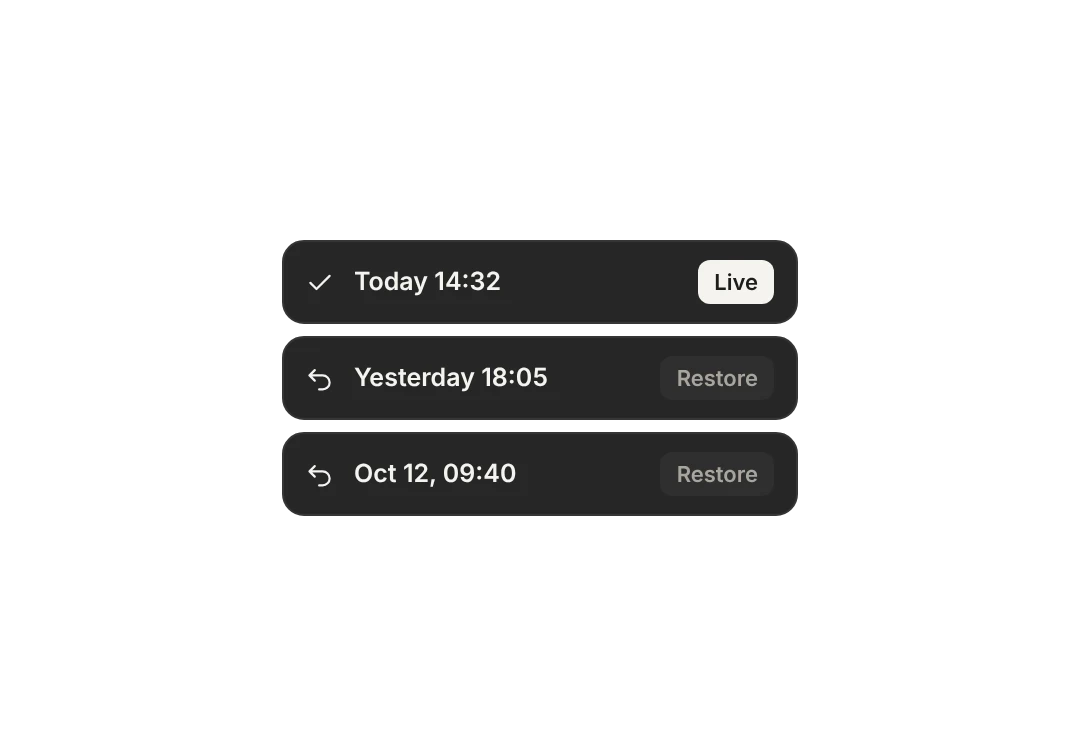
Pick a past version and restore it in one click. A restore becomes a new version too.
- Version list
- Restore in one click
- Restores are recorded too
Try things without fear.
Draft first
You take it live.
Restore
An earlier version in one click.
Autosave
Every change is saved.
Page by page
Publish the page you want.
Checks
A missing field stops the release.
Assistant drafts too
It never publishes without you.
With your team
See who published.
Safe
A wrong release can be undone.
Which plan has it.
Going back to an earlier version comes with the Site and Business plans.
Free
Not includedFree foreverNot available.
Menu
Not included$6 / monthNot available.
Site
Included$15 / month3 versions, 30 days.
Business
Included$29 / month20 versions, 1 year.
Goes well with.
What comes back?
Your published pages, their translations, the theme, header and footer go back to that version. Blog posts and pages deleted since then don't come back.
When is my draft saved?
Every change is saved to your draft right away, with no Save button. When you press Publish, the site goes live and that version is added to the history.
Do QR menu prices go to a draft too?
No. Menu content goes live the moment you save it; design changes wait for Publish.

Build your site today.
Start with the site; menu, business card, messages and appointments in the same panel.
No credit card needed · The business card is always free