
Describe it, it does it.
It builds pages, polishes your writing, fills your menu, translates and reads the numbers in your panel. Publishing, deleting and granting access always stay with you.
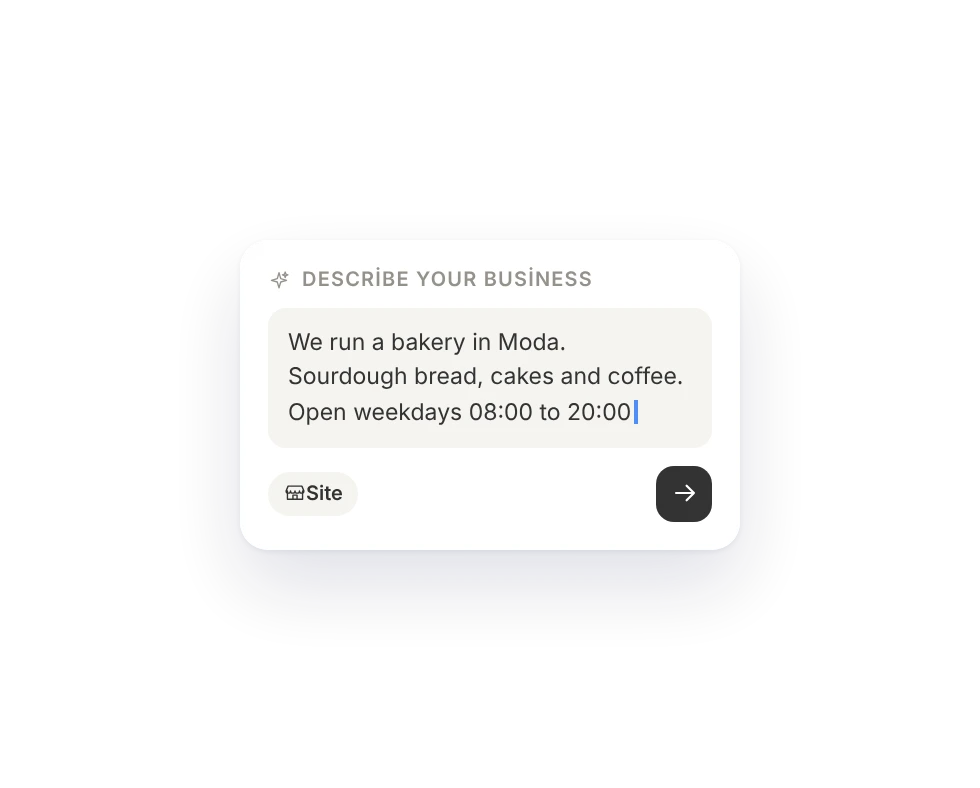
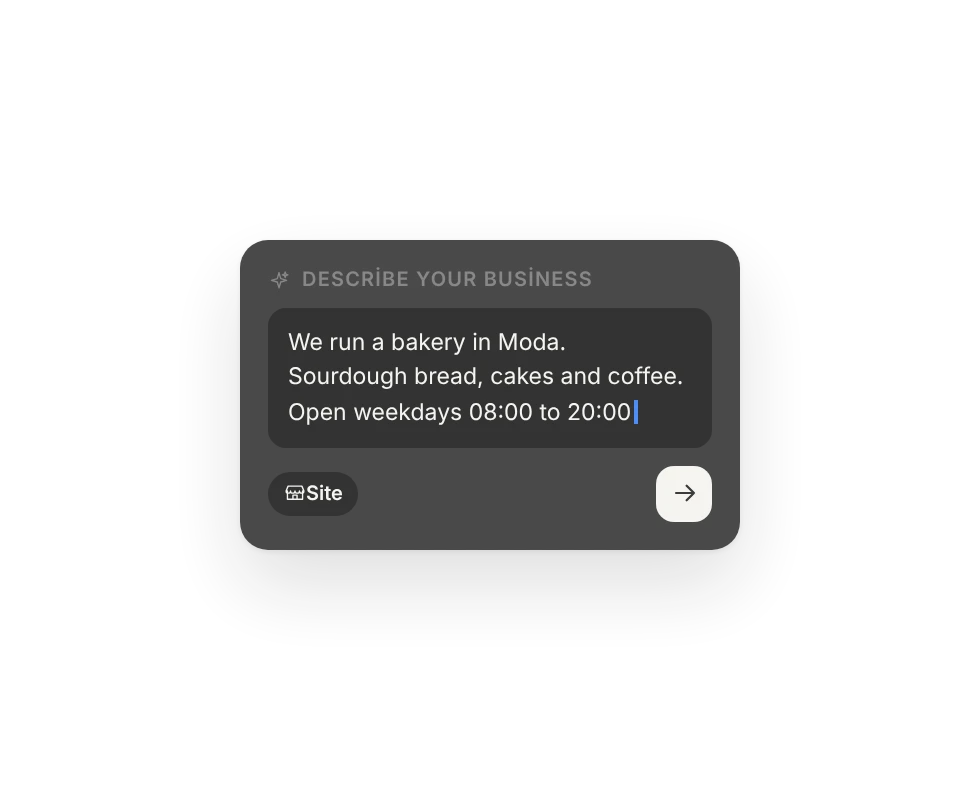
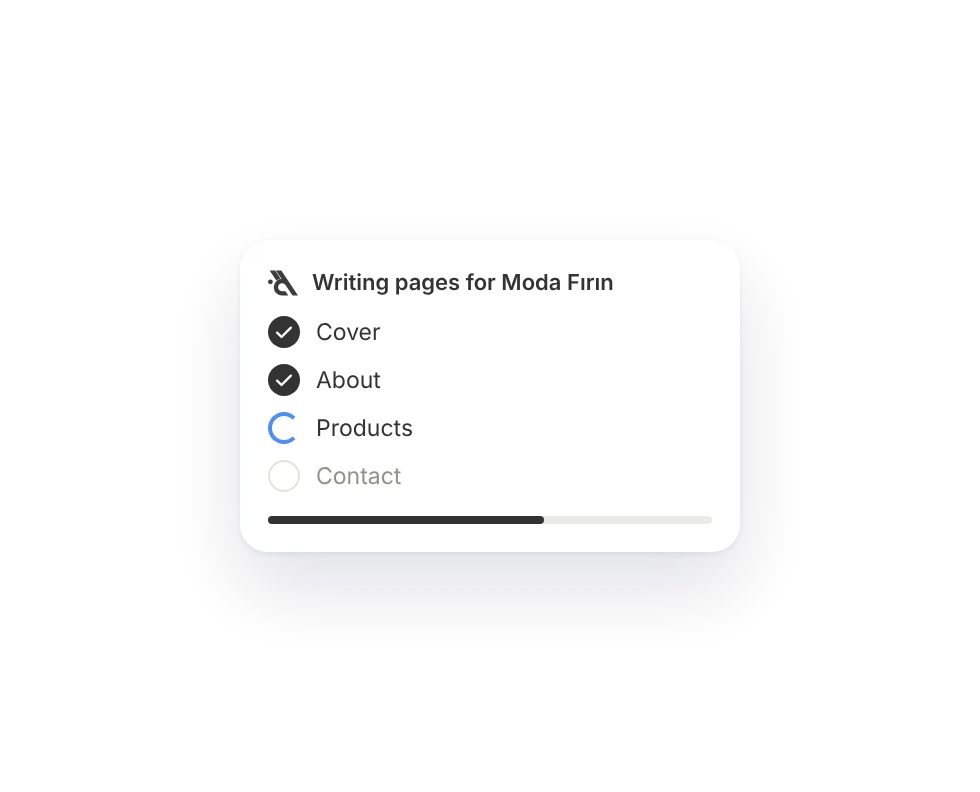
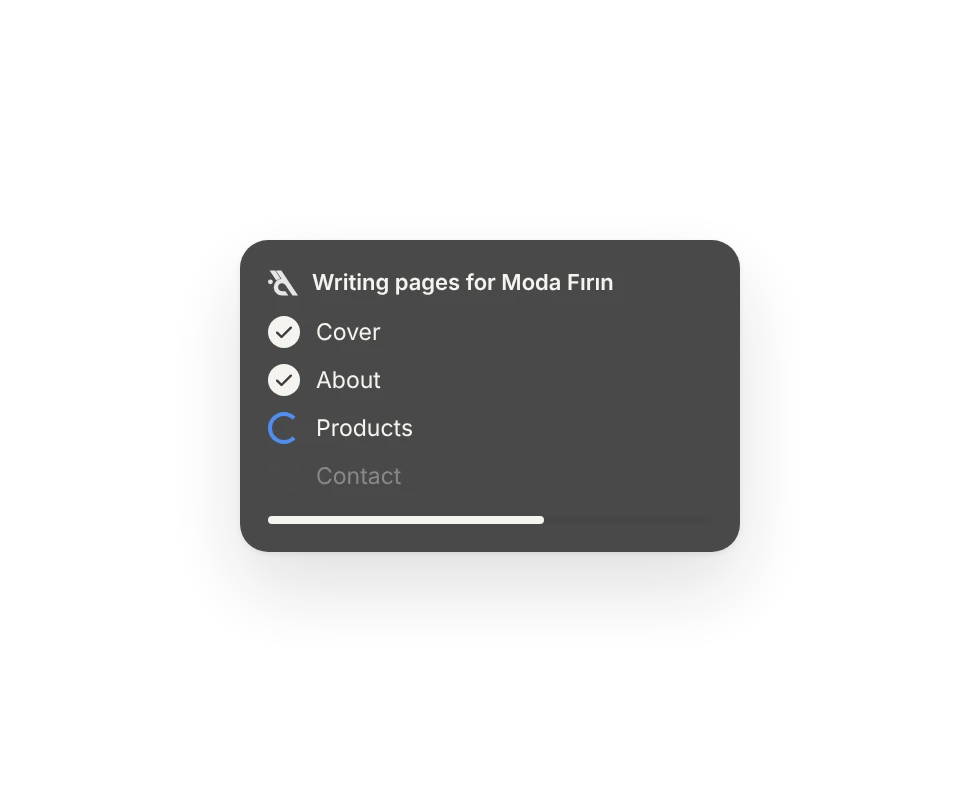
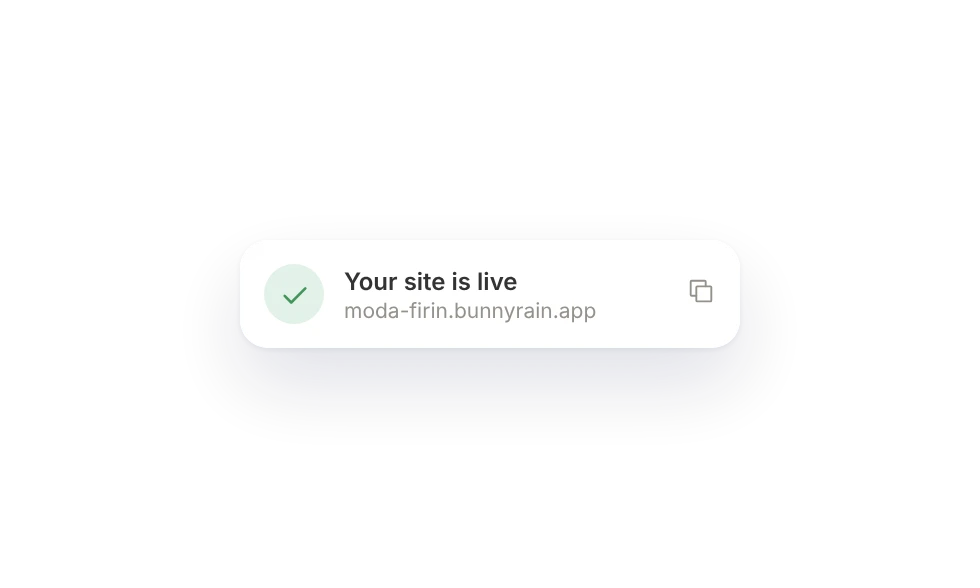
Describe it, it writes the pages.
You describe your business; the assistant prepares the pages, the copy and the images. Everything is saved as a draft first.
- Page, collection and blog drafts
- Theme, header and footer
- Images from the stock library
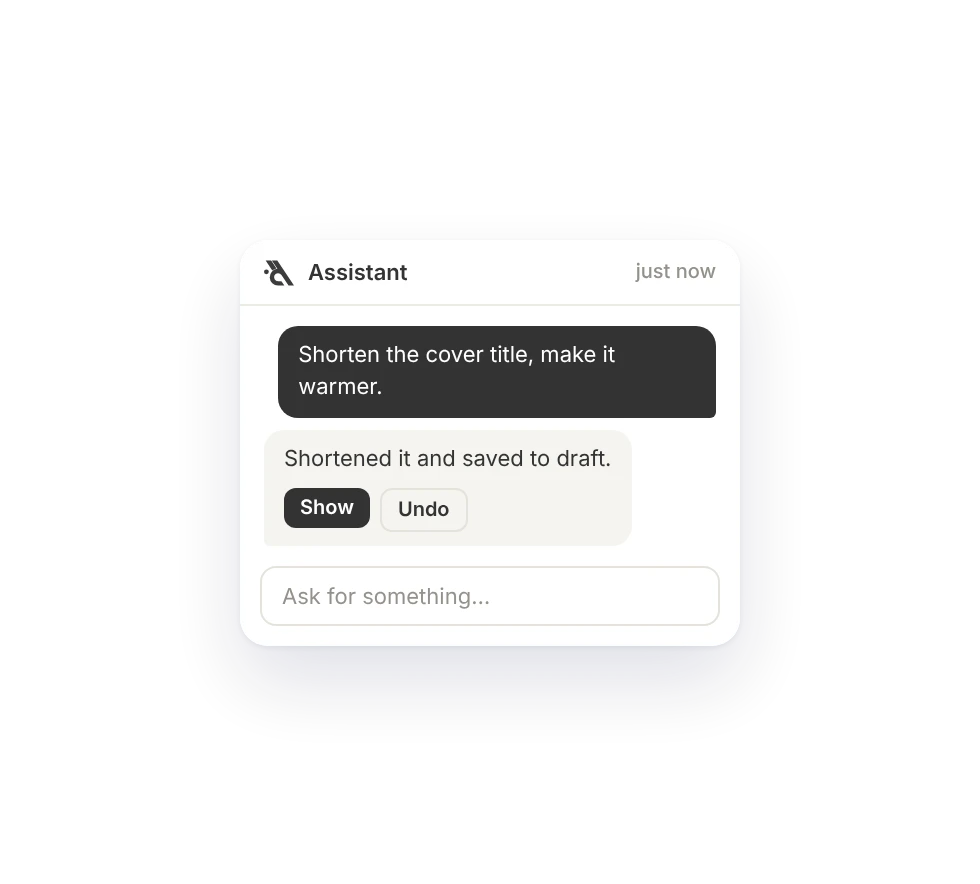
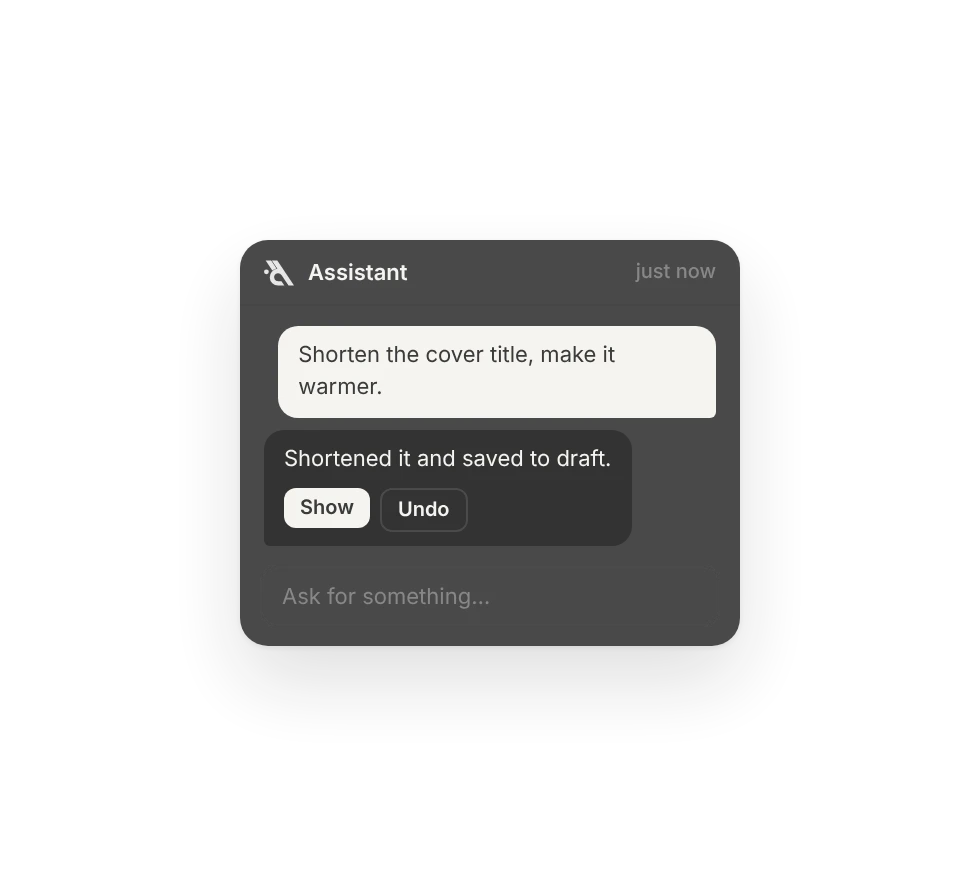
Polishes your copy, translates it.
Just say "make it warmer" or "publish it in English too". Any change it makes on a page is undone in one click.
- Headings, text and menu edits
- Translates your site and menu
- Page changes undone in one click
Reads your panel for you.
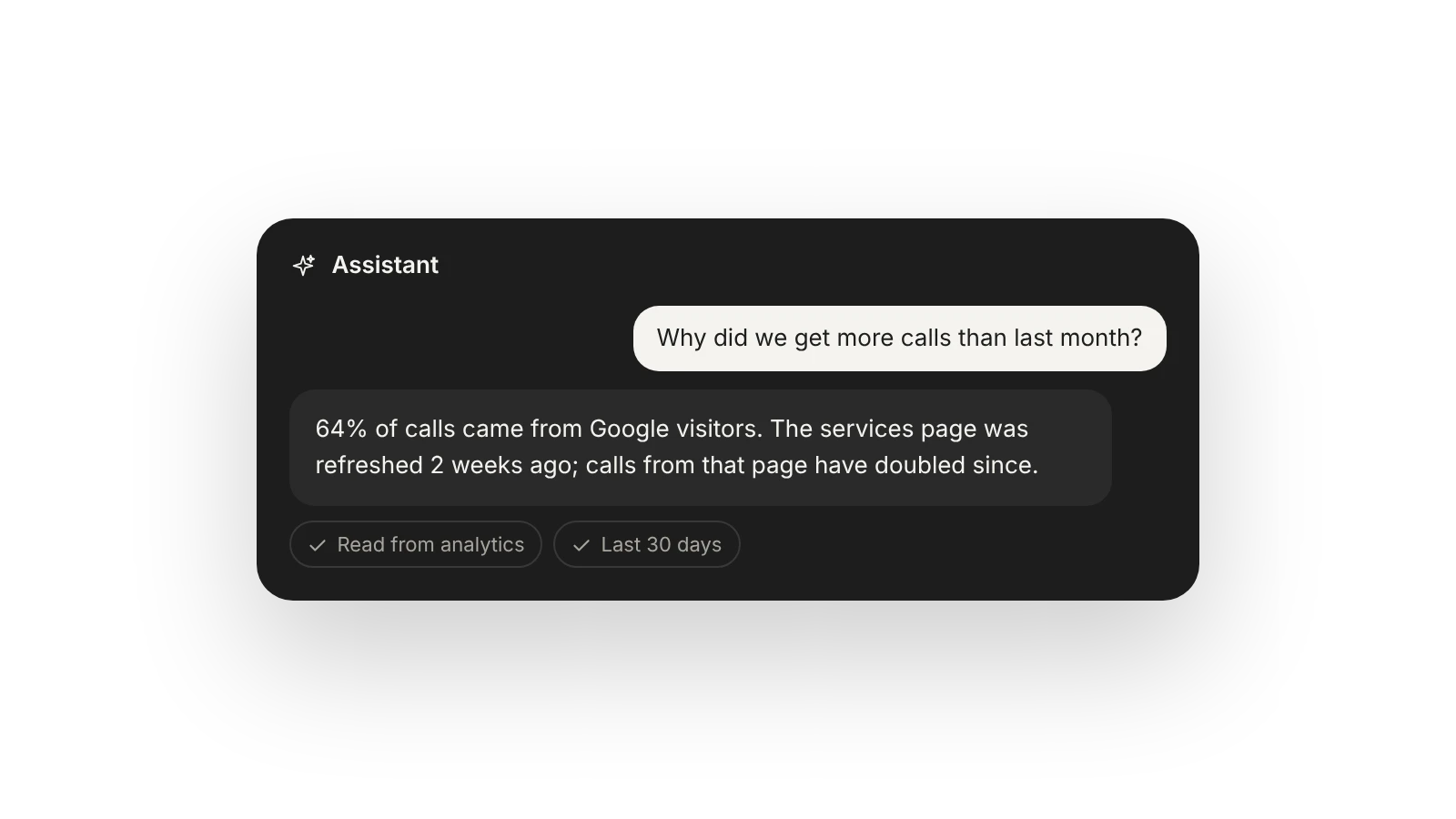
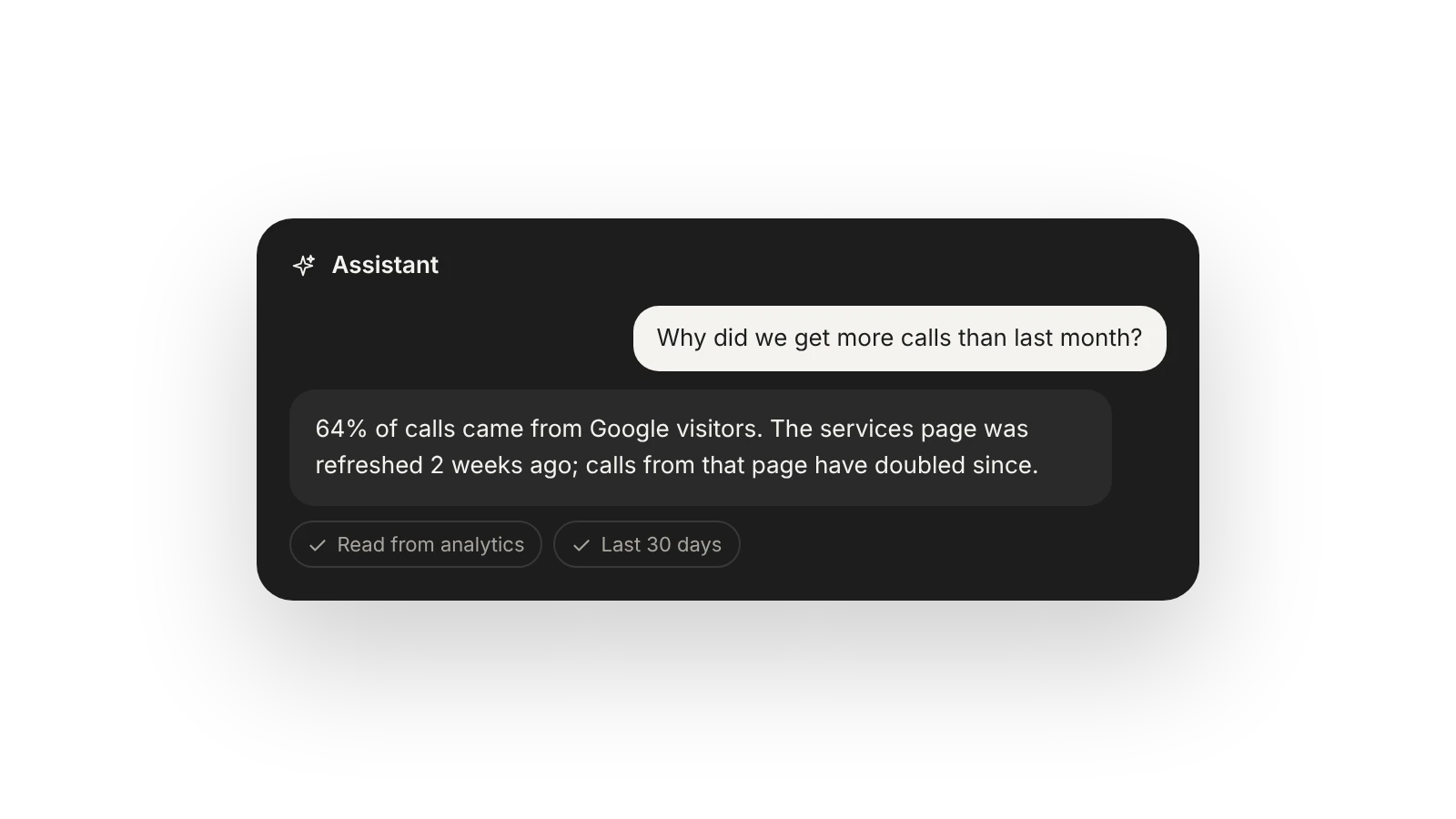
Ask "how many people called this week?"; the answer comes from your analytics. It doesn't make things up, it asks you.
- Reads analytics and appointments
- Walks you through the panel
- No made-up numbers
Clear limits.
On every screen
On the right of your panel, on every screen.
Draft first
Everything it writes is saved as a draft first.
Undo
Undo a page change in one click.
No guessing
It asks you what it doesn't know.
Never publishes alone
You take things live.
Never deletes alone
It asks before deleting anything.
You assign roles
Role changes need your approval.
Chat history
Your conversations are private to you.
Which plan has it.
The assistant is in every plan. Need more? Add extra allowance; it never expires.
Free
IncludedFree forever×1 assistant allowance a month.
Menu
Included$6 / month×3 assistant allowance a month.
Site
Included$15 / month×8 assistant allowance a month.
Business
Included$29 / month×16 assistant allowance a month.
Goes well with.
What is the assistant allowance?
Every plan comes with a monthly assistant allowance, and the panel shows how much of it you have used as a percentage. Automatic translations don't count against it. When it runs out, you keep editing by hand or buy extra allowance that never expires.
Does the assistant publish my site on its own?
No. Everything it writes is saved as a draft. To publish, delete or change permissions it shows you a confirmation card, and nothing happens until you confirm.
Can it use my own photos?
Yes. Drop a photo into the chat; it's added to your site's media and the assistant puts it where you ask. If you have none yet, it picks a stock photo that fits your business.
Build your site today.
Start with the site; menu, business card, messages and appointments in the same panel.
No credit card needed · The business card is always free