
One site, every language.
Say "publish it in English too"; the assistant translates every text and the design stays the same. Changes you make with the assistant are translated on their own.
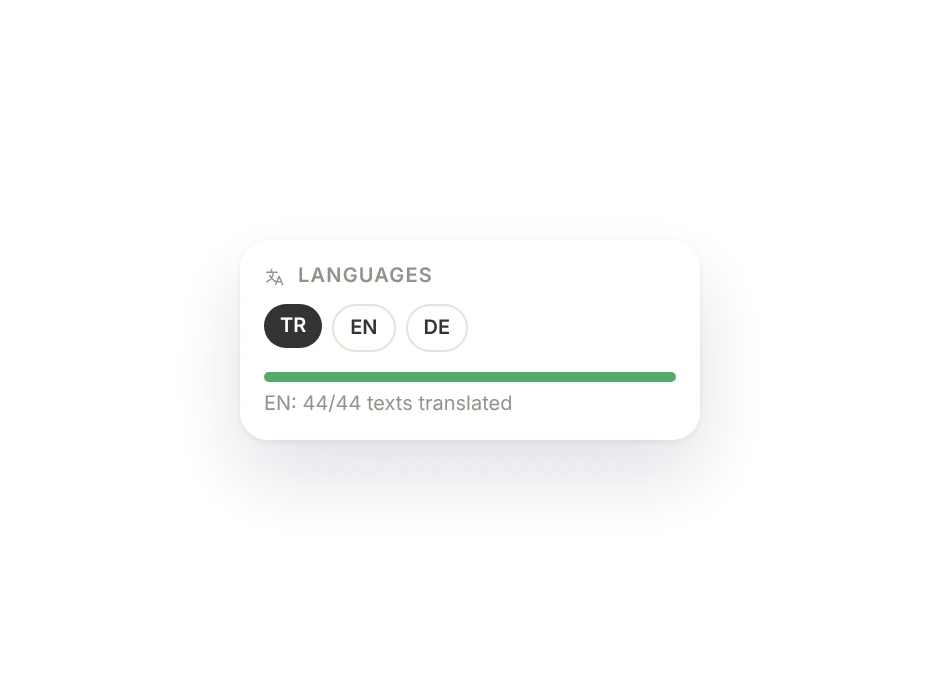
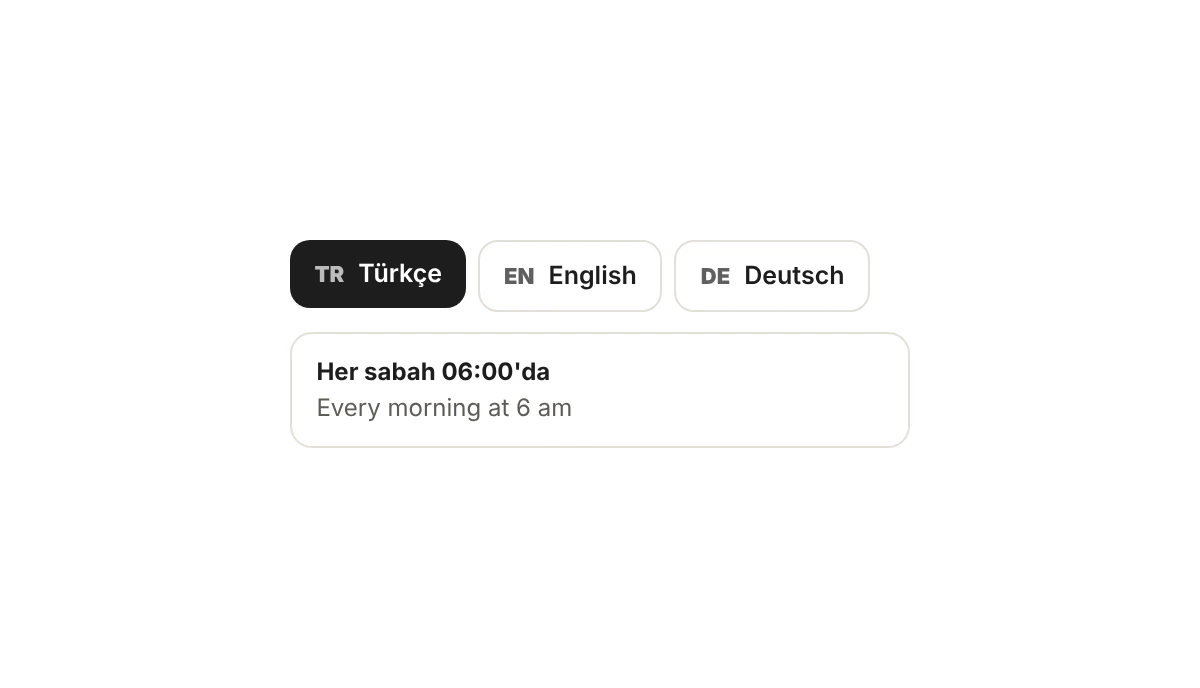
Just say "publish it in English too".
The assistant translates all of your site's text; images, design and prices stay the same.
- Every page and the menu
- The design stays the same
- Each language at its own address
Translations stay current.
When the assistant writes something in your main language, the other languages update too; a menu line you change is translated on its own. You can fix anything by hand.
- Assistant changes reach every language
- Line-by-line menu translation
- Fix by hand
Speak your guests' language.
The assistant translates
All your text, in one go.
No half pages
An untranslated page doesn't show in that language.
Its own address
Separate addresses like /en.
Language switcher
One click in the header.
Unlimited for menus
No limit on menu translation.
Search engines
Each language counts as its own page.
Fix by hand
Click a translation, fix it.
Language QR
A separate QR for the English menu.
Which plan has it.
Menu translation is in every paid plan; extra website languages come as an add-on or with the Business plan.
Free
Not includedFree foreverNot available.
Menu
Included$6 / monthMenu translation.
Site
Included$15 / monthExtra website languages as an add-on.
Business
Included$29 / month2 extra website languages included.
Goes well with.
Can I fix a translation by hand?
Yes. Switch to the language in the editor, click the translated text and fix it. When the assistant changes something in your main language, the translations refresh by themselves.
Which languages can I add?
Right now Turkish, English, German, French, Spanish, Italian, Dutch and Russian. Each language is published at its own address (like /en) and announced to search engines separately.
Is menu translation extra?
No. Menu translation is included and unlimited on every plan with a menu. Extra languages for your website depend on your plan; see the Pricing page.

Build your site today.
Start with the site; menu, business card, messages and appointments in the same panel.
No credit card needed · The business card is always free