
Let customers pick from your calendar.
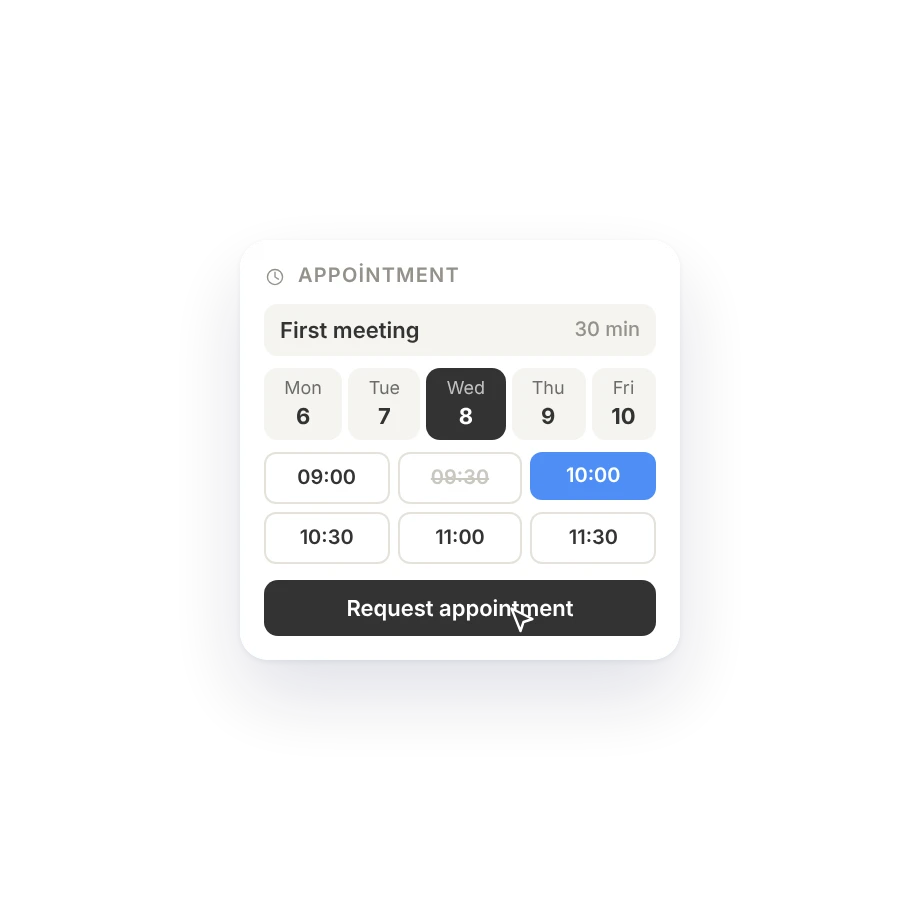
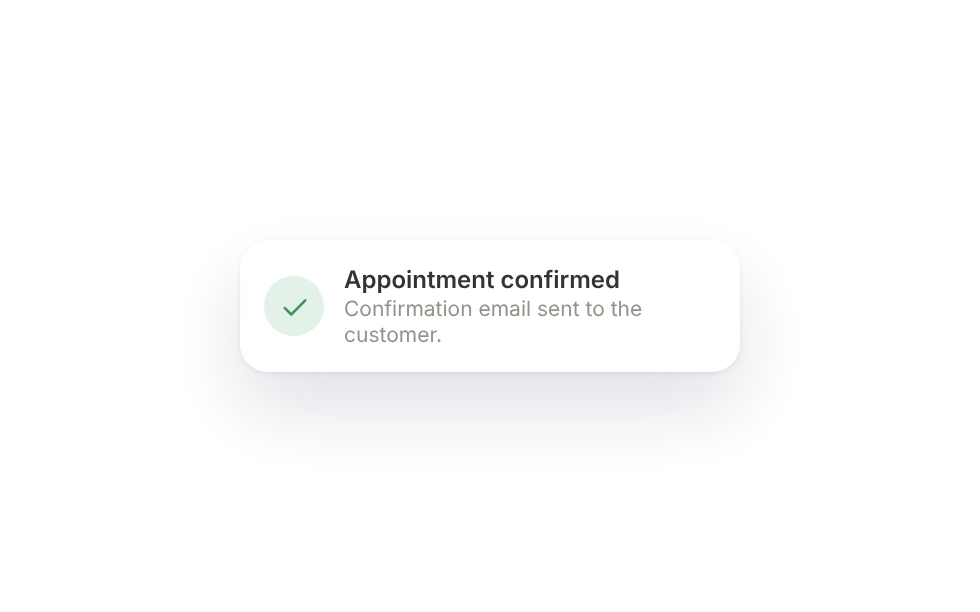
Add your services, how long they take and your opening hours. Customers pick a free slot and the request lands in your inbox; you confirm and they get a confirmation email.
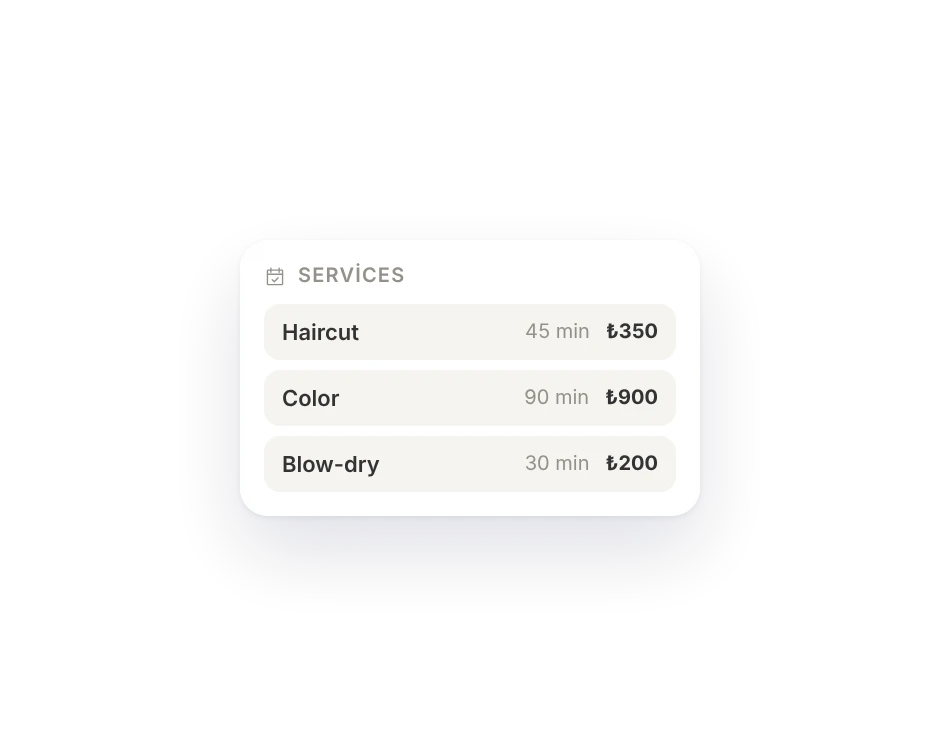
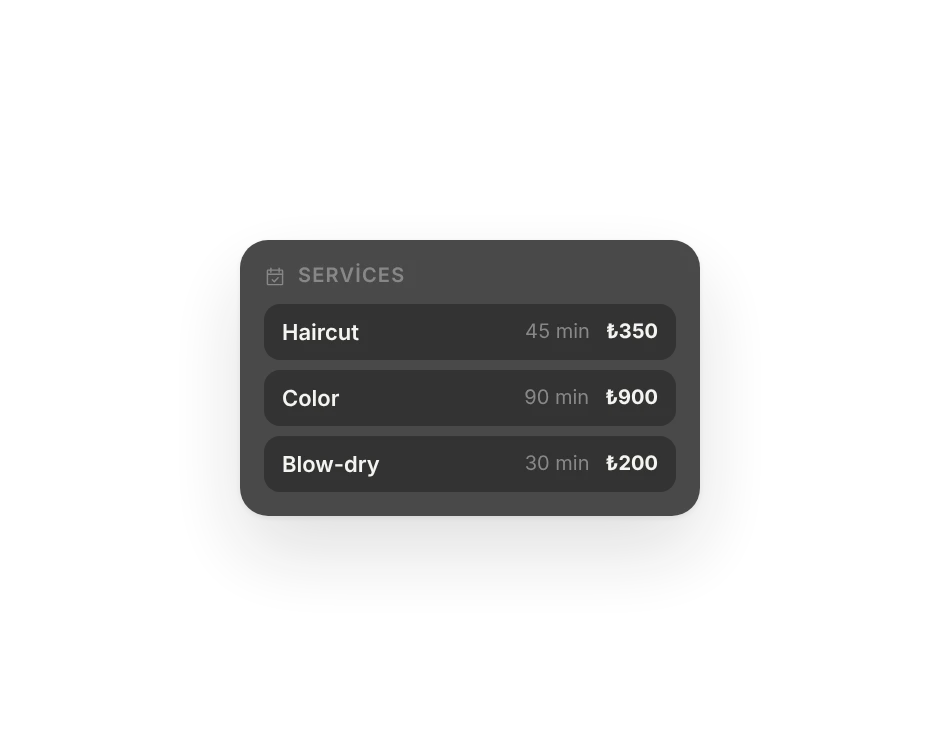
Services, length and hours.
Enter each service's length and price, your opening hours and your breaks once.
- Services with length and price
- Opening hours and breaks
- Earliest and latest booking rules
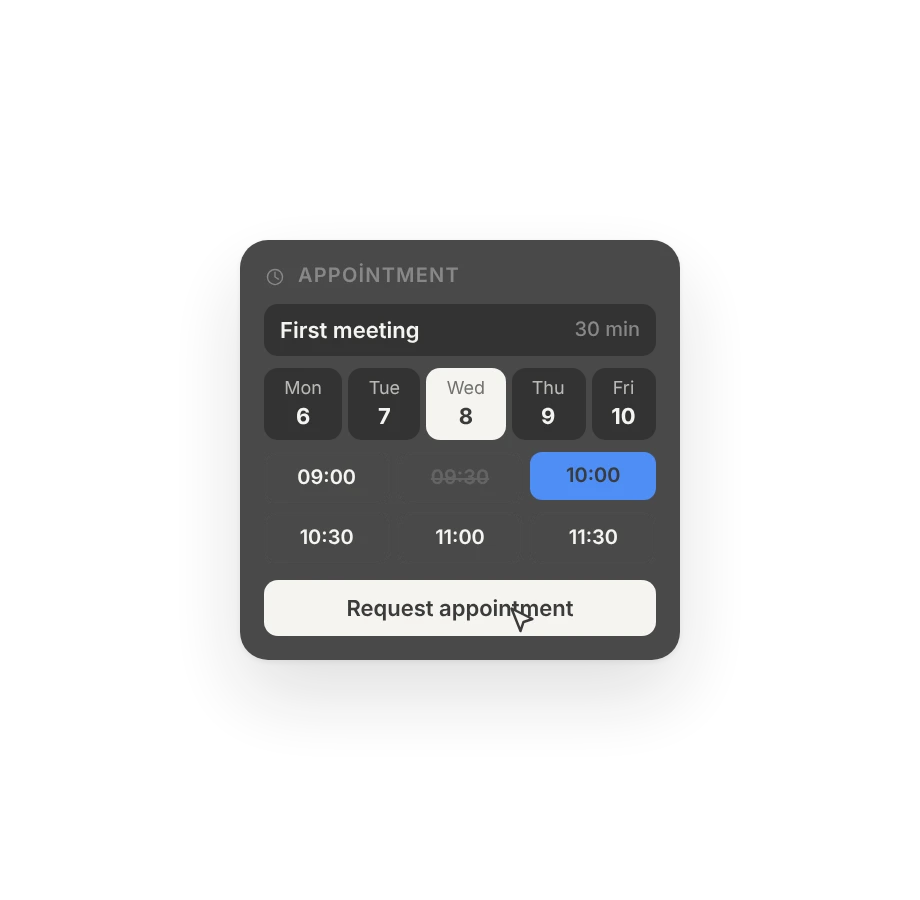
Free slots on your site.
Your customer picks a service and a time; the request lands in your inbox. You confirm or decline, and they hear back by email.
- Only free slots show
- Requests land in your inbox
- The confirmation email goes out on its own
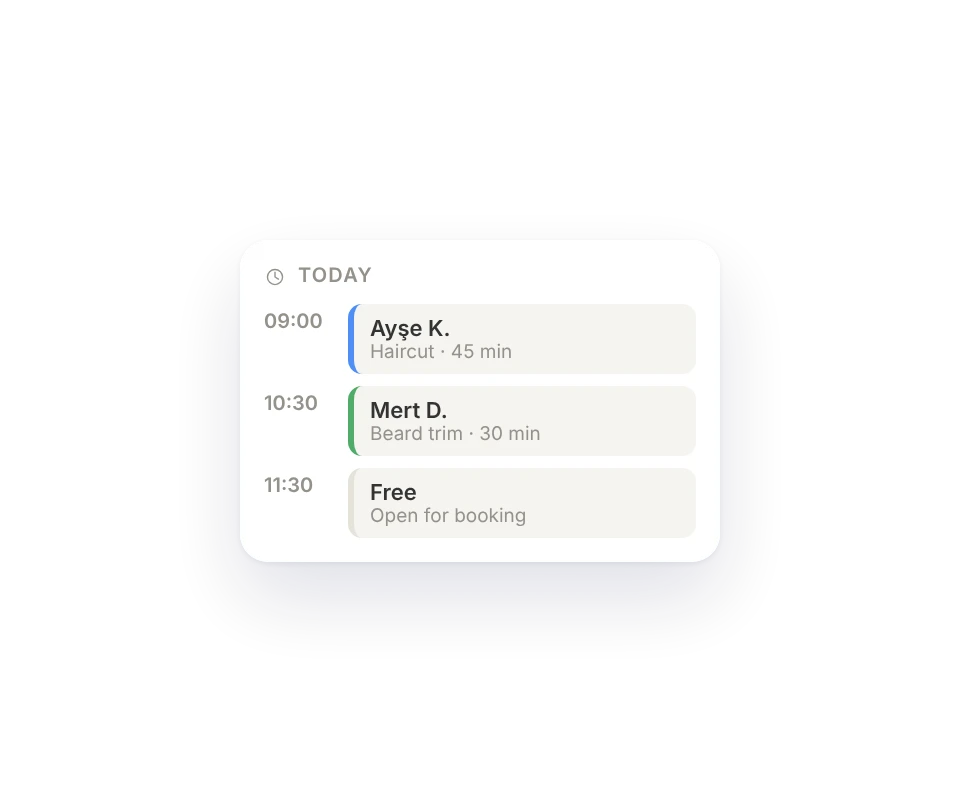
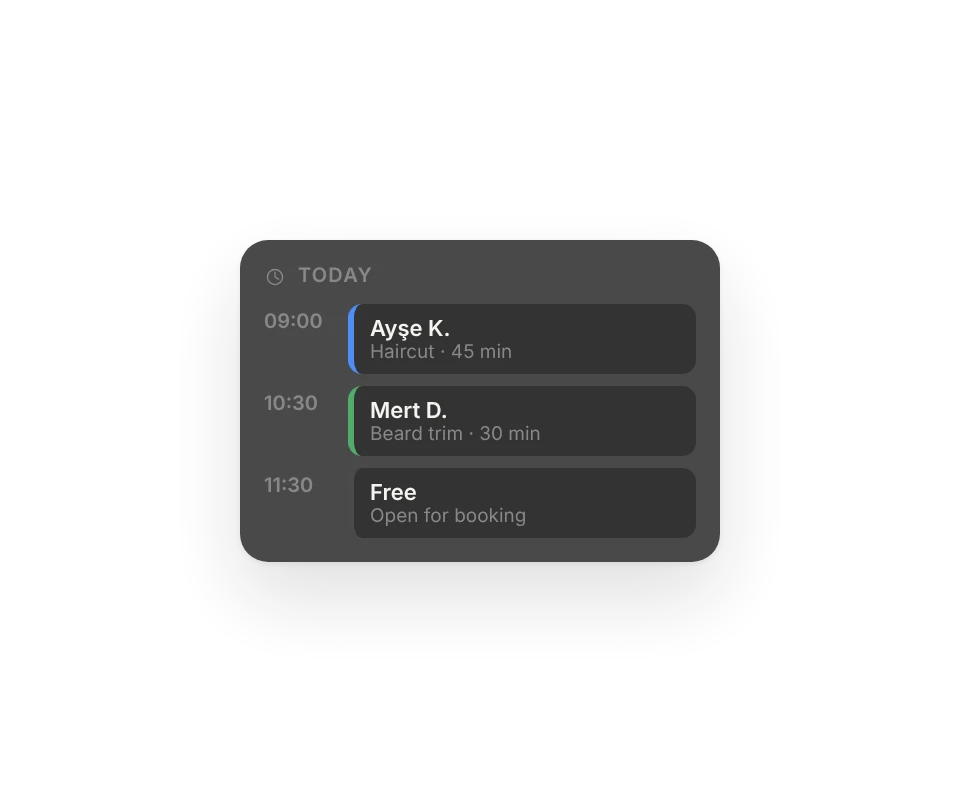
Your week at a glance.
Day, week and month views. Add bookings that come in by phone, block out the time you're away.
- Day, week, month
- Add bookings by hand
- Block out time
No more paper diary.
Calendar
Day, week and month views.
Opening hours
Breaks included.
Services
With length and price.
Confirmation email
Sent to the customer when you confirm.
Confirm or decline
From the calendar or the inbox.
Manual bookings
Add the ones that call in.
Block time
Close the days you're off.
In analytics
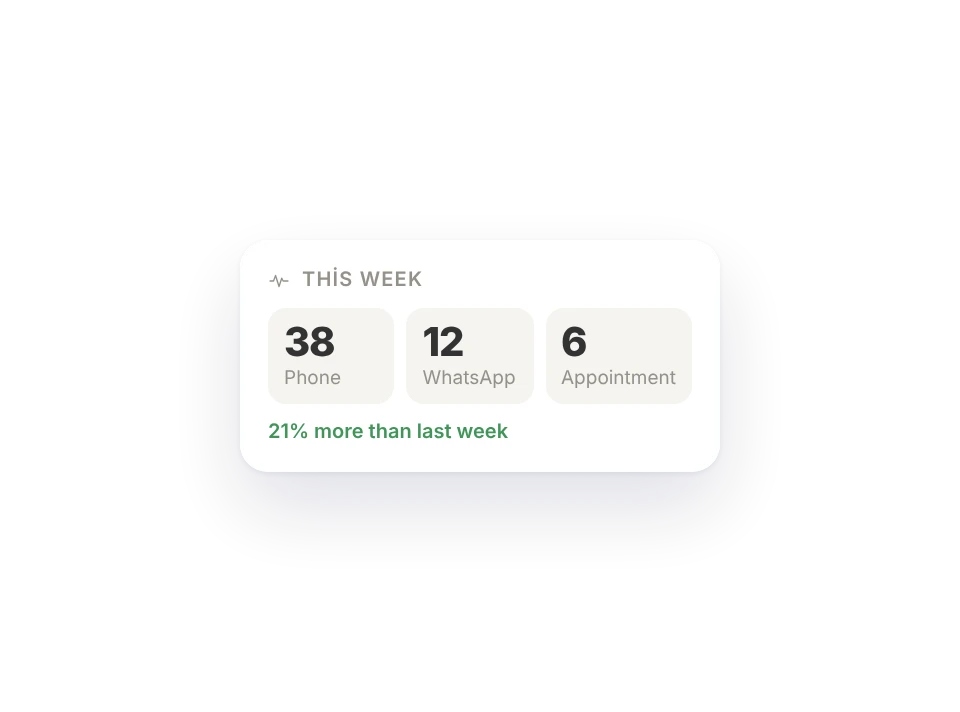
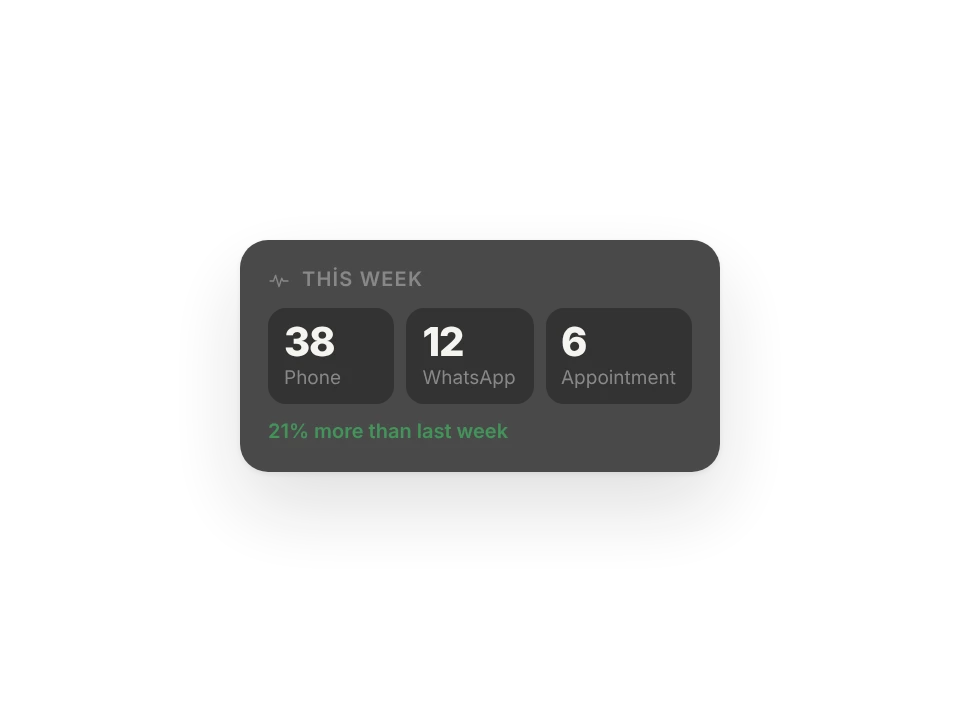
Appointment requests counted on their own.
Which plan has it.
Online appointments come with the Site and Business plans.
Free
Not includedFree foreverNo appointments.
Menu
Not included$6 / monthNo appointments.
Site
Included$15 / monthOnline appointments.
Business
Included$29 / monthFor all your sites.
Goes well with.
Which emails does the customer get?
One when the request arrives and a confirmation email when you confirm it. If you decline or cancel, the customer gets an email too, with a short note if you add one. Emails go out in the customer's language.
Can I take more than one appointment at the same time?
One for each person who takes appointments: if two people on your team take appointments, two can be booked for the same time. If you work alone, it's one per slot.
Can customers cancel their own appointments?
Not on the site. They call or write to you and you cancel it in the panel; the customer gets a cancellation email.

Build your site today.
Start with the site; menu, business card, messages and appointments in the same panel.
No credit card needed · The business card is always free