
A QR for everything you print.
Tables, windows, flyers, business cards. Every QR opens the page you choose; you pick its dots, corners and colors and put your logo in the middle.
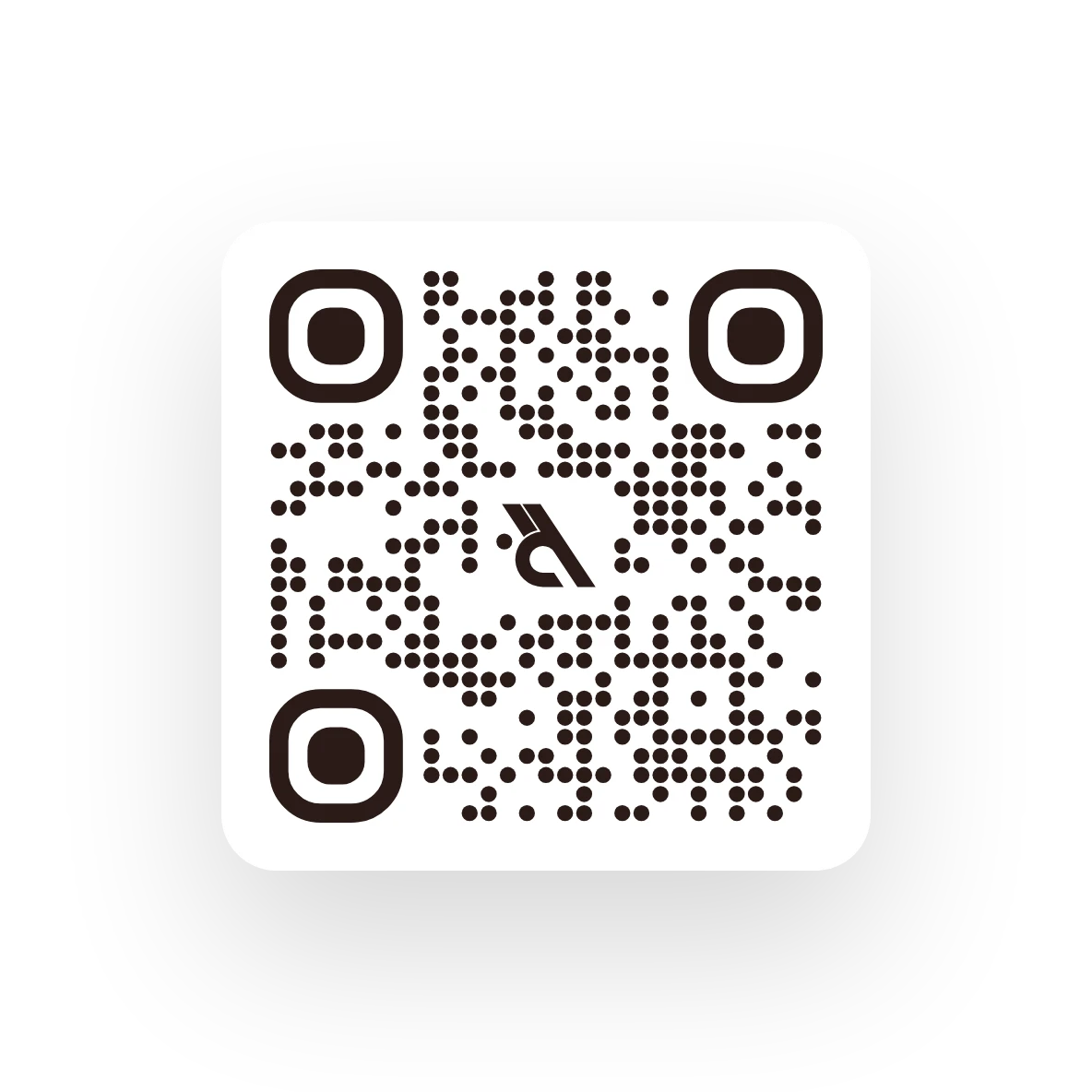
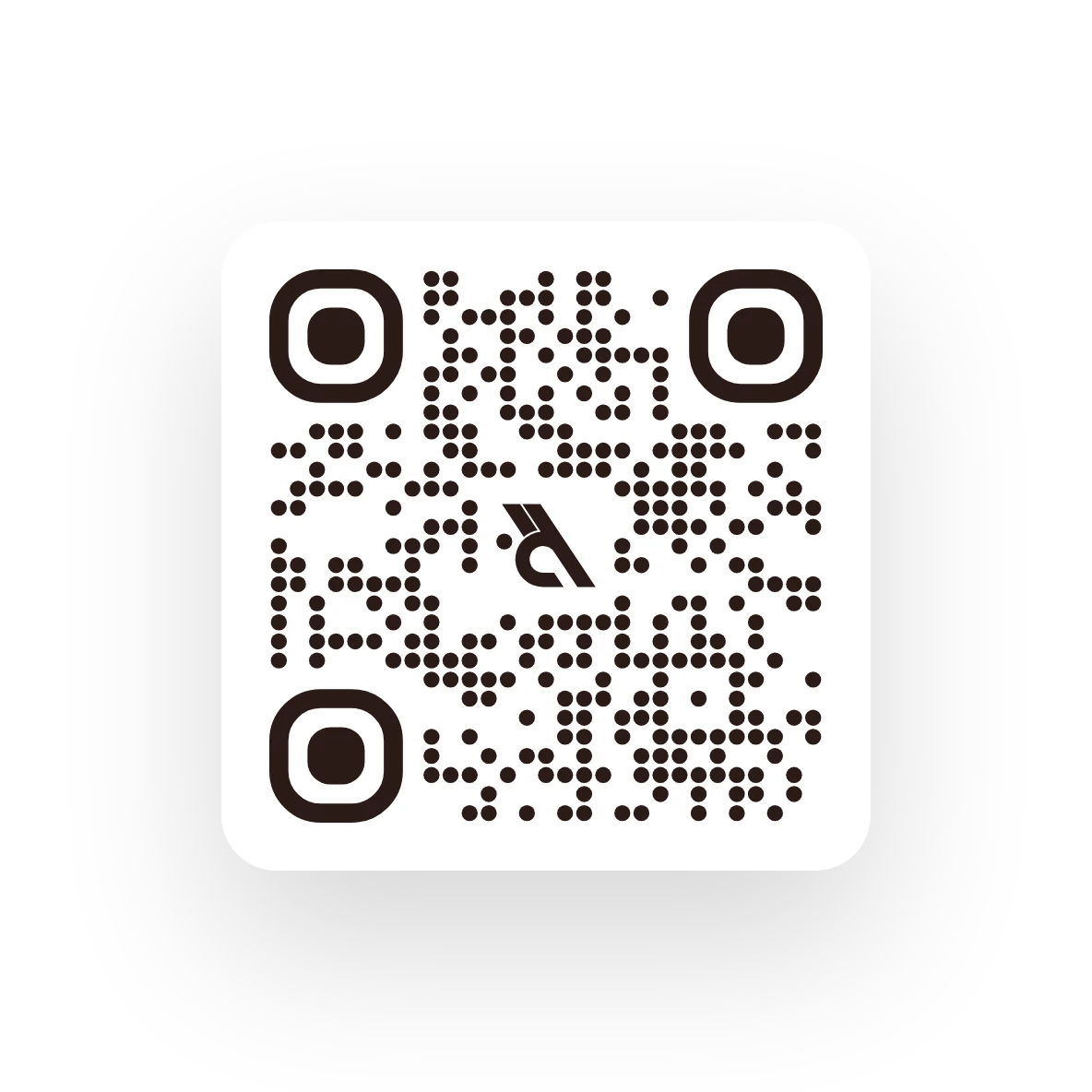
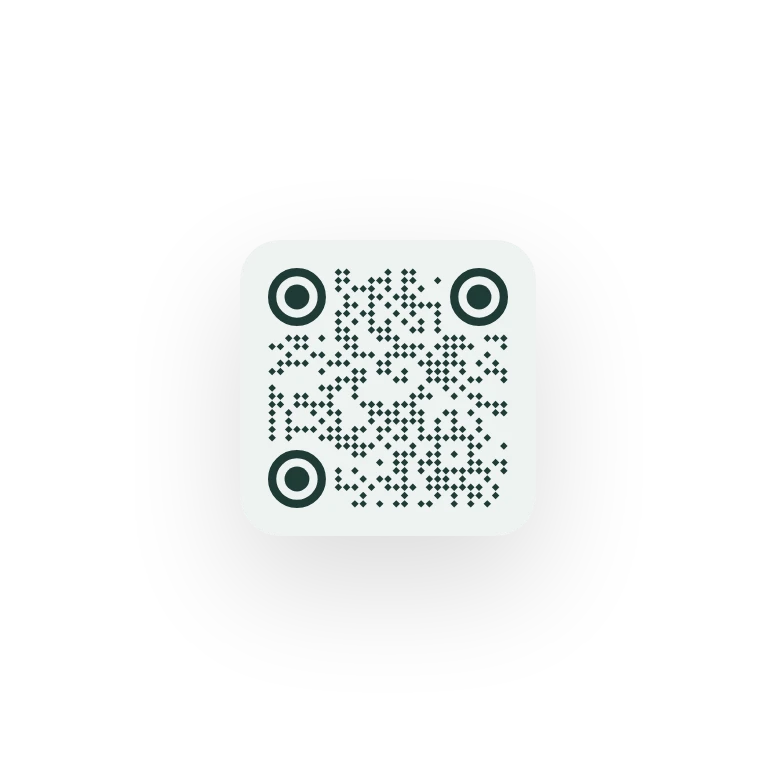
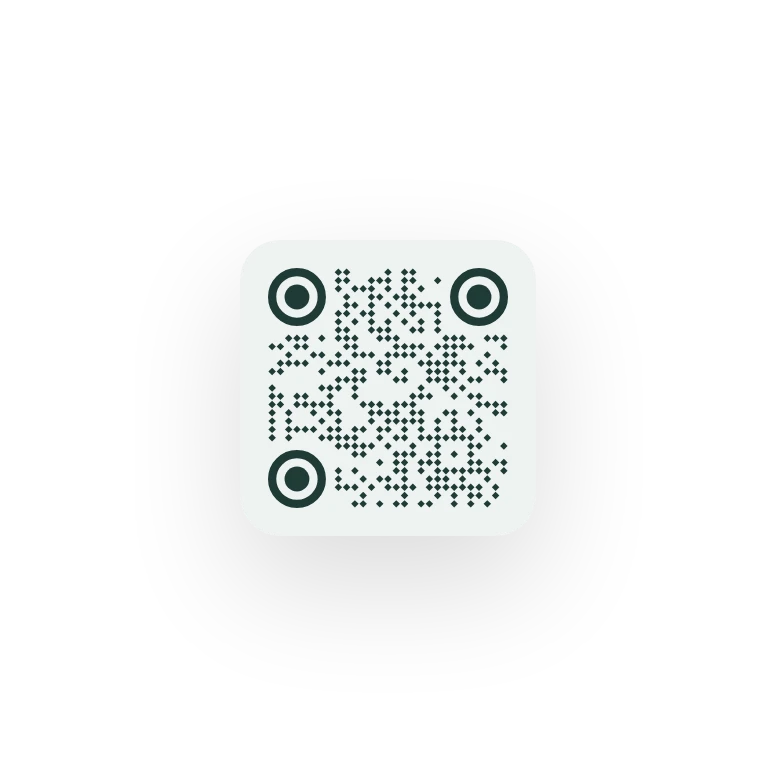
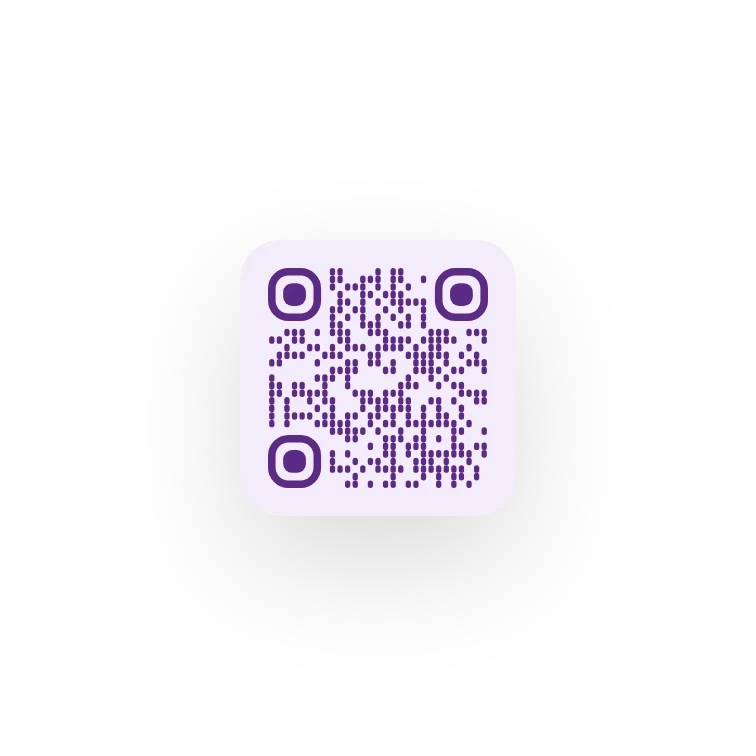
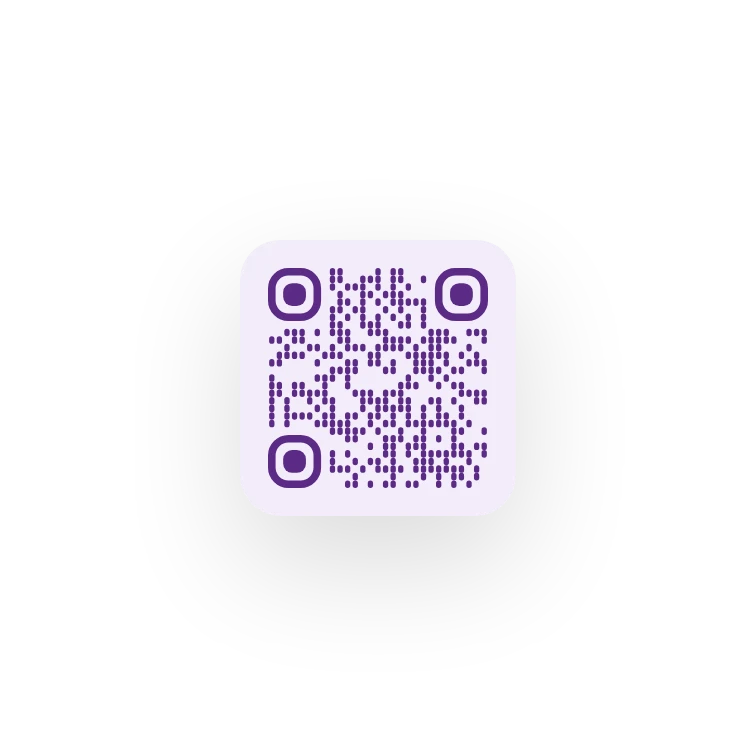
Dots, corners, color.
Dot style, corner style, any color you like. You can pick a separate color for the corners.
- Square, round, fluid, mixed, horizontal, vertical
- Corner frame and center set separately
- Transparent or colored background
- Square
- Round
- Fluid
- Mixed
- Horizontal
- Vertical
- Square
- Rounded
- Circle
- Leaf
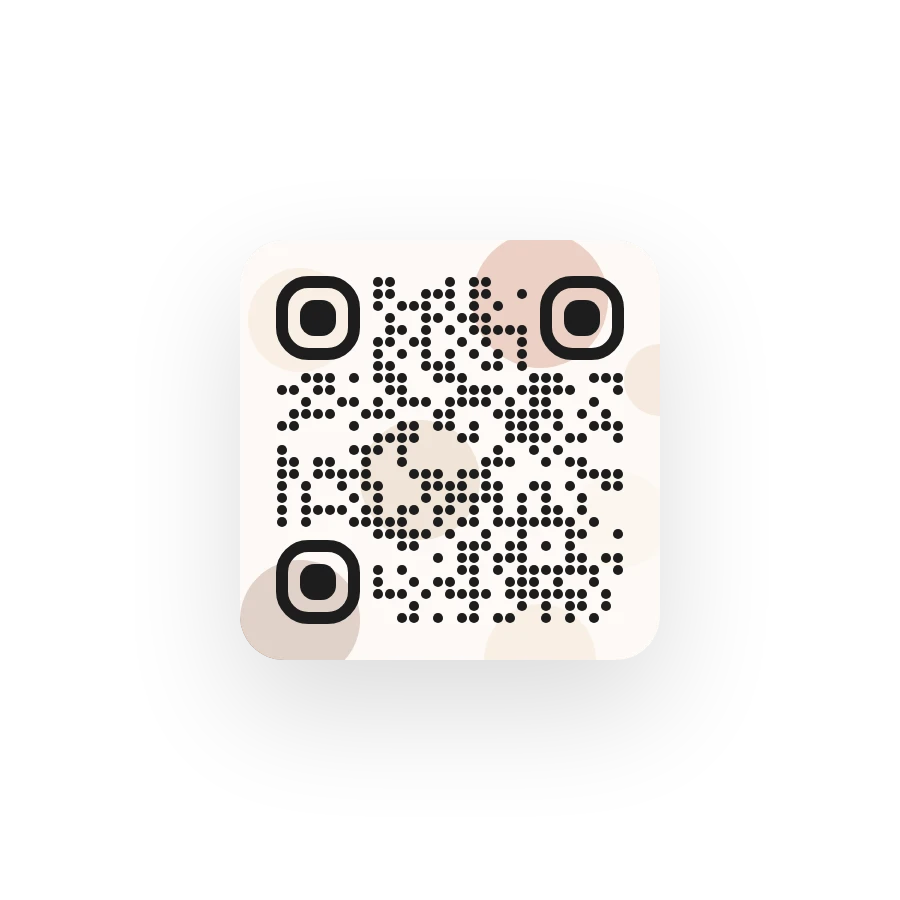
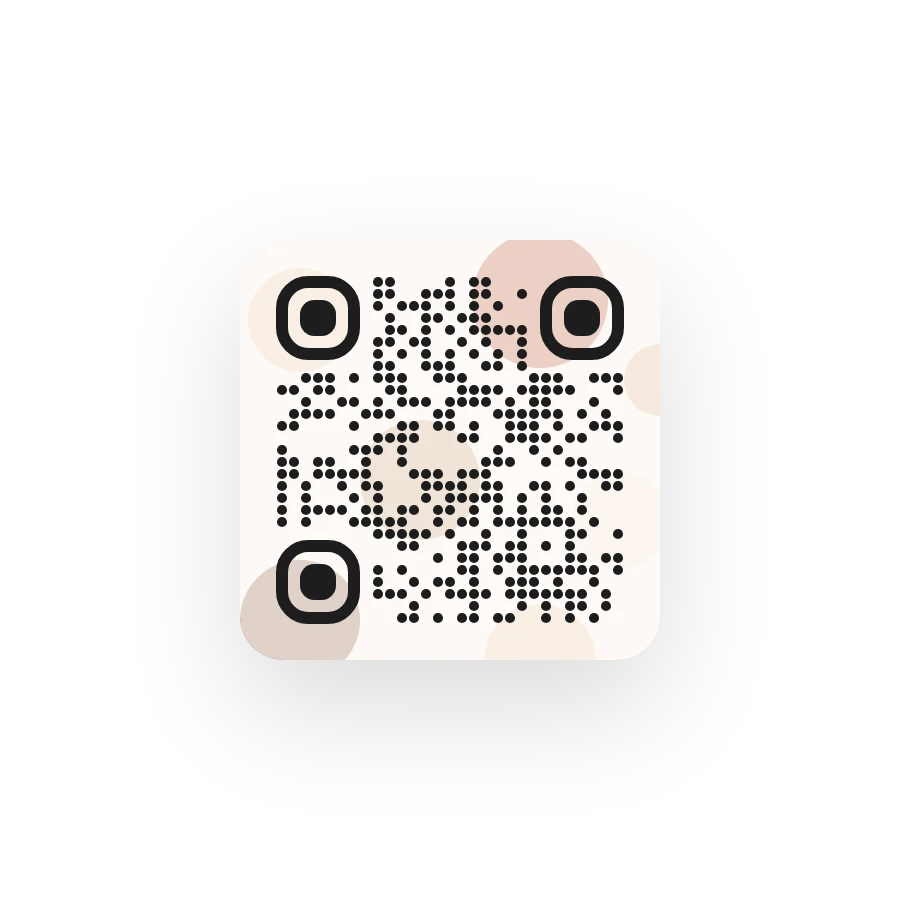
Logo in the middle, image behind.
With your logo in the middle the code still scans. Put a photo behind it and a veil keeps it readable.
- Adjustable logo size
- Background image with adjustable visibility
- Chosen from your site's media or stock photos
- Logo size
- SmallMediumLarge
- Image
- LowMediumHigh
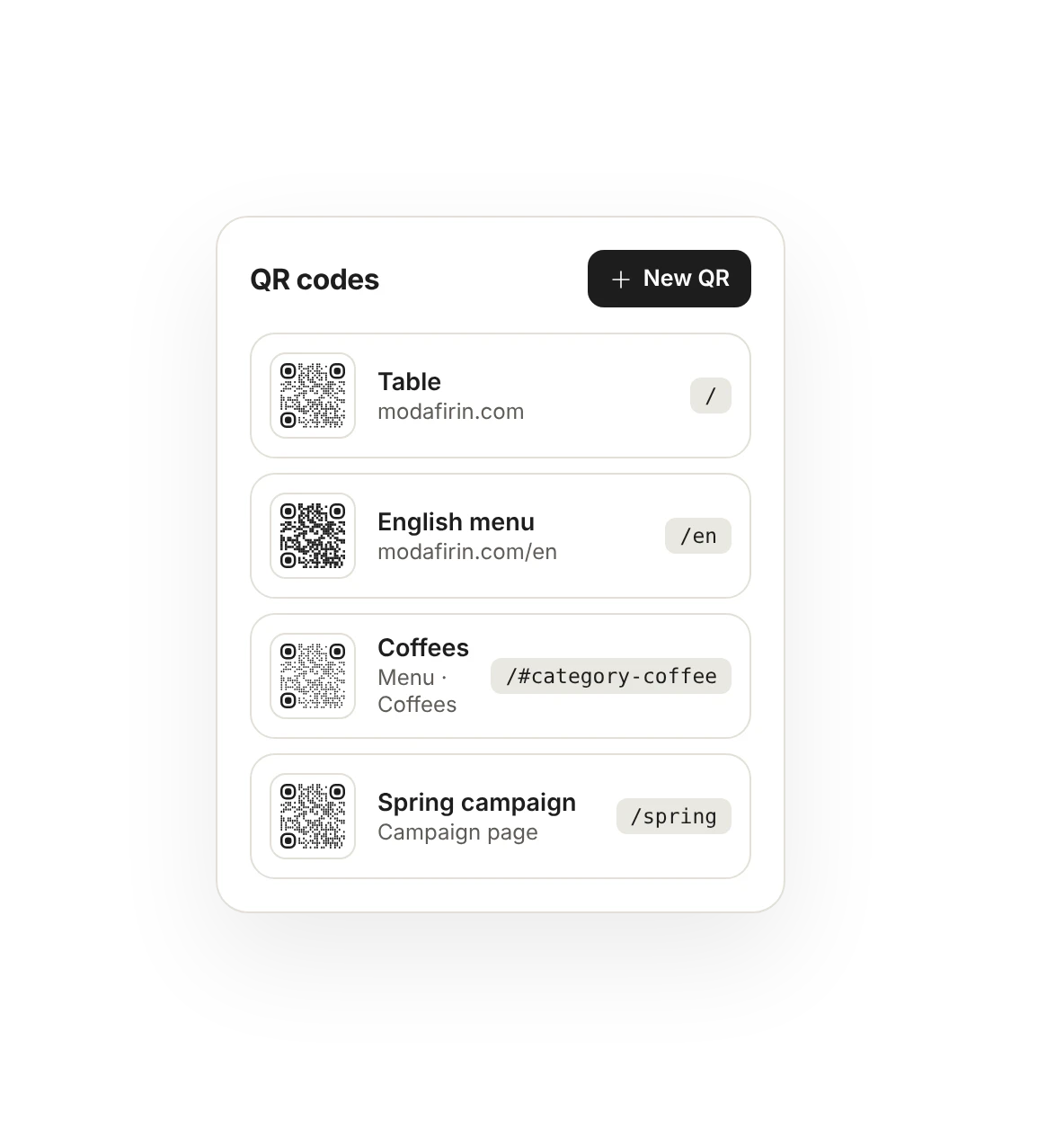
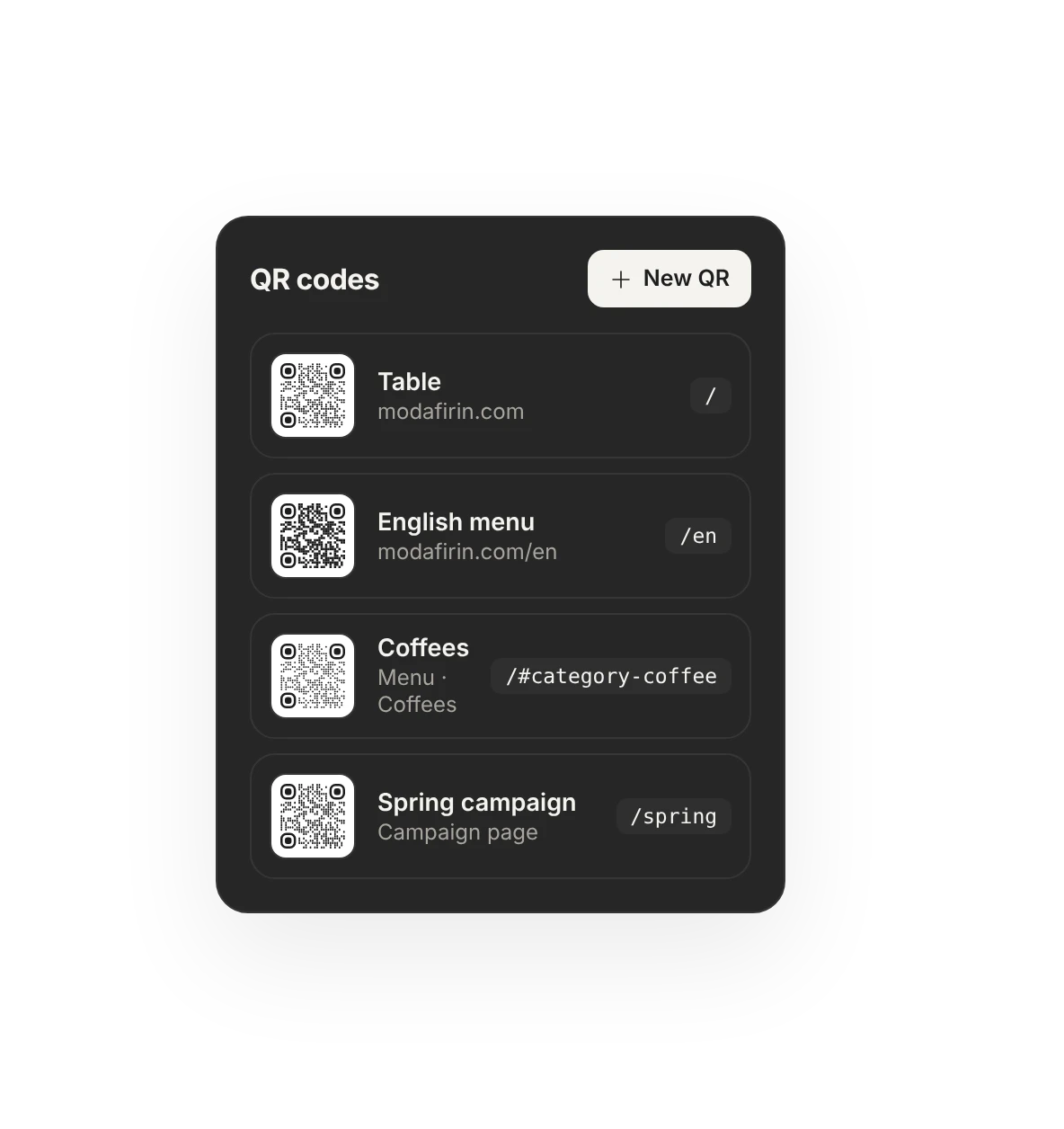
A separate QR for every target.
The home page, a page, a post, a language or a menu category. The bar, the terrace and the English menu each get their own QR.
- Page, post, language or menu category
- Kept tidy by name in the panel
- Each QR with its own design
Will it scan before you print.
The panel checks the colors: it warns when contrast is low or the background is darker than the dots. It doesn't block you; it's your call.
- Color and contrast check
- Low contrast and inverted color warning
- PNG or SVG, no quality loss
Colors look good: good contrast, sharp corners.
Background is darker than the dots; some readers may not recognize it.
Direct, no middleman.
The QR carries your site's address. No link shortener in between; whatever happens to the subscription, the printed code works as long as your domain does.
- No redirects
- Connect a domain and the panel shows the new address
- Older prints move over to the new address
Link shortener → modafirin.com
No short link in between. The printed code works as long as your domain does.
For everything you print.
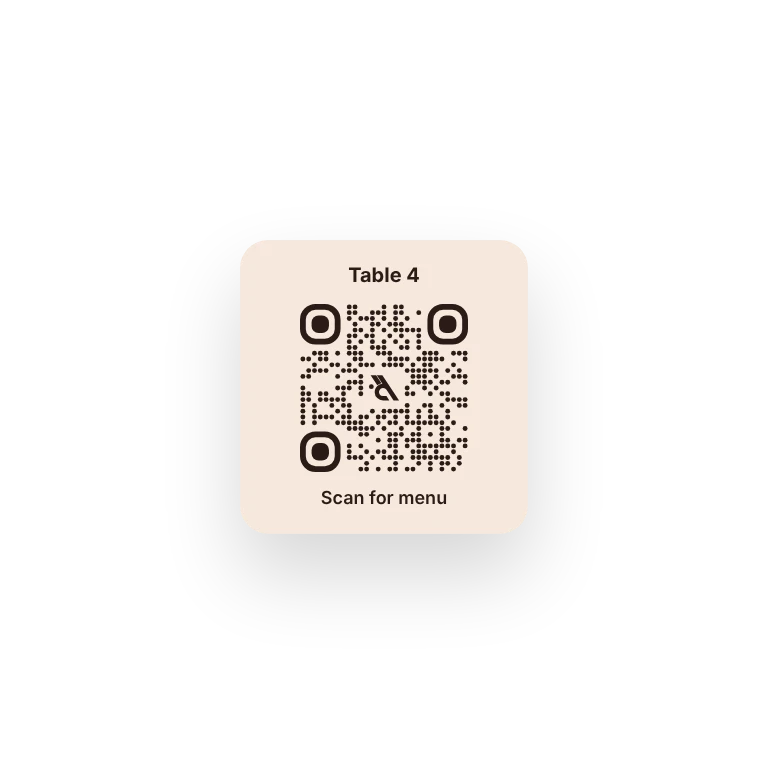
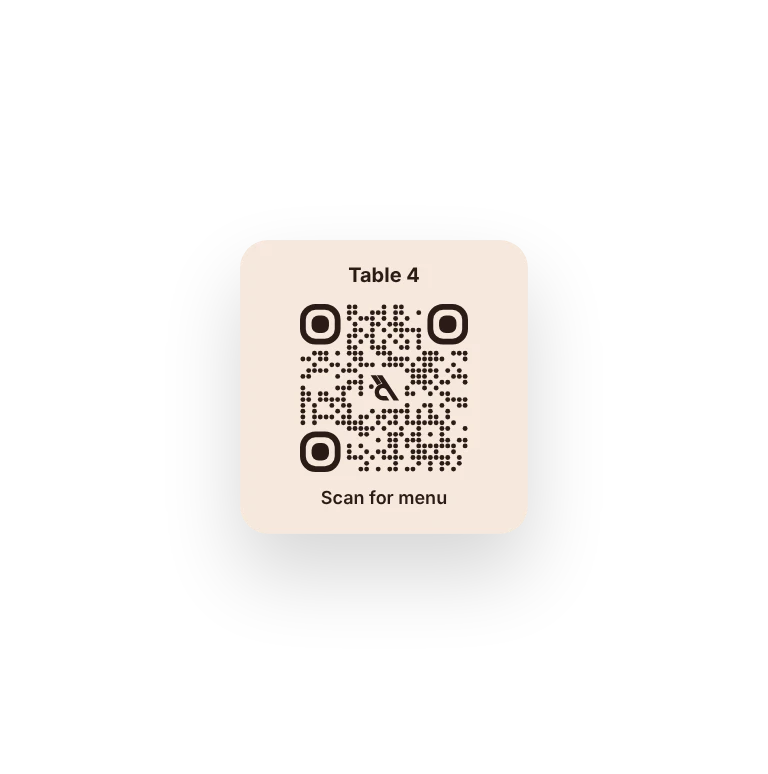
Table
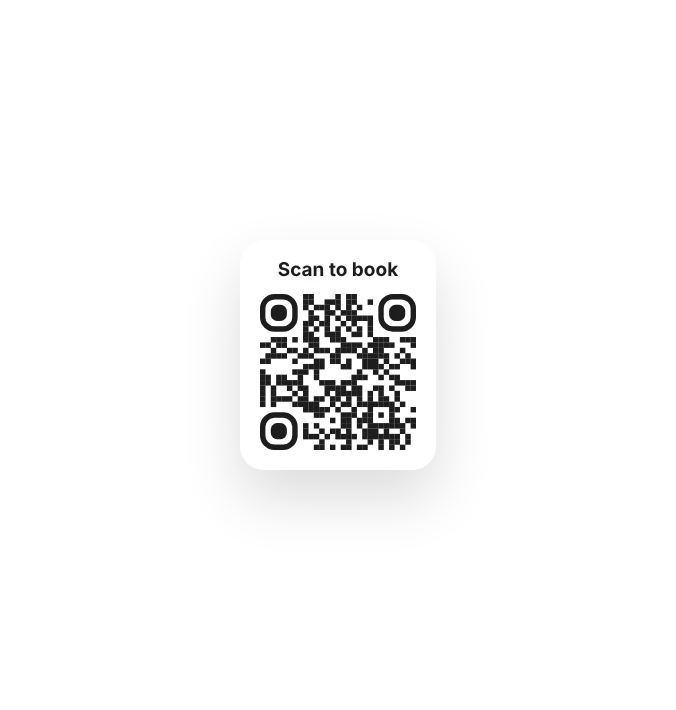
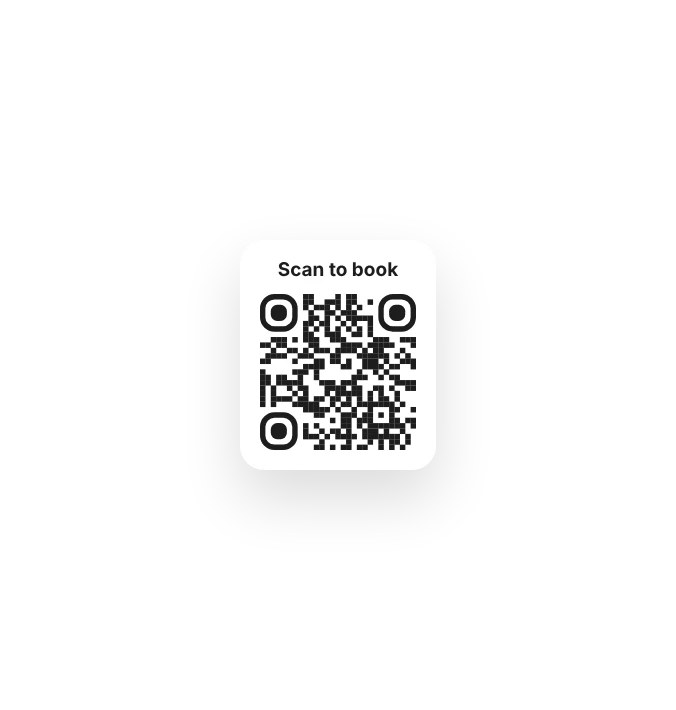
Window
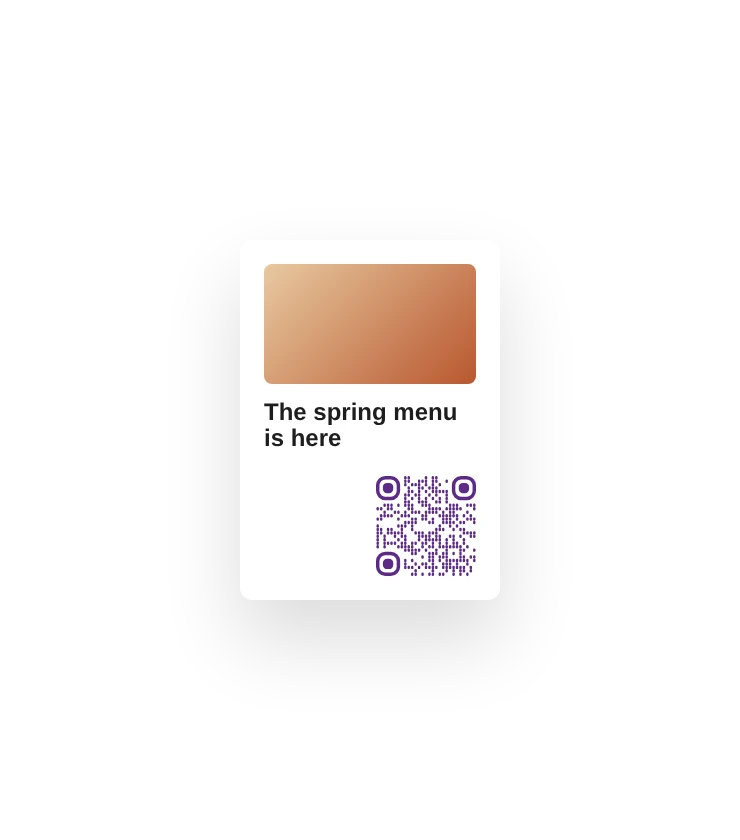
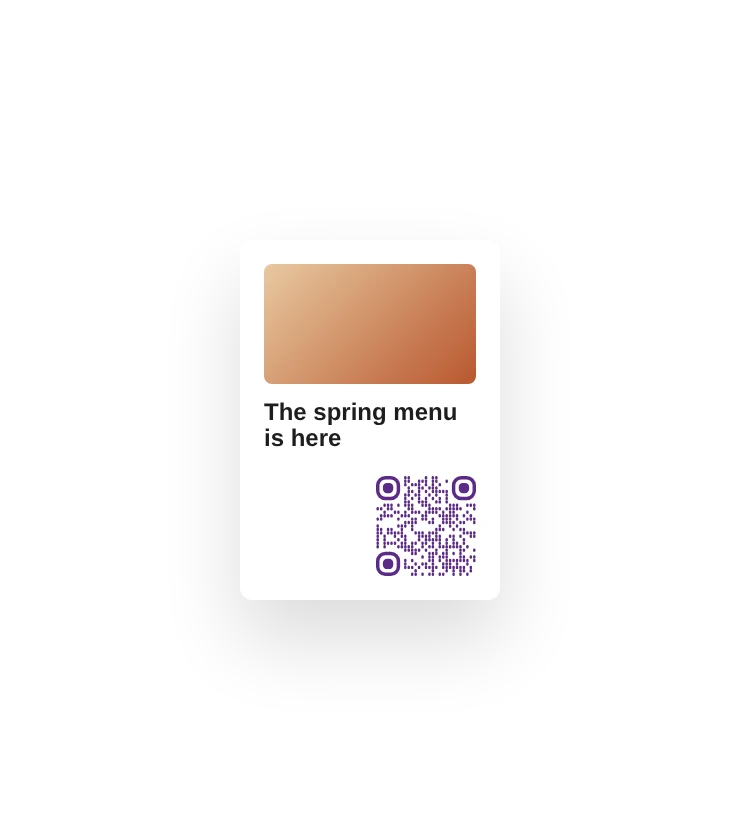
Flyer
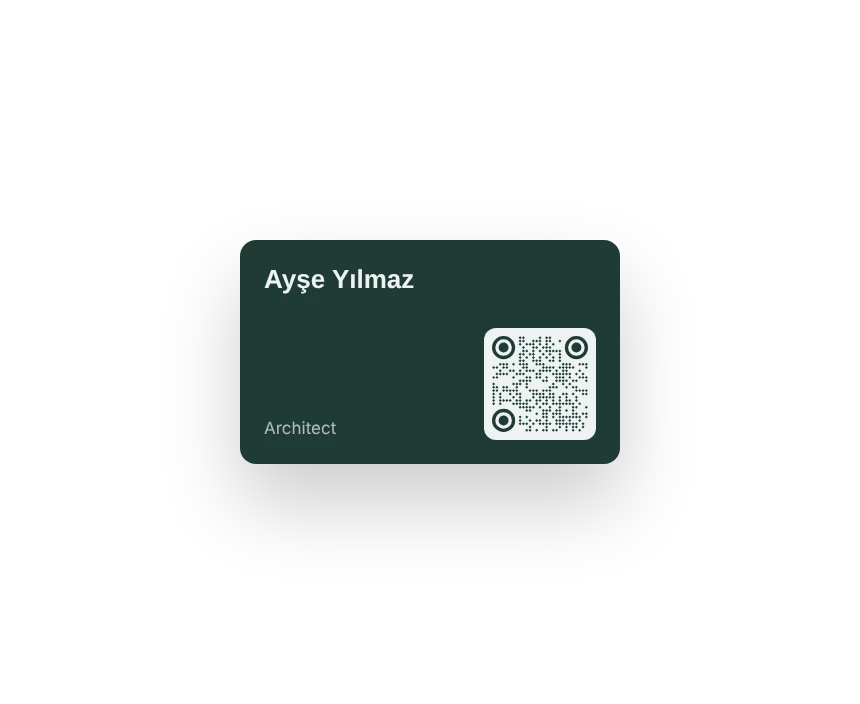
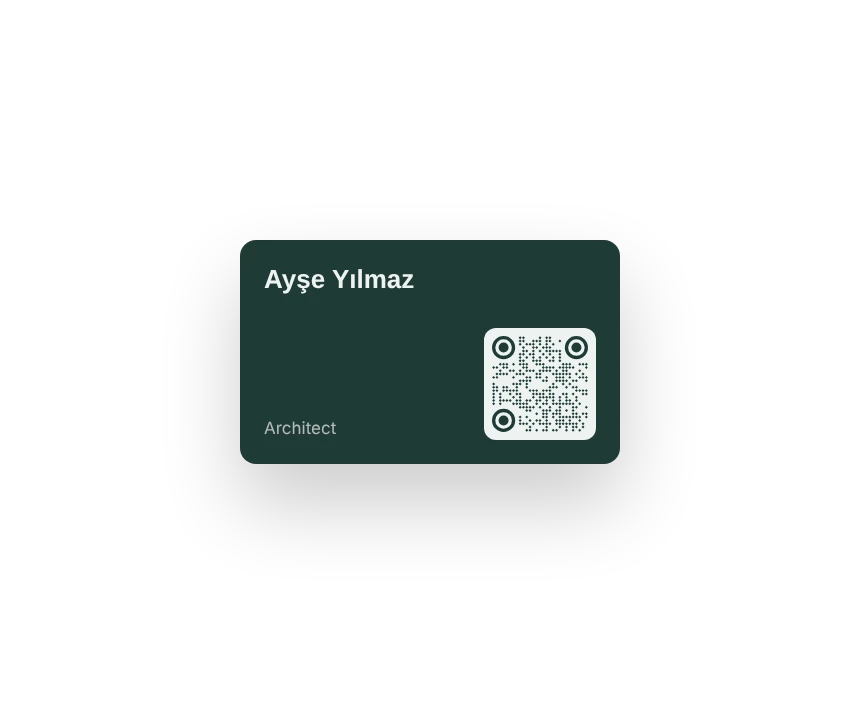
Business card
Which plan has it.
QR codes are in every plan and for every kind of site.
Free
IncludedFree foreverA designed QR for your business card.
Menu
Included$6 / monthQR codes that open your menu, a language or a category.
Site
Included$15 / monthA QR for every page and post on your site.
Business
Included$29 / monthFor all your sites and menus.
Goes well with.
Do I need to reprint when a price or page changes?
Not when content changes; the code goes to the address and the page opens up to date. If you change the page's address, older prints can't find it; the panel tells you.
Can I see how many times a QR was scanned?
Scans aren't counted separately: the code opens your site's address directly, with no counting service in between. You'll see visits to the page it opens in Analytics.
Which format do I download?
PNG or SVG. We suggest sending SVG to the printer; it stays sharp at any size.
Do colored QR codes scan?
Most colors scan. If the background is darker than the dots or contrast is low, the panel warns you.

Build your site today.
Start with the site; menu, business card, messages and appointments in the same panel.
No credit card needed · The business card is always free