
Your business card, in one link.
Your phone, WhatsApp, location, IBAN and work on one page. It saves to contacts in one tap, and it's always free.
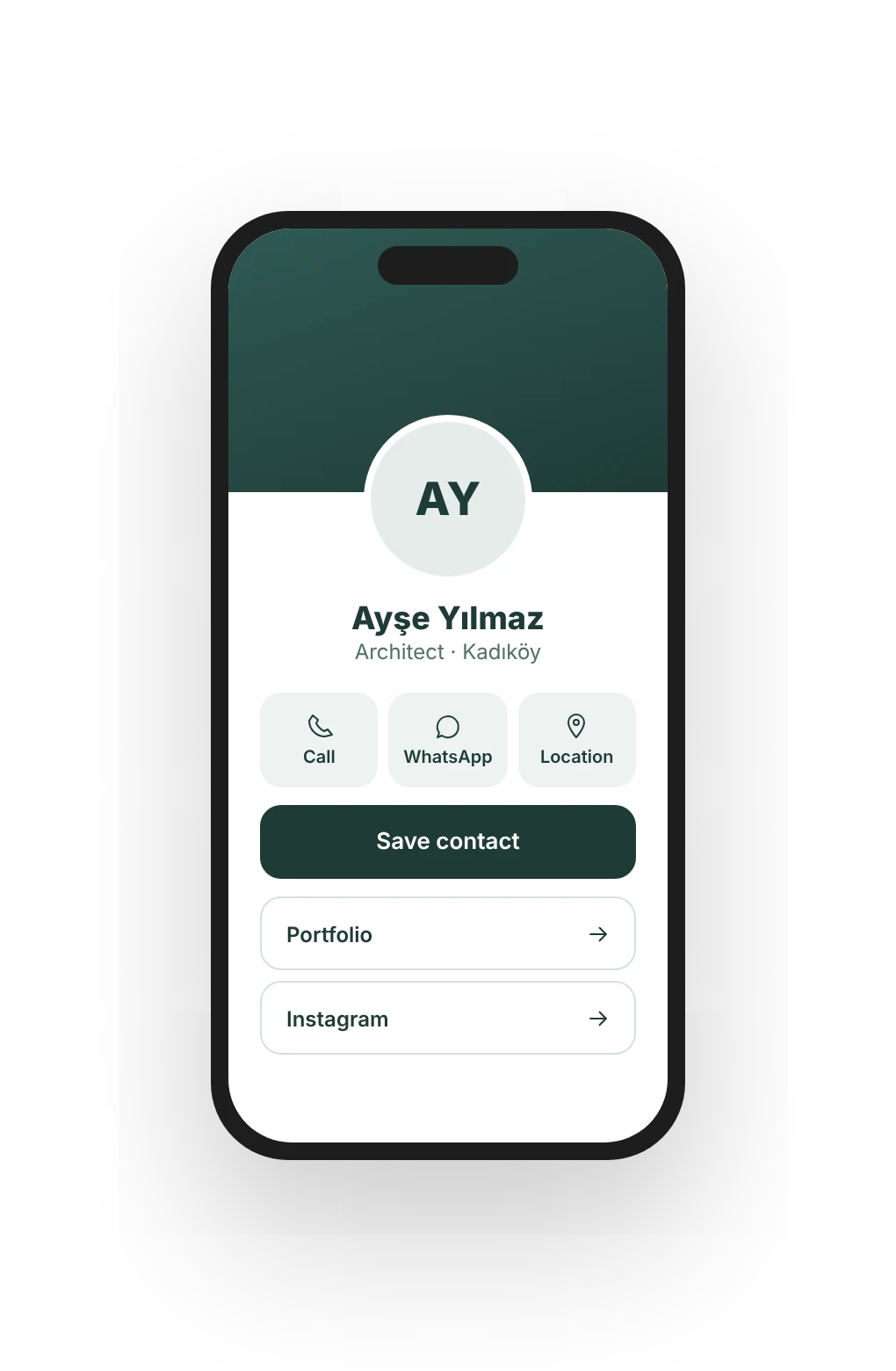
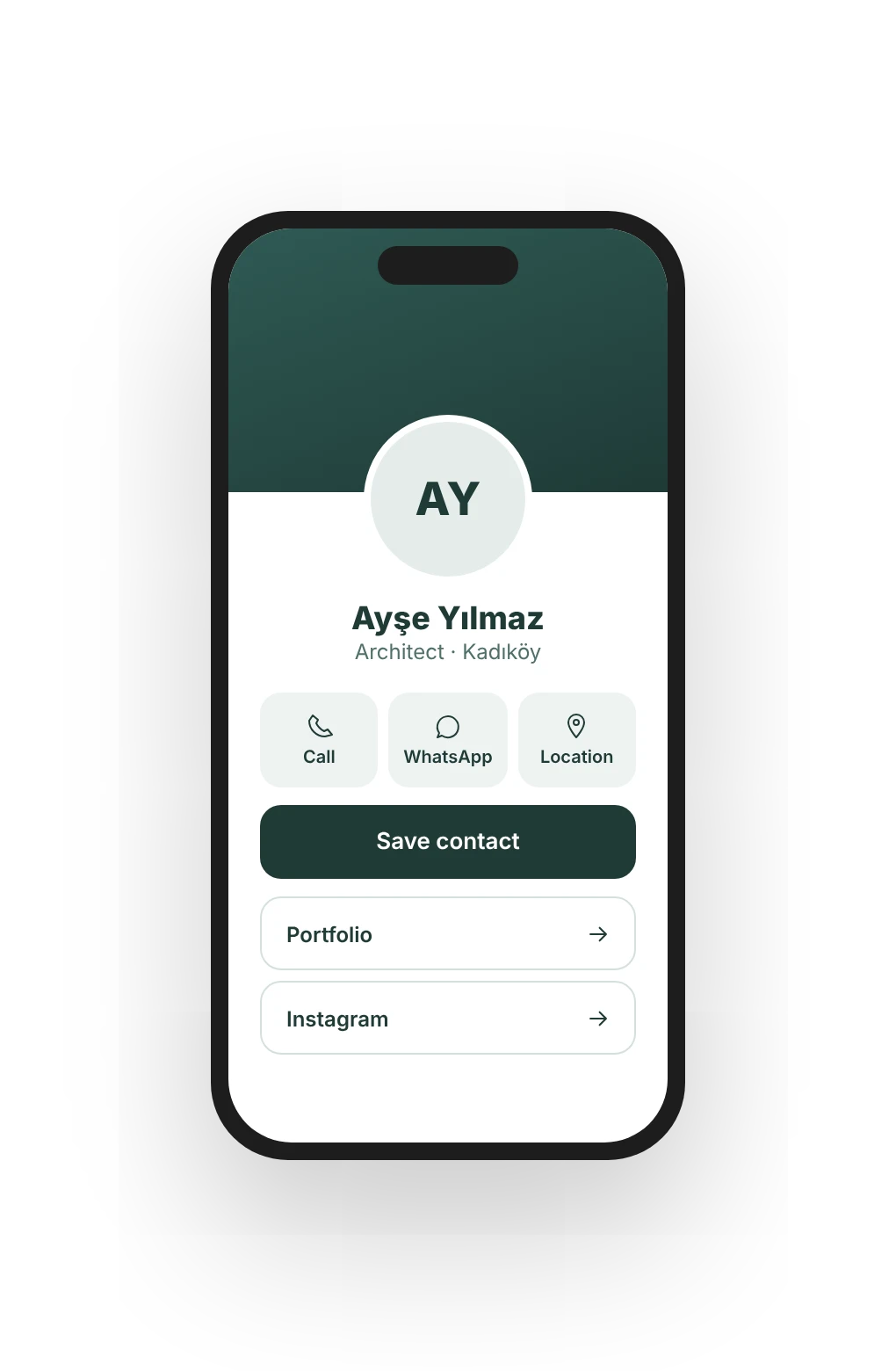
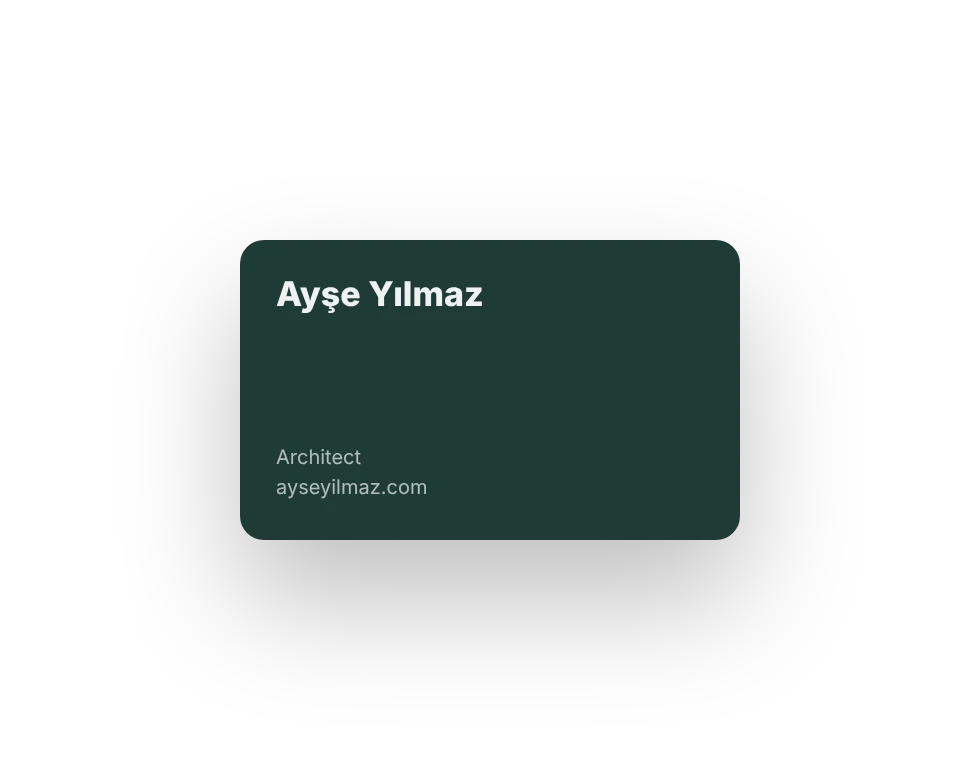
- You want your business card always in your pocket
- You need one link for your Instagram bio
- You share your number and IBAN a lot
Live in three steps.
Describe
Write who you are and what you do; the assistant builds your card.
Pick sections
Links, gallery, hours, IBAN. Add what you need, put it in order.
Share
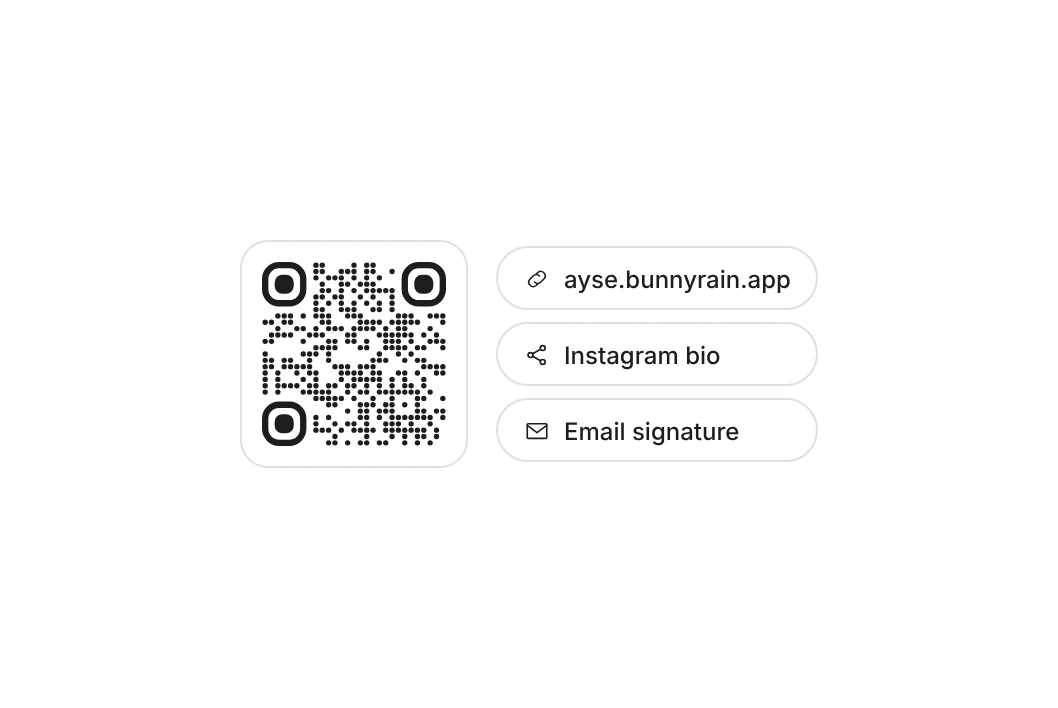
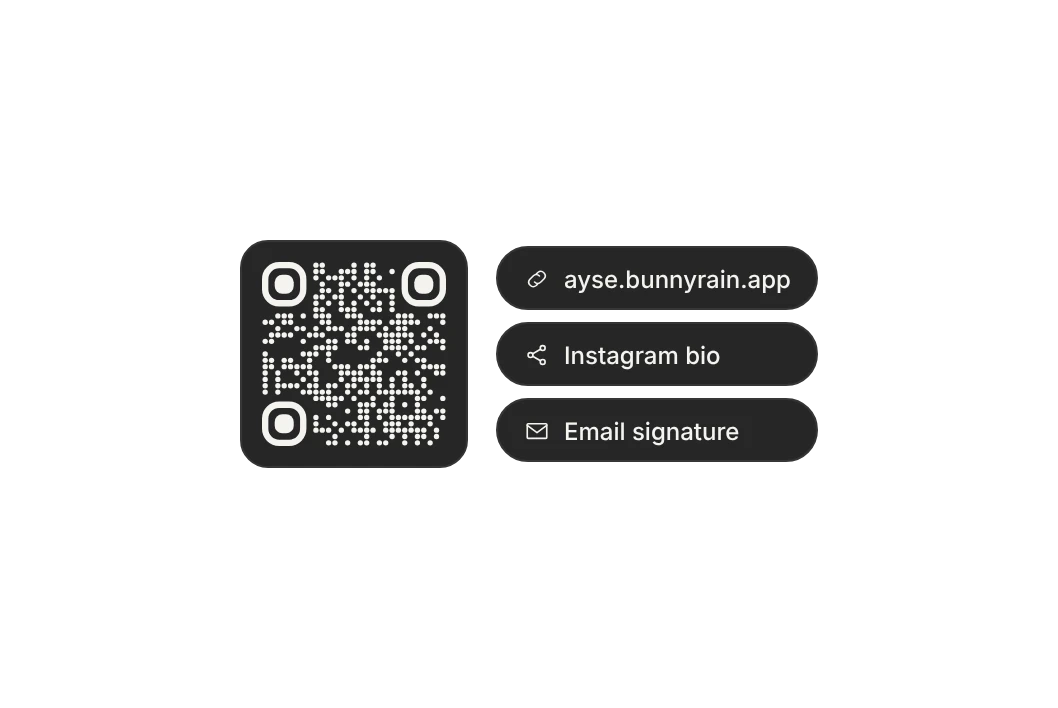
Put your link in your Instagram bio and email signature; print the QR on your business card.
Sections made for cards.
Your card is built to read in a single column on a phone. Add what you need, reorder, remove.
- Profile
- Link buttons
- Social media
- Save contact
- Photo gallery
- Subheading
- Text
- Featured box
- Video
- Services and prices
- Reviews
- Numbers
- Location
- Opening hours
- Bank accounts (IBAN)
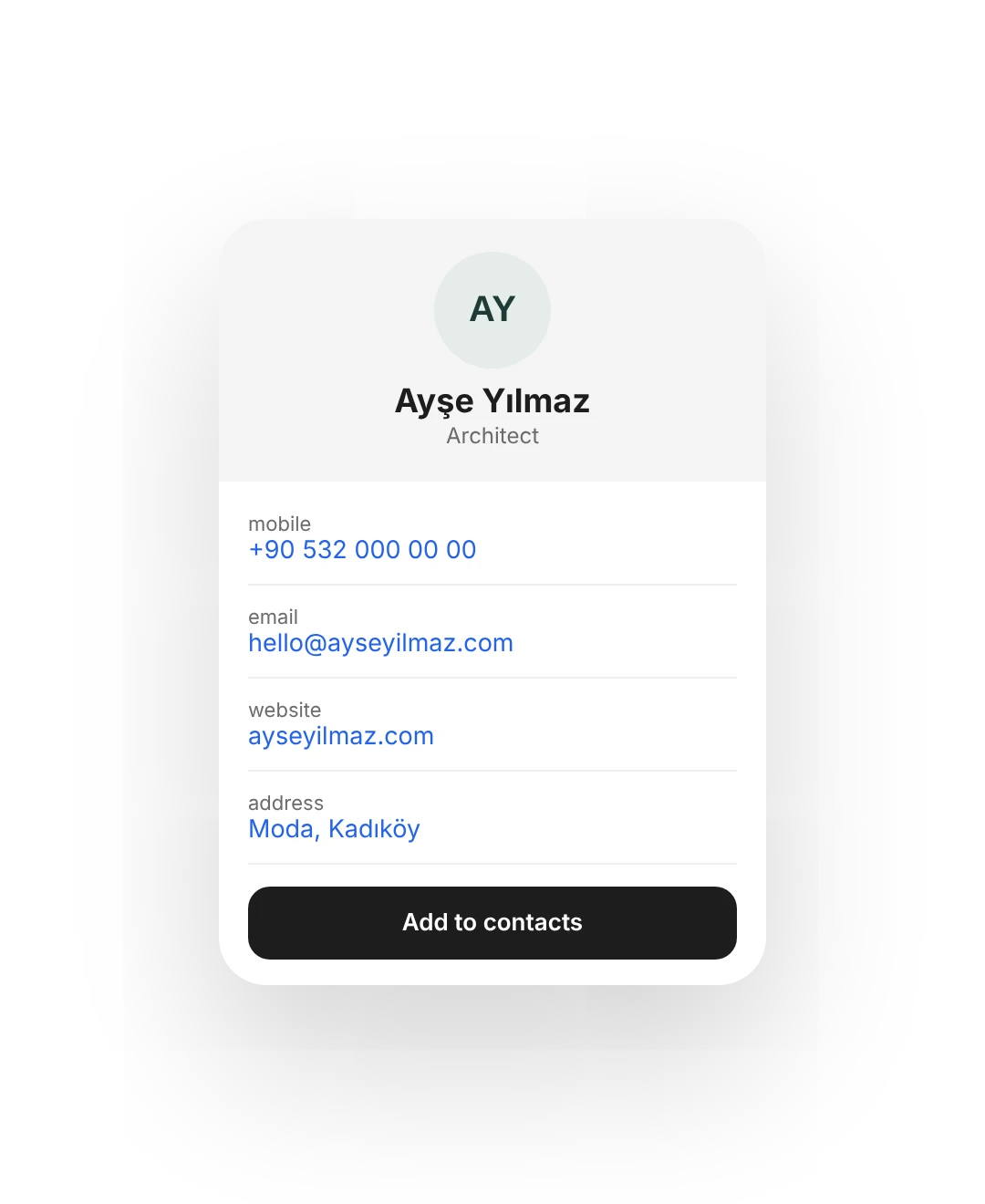
What you get.
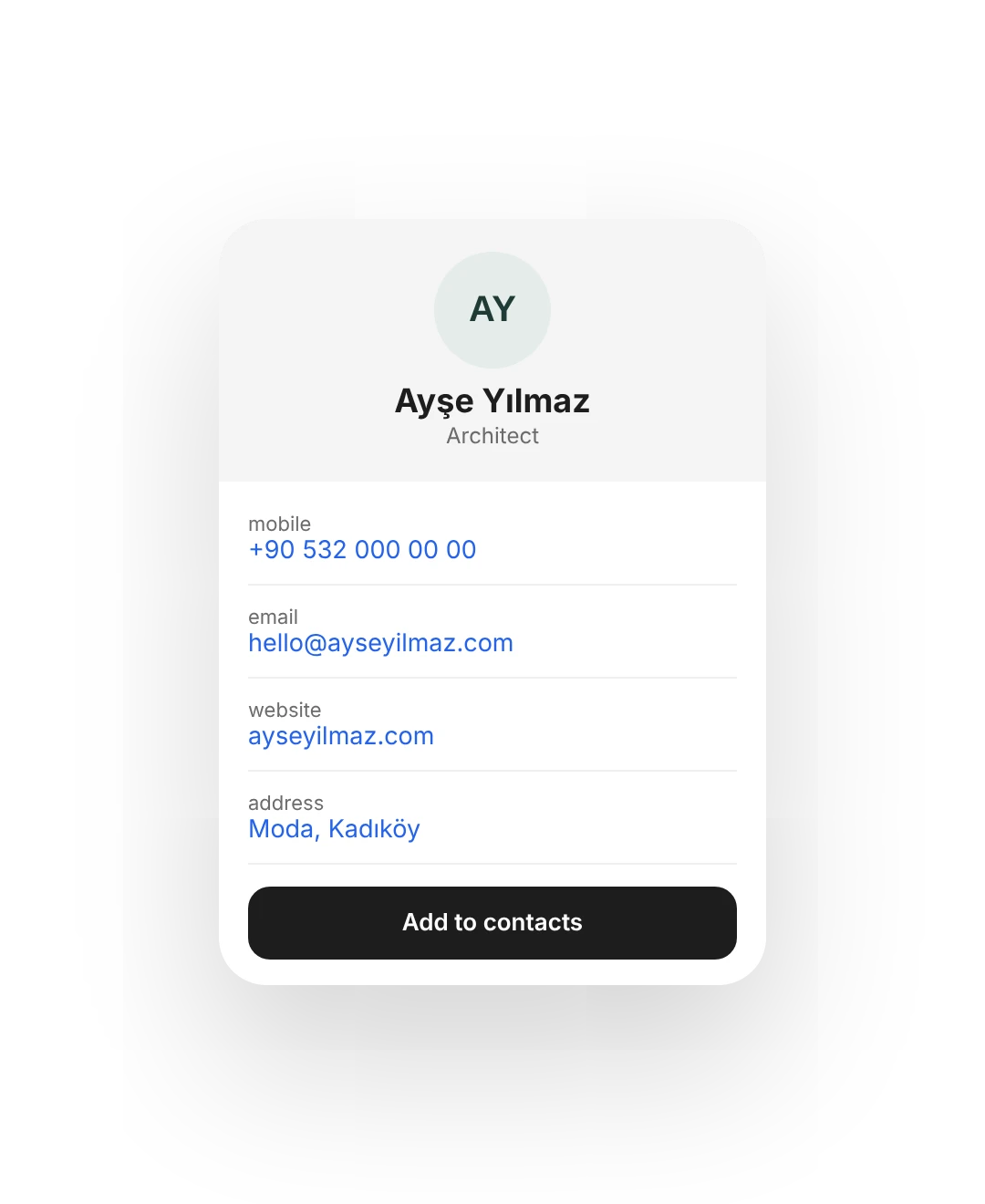
Save contact
Straight into the phone's contacts in one tap: name, number, email, address.
Bank accounts
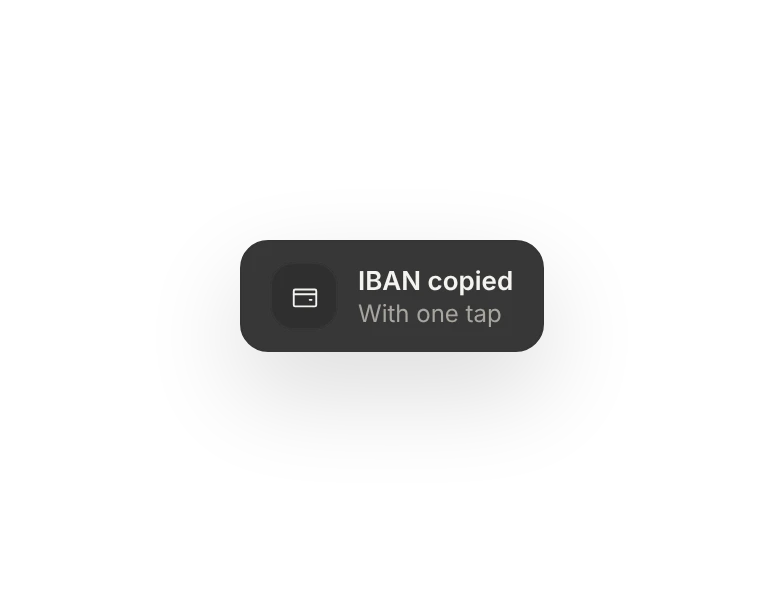
Your IBAN on your card, copied in one tap.
Instagram bio
All your links behind one address.
Email signature
One line in your signature, the rest on your card.
QR for printed cards
Download PNG or SVG and send it to the printer.
Hours and location
An address that opens in maps, plus your opening hours.
Visit analytics
How many people looked and which links they tapped. On Menu and up.
Your own domain
Like ayseyilmaz.com. On Menu and up.
Comes along with it.
Which plan has it.
The business card comes with every plan; on the free plan it stays live at a bunnyrain.app address.
Free
Included in this planFree forever1 digital business card, live at a bunnyrain.app address.
Menu
Included in this plan$6/ monthYour own domain, no Bunnyrain logo, full analytics.
Site
Included in this plan$15/ monthEverything in Menu, plus a website.
Business
Included in this plan$29/ monthFor teams and branches; unlimited team.
There's more.
Is it really free?
Yes. 1 digital business card is always free; it stays live at a bunnyrain.app address with a small Bunnyrain logo at the bottom.
Can I turn my card into a website later?
No, the type is chosen when you create it. If you need a website, open one separately; both sit side by side in the same panel.
Can I see how many people looked at it?
On Menu and up you see visits and taps on outgoing links in Analytics. On the free plan, visits aren't collected.
How do I print the QR code?
On the QR screen, pick its color, dots and corners, then download it as PNG or SVG. Before you print, the panel also checks that it scans.

Build your site today.
Start with the site; menu, business card, messages and appointments in the same panel.
No credit card needed · The business card is always free